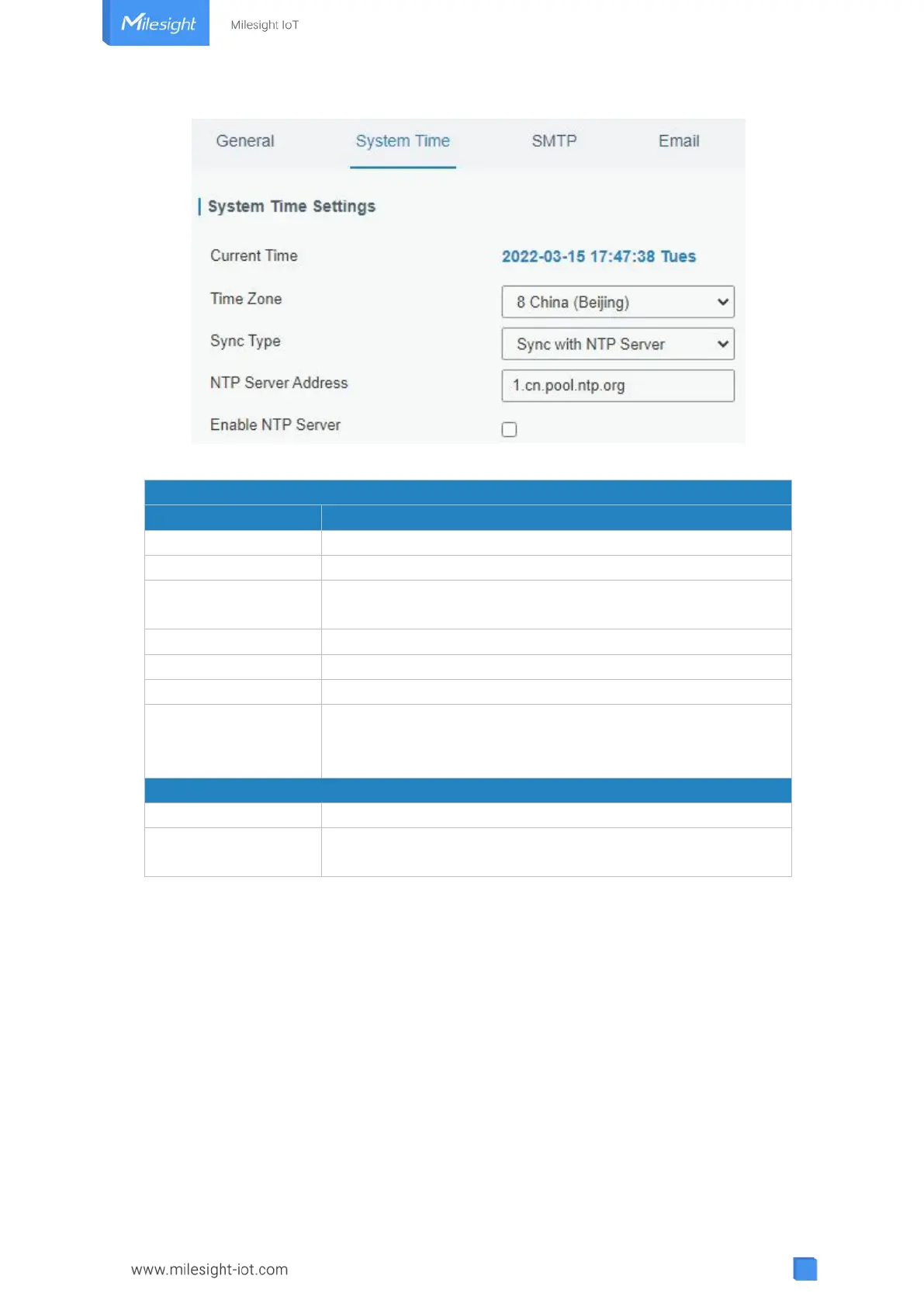
Figure 3-4-1-4
Show the current system time.
Click the drop down list to select the time zone you are in.
Click the drop down list to select the time synchronization
type.
Synchronize time with browser.
Show the current time of browser.
Manually configure the system time.
Synchronize time with NTP server so as to achieve time
synchronization of all devices equipped with a clock on
network.
Set NTP server address (domain name/IP).
NTP client on the network can achieve time synchronization
with gateway after "Enable NTP Server" option is checked.
Table 3-4-1-2 System Time Parameters
3.4.1.3 SMTP
SMTP, short for Simple Mail Transfer Protocol, is a TCP/IP protocol used in sending and
receiving e-mail. This section describes how to configure email settings.



 To Next Page