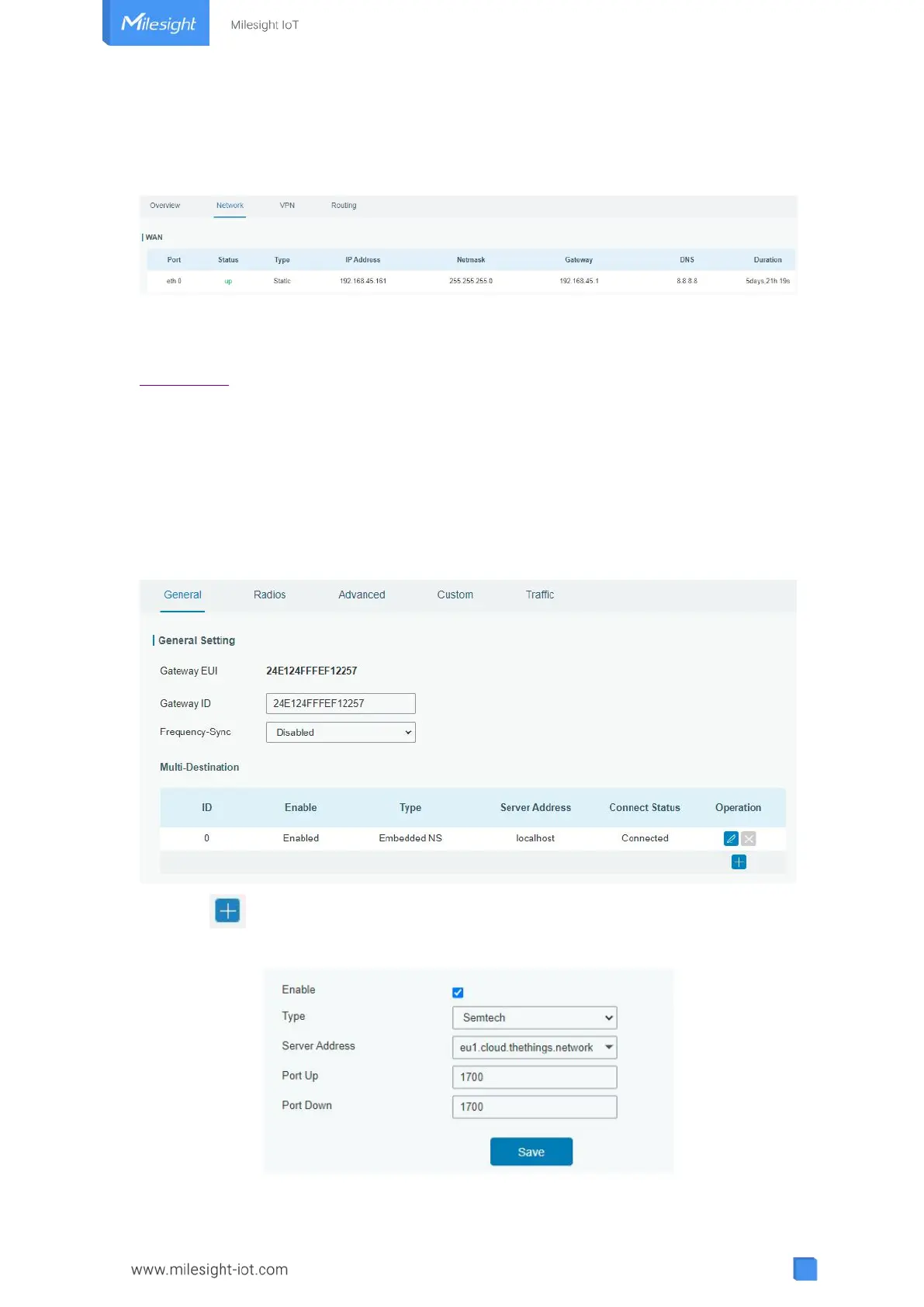
3. Connect Ethernet port of gateway to devices like router or modem.
4. Log in the web GUI via the newly assigned IP address and go to “Status -> Network” to
check Ethernet port status.
Related Topic
Port Setting
4.4 Packet Forwarder Configuration
UG63 gateway has installed multiple packet forwarders including Semtech, Basic station,
Chirpstack-Generic MQTT broker, etc. Before connecting make sure the gateway has
connected to network.
1. Go to “Packet Forwarder → General”.
2. Click to add a new network server. Fill in the network server information and
enable this server.



 To Next Page