only works for CN470/US915/AU915 gateway.
Period of opening the pingslot.
Datarate of the node receiving downlinks.
Based on the
supported
frequency
Frequency of the node receiving downlinks.
Based on the
supported
frequency
The time for confirmed downlink transmissions.
This option is only applicable to class B and class
C.
Table 3-2-2-7 Device Profiles Advanced Setting Parameters
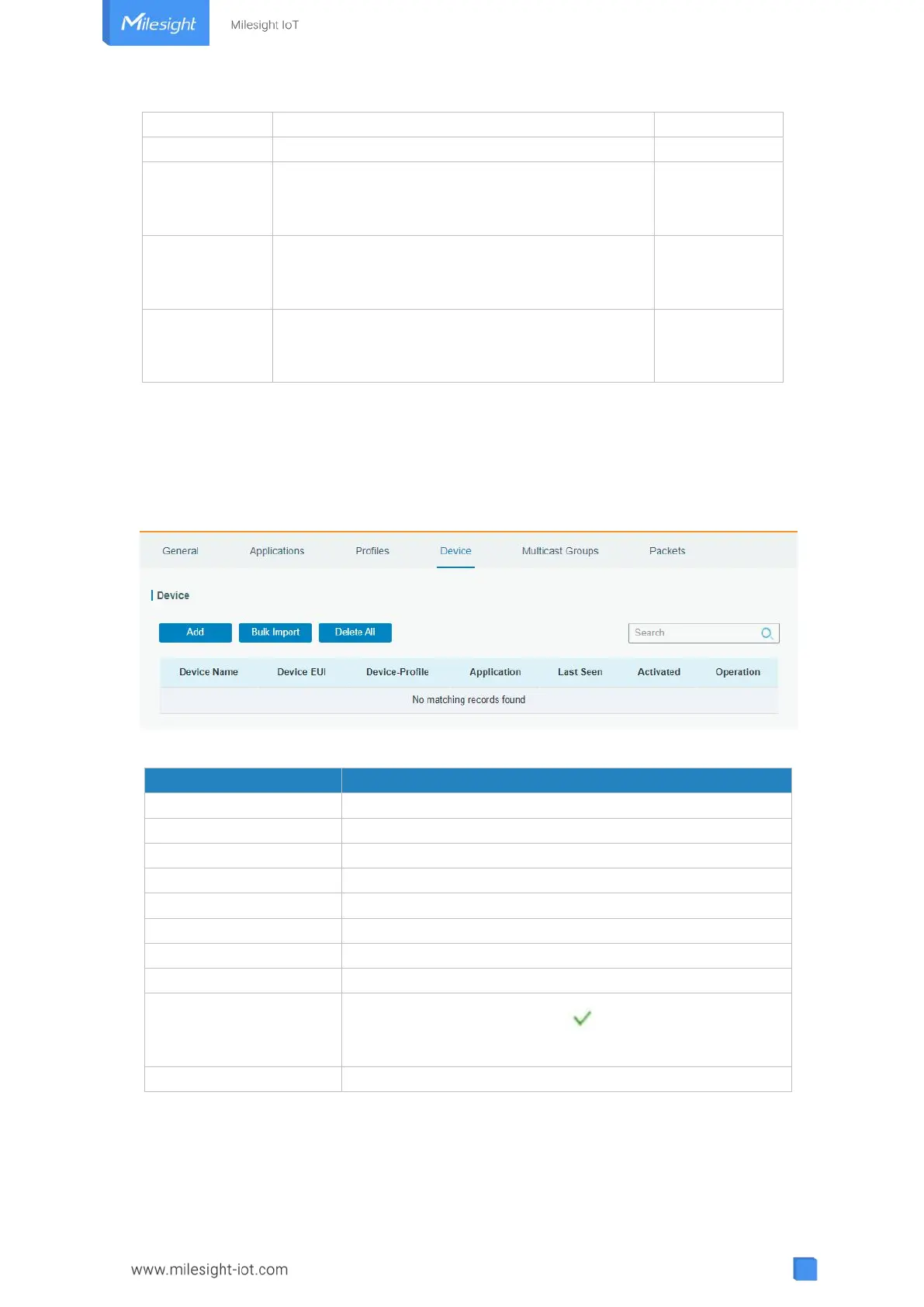
3.2.2.4 Device
A device is the end-device connecting to, and communicating over the LoRaWAN
®
network.
Due to memory limitation, it’s suggested to add not more than 20 devices.
Figure 3-2-2-10
Download template and import multiple devices.
Delete all devices in the list.
Show the name of the device.
Show the EUI of the device.
Show the name of the device’s device profile.
Show the name of the device’s application.
Show the time of last packet received.
Show the status of the device. means that the device
has been activated.
Edit or delete the device.
Table 3-2-2-8 Device Parameters



 To Next Page