Enter the Email address. You can divide multiple Email
addresses by “;”.
Table 3-4-1-4 Email Settings
3.4.2 User Management
3.4.2.1 Account
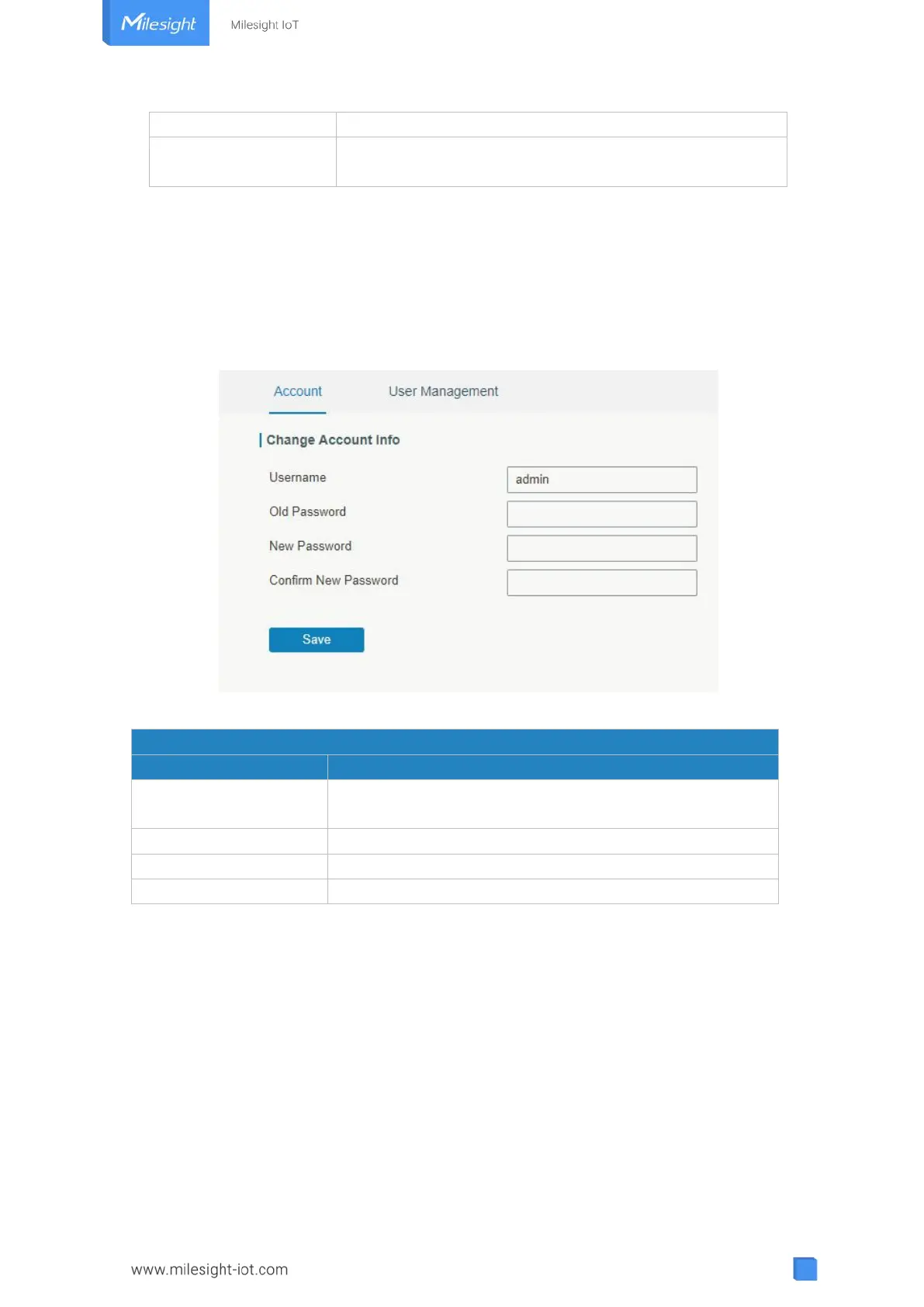
Here you can change the login username and password of the administrator.
Note: it is strongly recommended that you modify them for the sake of security.
Figure 3-4-2-1
Enter a new username. You can use characters such as a-z,
0-9, "_", "-", "$". The first character can't be a digit.
Enter the new password again.
Table 3-4-2-1 Account Information
3.4.2.2 User Management
This section describes how to create common user accounts.
The common user permission includes Read-Only and Read-Write.



 To Next Page