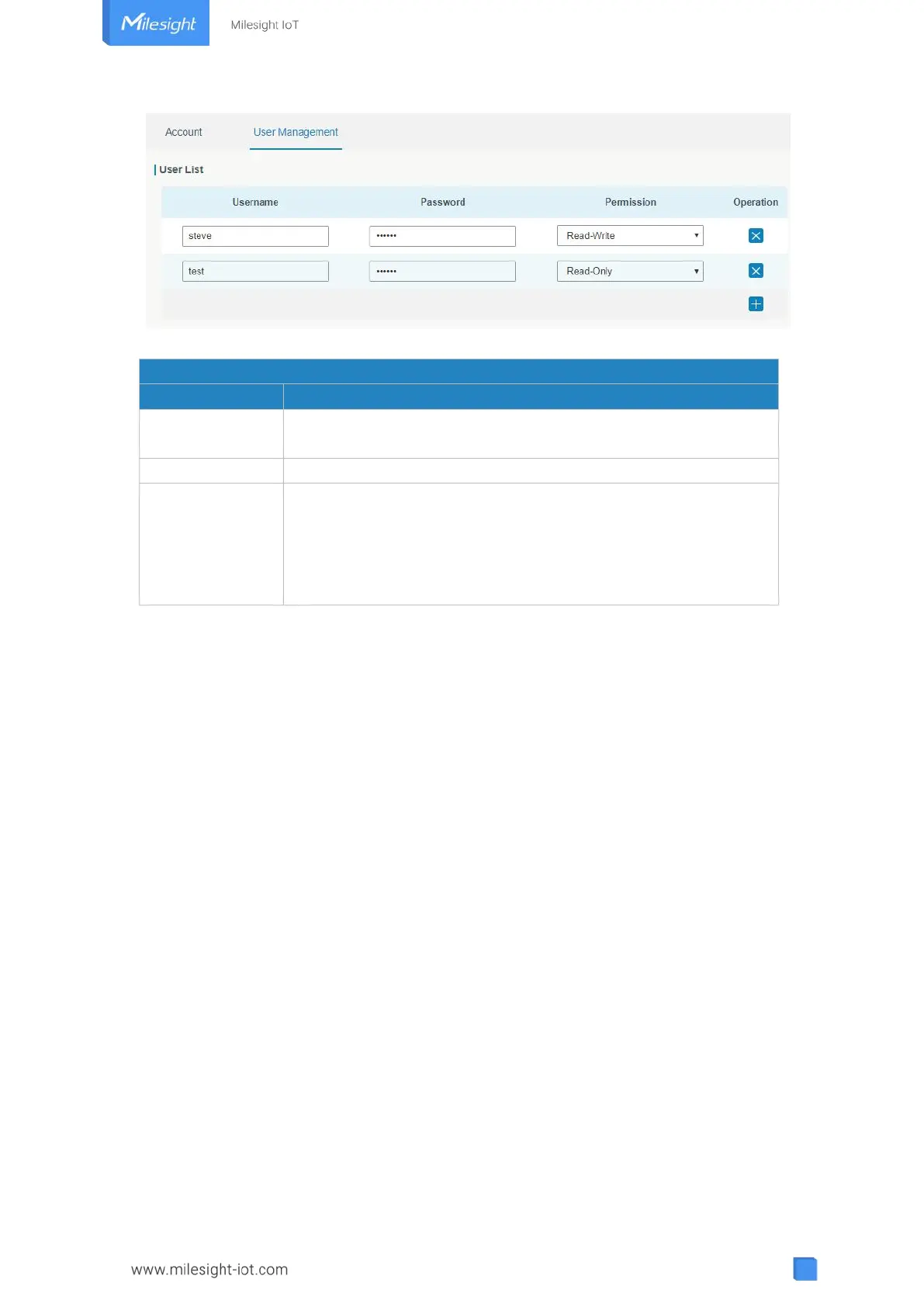
Figure 3-4-2-2
Enter a new username. You can use characters such as a-z, 0-9,
"_", "-", "$". The first character can't be a digit.
Select user permission from “Read-Only” and “Read-Write”.
- Read-Only: users can only view the configuration of gateway in
this level.
- Read-Write: users can view and set the configuration of
gateway in this level.
Table 3-4-2-2 User Management
3.4.3 SNMP
SNMP is widely used in network management for network monitoring. SNMP exposes
management data with variables form in managed system. The system is organized in a
management information base (MIB) which describes the system status and configuration.
These variables can be remotely queried by managing applications.
Configuring SNMP in networking, NMS, and a management program of SNMP should be
set up at the Manager.
Configuration steps are listed as below for achieving query from NMS:
1. Enable SNMP setting.
2. Download MIB file and load it into NMS.
3. Configure MIB View.
4. Configure VCAM.
3.4.3.1 SNMP
UG63 supports SNMPv1, SNMPv2c and SNMPv3 version. SNMPv1 and SNMPv2c employ
community name authentication. SNMPv3 employs authentication encryption by username
and password.



 To Next Page