a channel is less than the criteria/target, the channel
is considered as idle. Range: -120~0
Table 3-2-1-9 Advanced-LBT Parameters
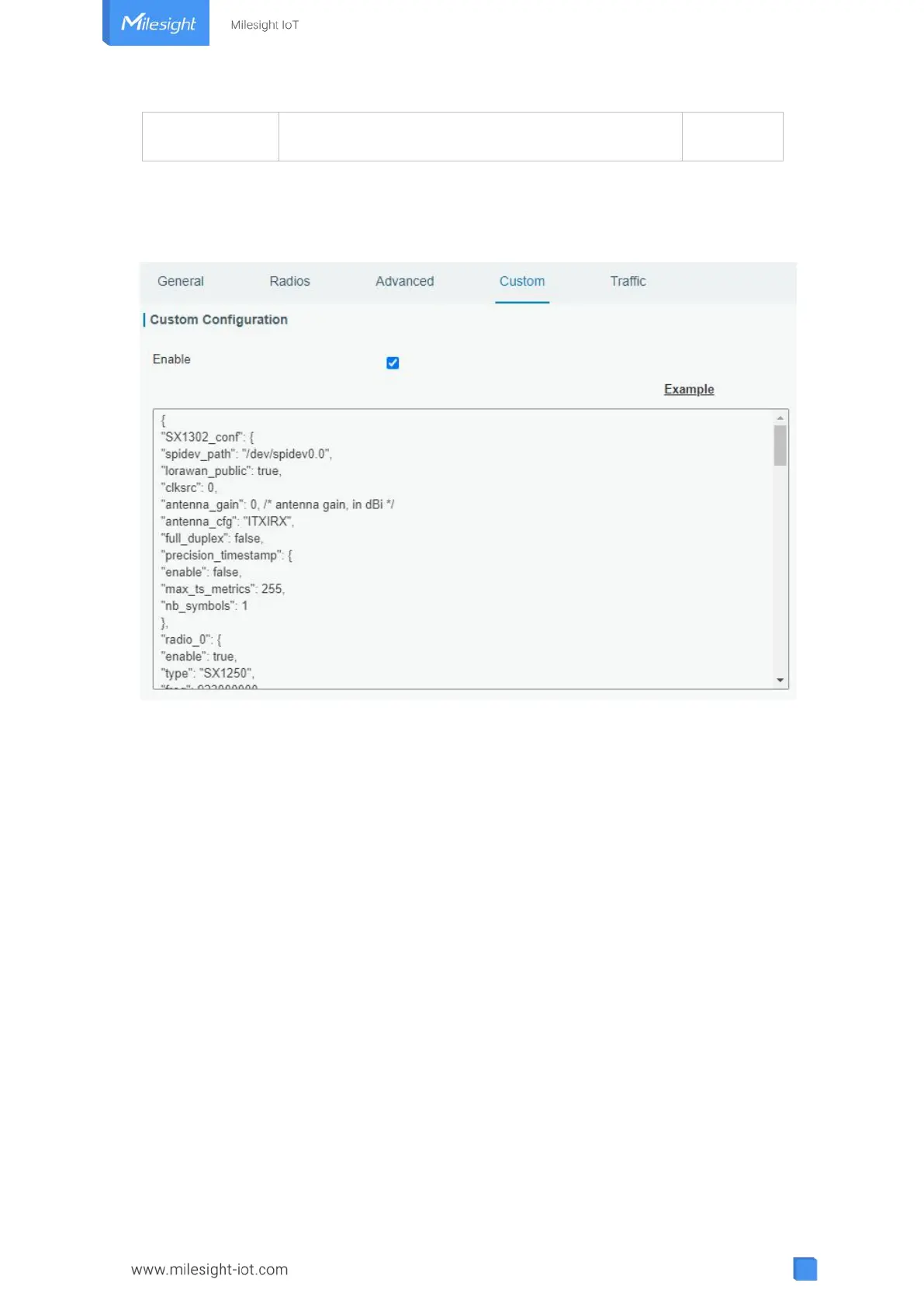
3.2.1.5 Custom
Figure 3-2-1-10
When Custom Configuration mode is enabled, you can write your own packet forwarder
configuration file in the edit box to configure packet forwarder. Click “Save” to save your
custom configuration file content, and click “Apply” to take effect. You can click “Clear” to
erase all content in the edit box. If you don’t know how to write configuration file, please
click “Example” to go to reference page.
3.2.1.6 Traffic
When navigating to the traffic page, any recent traffic received by the gateway will display.
To watch live traffic, click “Refresh”.



 To Next Page