With “Remote Log Server” enabled, gateway will send all
system logs to the remote server.
Fill in the remote system log server address (IP/domain
name).
Fill in the remote system log server port.
User can store the log file in memory or TF card.
Set the size of the log file to be stored.
The list of severities follows the syslog protocol.
Table 3-5-3-2 System Log Parameters
3.5.4 Upgrade
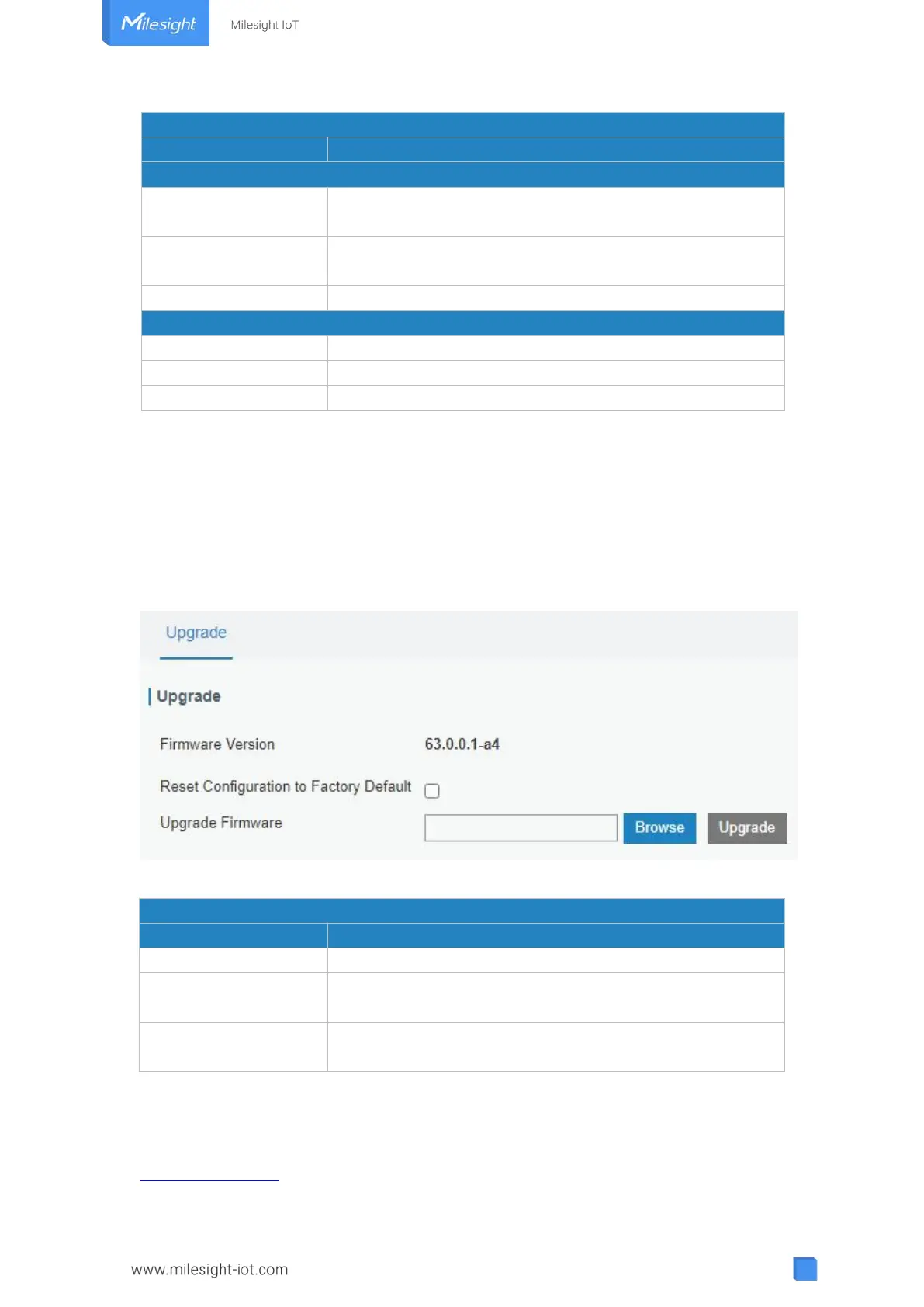
This section describes how to upgrade the gateway firmware via web GUI. Generally, you
don’t need to do the firmware upgrade.
Note: any operation on web page is not allowed during firmware upgrade, otherwise the
upgrade will be interrupted, or even the device will break down.
Figure 3-5-4-1
Show the current firmware version.
Reset Configuration to
Factory Default
When this option is checked, the gateway will be reset to
factory defaults after upgrade.
Click "Browse" button to select the new firmware file, and
click "Upgrade" to upgrade firmware.
Table 3-5-4-1 Upgrade Parameters
Related Configuration Example
Firmware Upgrade



 To Next Page