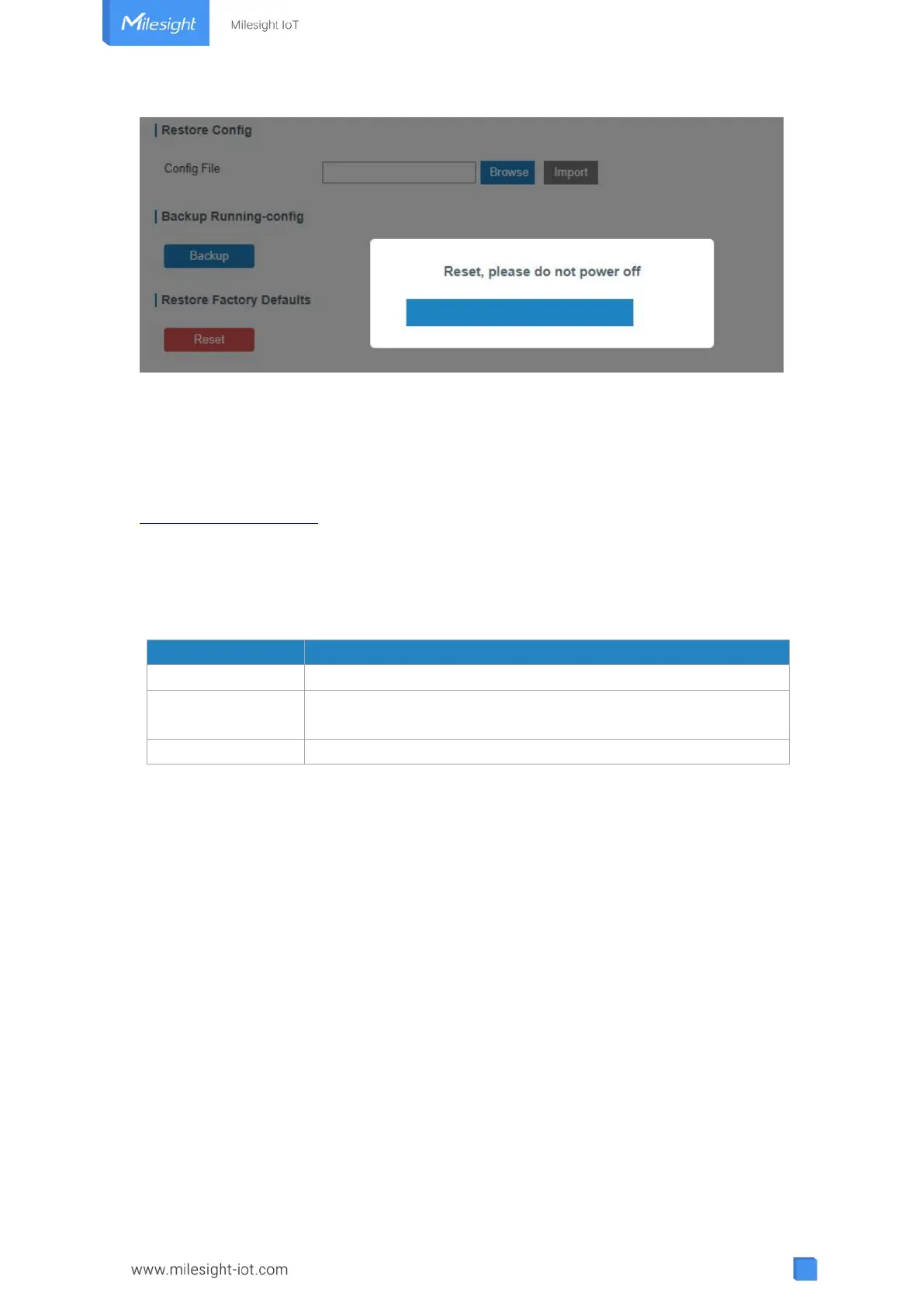
Please wait till SYS light staticly and the login page pops up again, which means the
gateway has already been reset to factory defaults successfully.
Related Topic
Restore Factory Defaults
4.1.2 Via Hardware
Locate the reset button on the gateway, and take corresponding actions based on the
status of SYS LED.
Press and hold the reset button for more than 5 seconds.
Static Green →
Rapidly Blinking
Release the button and wait.
The gateway is now reset to factory defaults.
4.2 Firmware Upgrade
It is suggested that you contact Milesight technical support first before you upgrade
gateway firmware. Gateway firmware file suffix is “.bin”.
After getting firmware file please refer to the following steps to complete the upgrade.
1. Go to “Maintenance > Upgrade”.
2. Click “Browse” and select the correct firmware file from the PC.
3. Click “Upgrade” and the gateway will check if the firmware file is correct. If it’s correct,
the firmware will be imported to the gateway, and then the gateway will start to
upgrade.



 To Next Page