Range: center frequency
±
0.4625.
LoRaWAN
®
regional document
Table 3-2-1-3 Multi Channel Setting Parameters
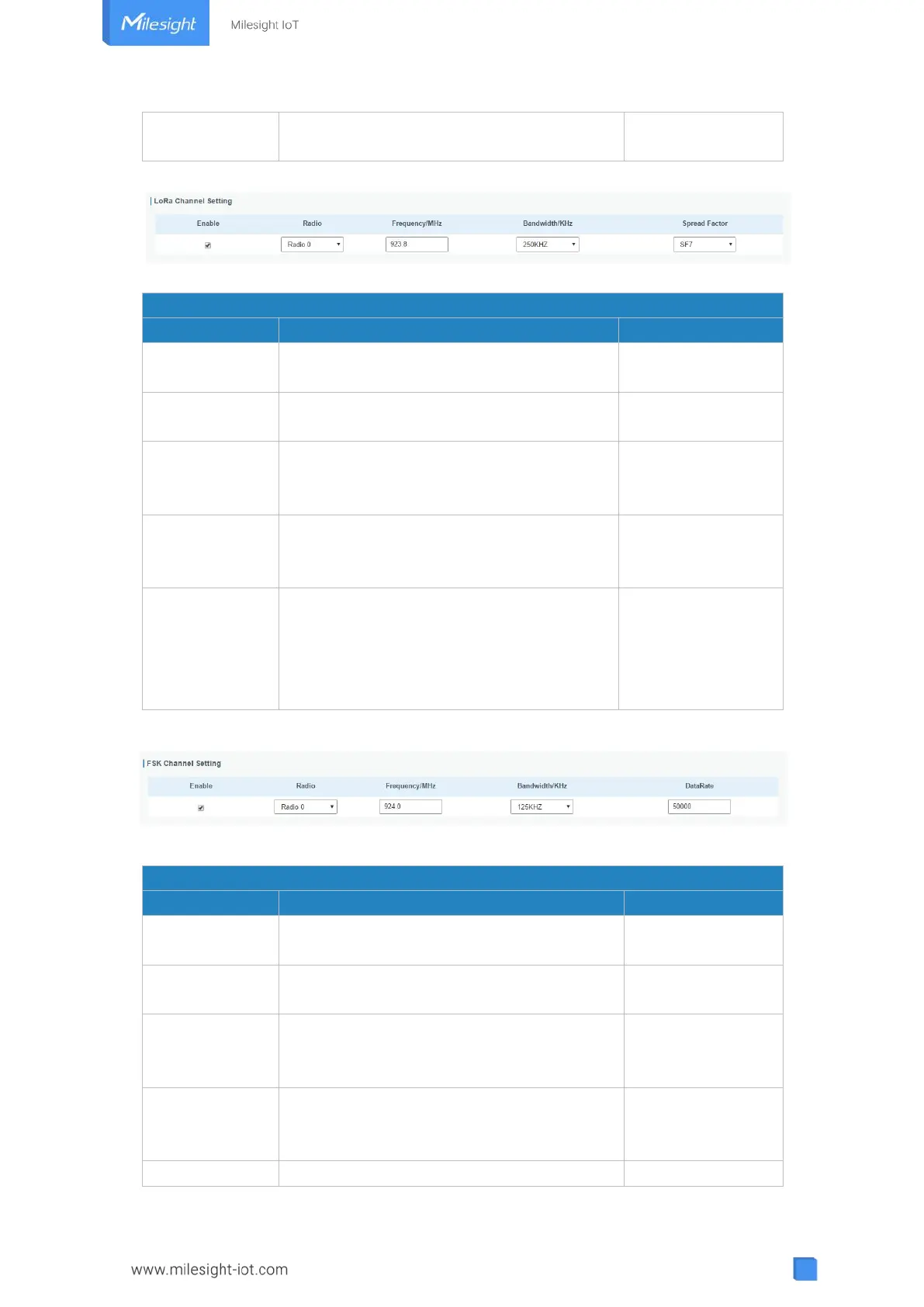
Figure 3-2-1-4
Radios-LoRa Channel Setting
Click to enable this channel to transmit
packets.
Choose Radio 0 or Radio 1 as center
frequency.
Enter the frequency of this channel.
Range: center frequency±0.9.
Based on the
supported
frequency
Enter the bandwidth of this channel.
Recommended value: 125KHz, 250KHz,
500KHz
Choose the selectable spreading factor. The
channel with large spreading factor
corresponds to a low rate, while the small
one corresponds to a high rate.
Based on what is
specified in the
LoRaWAN
®
regional
parameters
document
Table 3-2-1-4 LoRa Channel Setting Parameters
Figure 3-2-1-5
Radios-FSK Channel Setting
Click to enable this channel to transmit
packets.
Choose Radio 0 or Radio 1 as center
frequency.
Enter the frequency of this channel.
Range: center frequency±0.9.
Based on the
supported
frequency
Enter the bandwidth of this channel.
Recommended value: 125 kHz, 250 kHz, 500
kHz
Based on the
supported
frequency
Enter the data rate. Range:500-25000.



 To Next Page