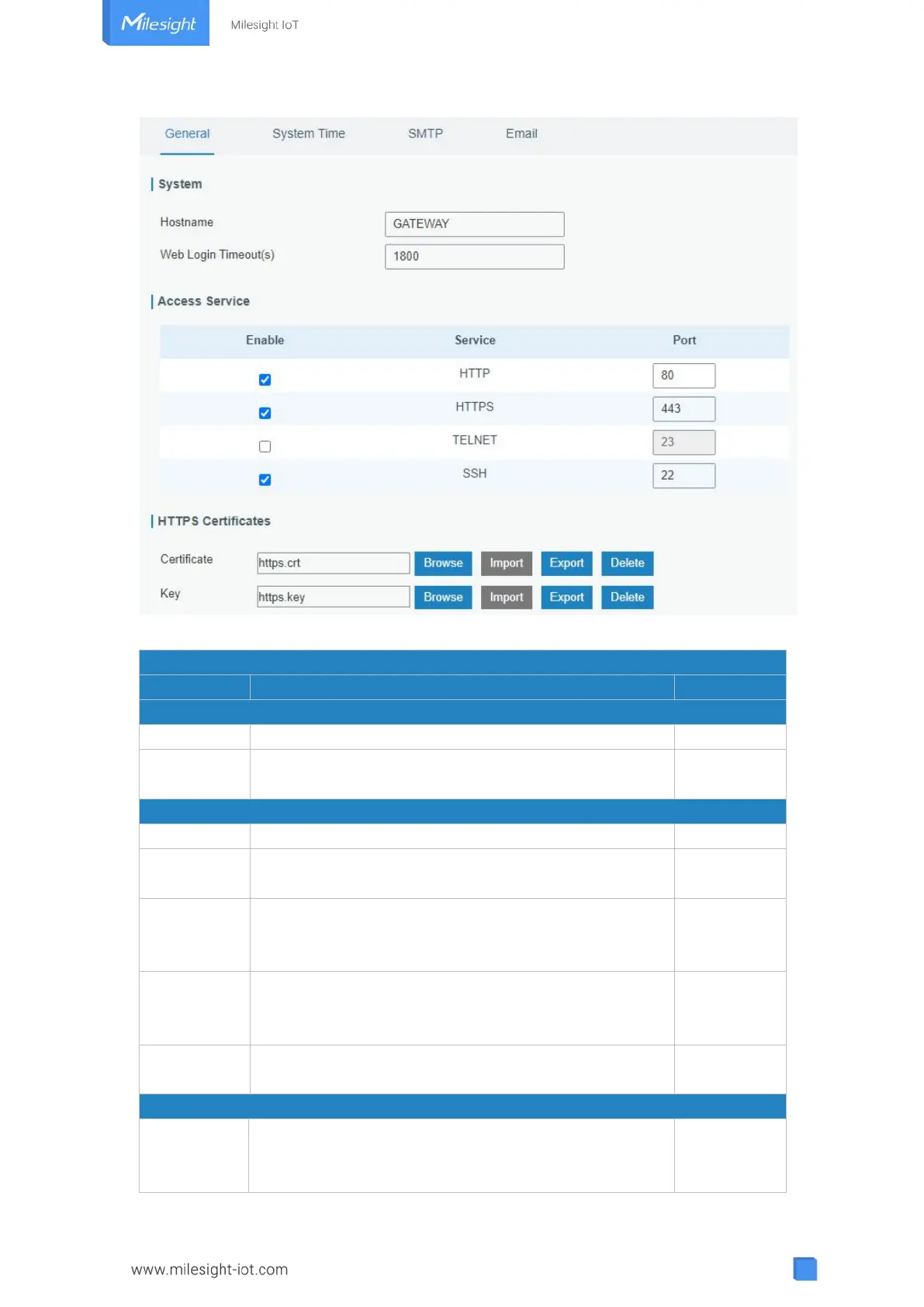
Figure 3-4-1-1
User-defined gateway name, needs to start with a letter.
You need to log in again if it times out. Range: 100-3600.
Set port number of the services. Range: 1-65535.
Users can log in the device locally via HTTP to access
and control it through Web after the option is checked.
Users can log in the device locally and remotely via
HTTPS to access and control it through Web after
option is checked.
Users can log in the device locally and remotely via
TELNET to access and control it through Web after
option is checked.
Users can log in the device locally and remotely via SSH
after the option is checked.
Click "Browse" button, choose certificate file on the PC,
and then click "Import" button to upload the file into
gateway. Click "Export" button will export the file to the



 To Next Page