UG65 User Guide
www.milesight-iot.com 18
Modem Information
Item Description
Status Show corresponding detection status of module and SIM card.
Model Show the model name of cellular module.
Version Show the version of cellular module.
Signal Level Show the cellular signal level.
Register Status Show the registration status of SIM card.
IMEI Show the IMEI of the module.
IMSI Show IMSI of the SIM card.
ICCID Show ICCID of the SIM card.
ISP Show the network provider which the SIM card registers on.
Network Type Show the connected network type, such as LTE, 3G, etc.
PLMN ID
Show the current PLMN ID, including MCC, MNC, LAC and Cell
ID.
LAC Show the location area code of the SIM card.
Cell ID Show the Cell ID of the SIM card location.
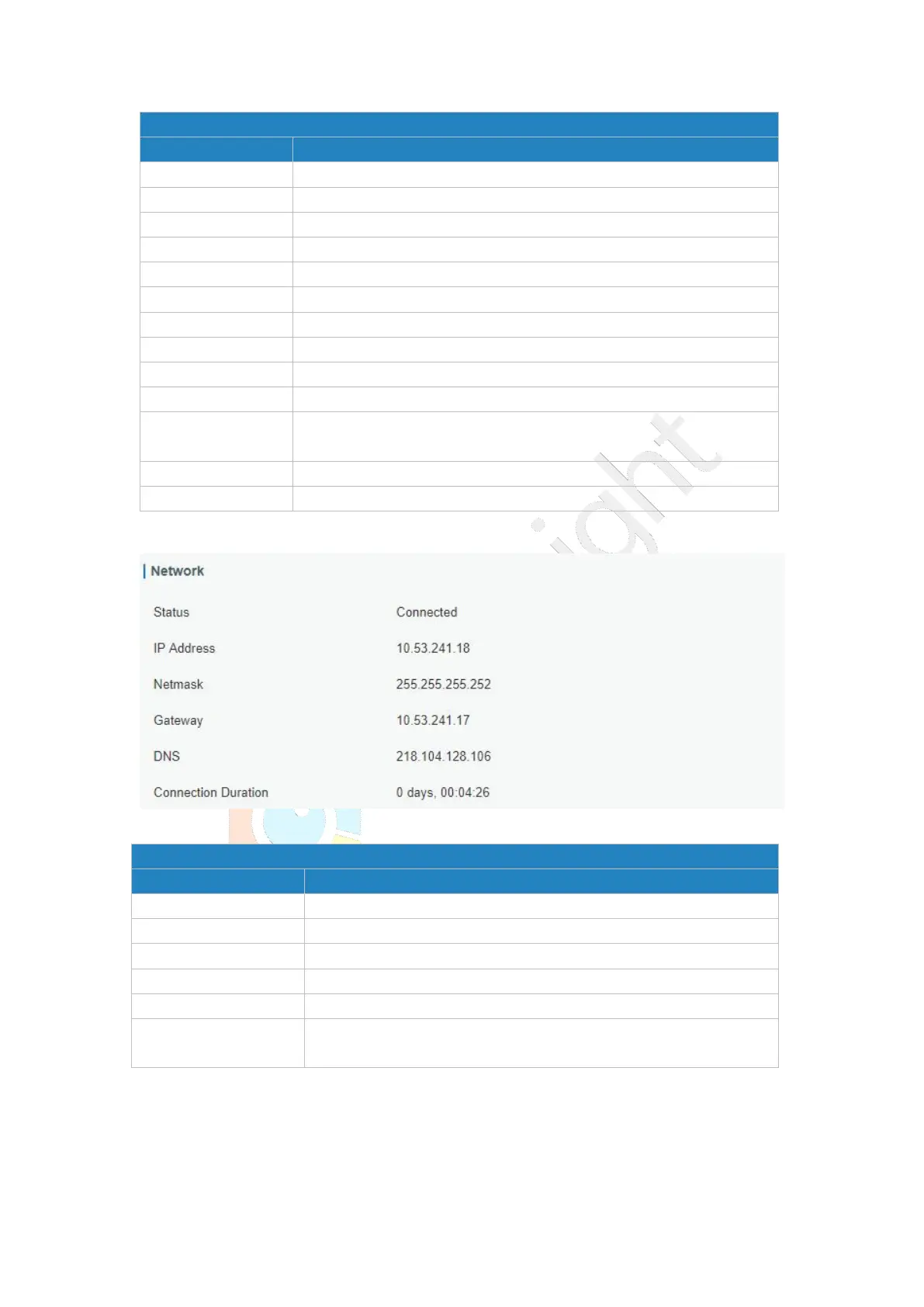
Figure 3-1-3-2
Network Status
Item Description
Status Show the connection status of cellular network.
IP Address Show the IP address of cellular network.
Netmask Show the netmask of cellular network.
Gateway Show the gateway of cellular network.
DNS Show the DNS of cellular network.
Connection Duration
Show information on how long the cellular network has been
connected.
Table 3-1-3-2 Network Status
3.1.4 Network
On this page you can check the Ethernet port status of the gateway.
Table 3-1-3-1 Modem Information



 To Next Page