UG65 User Guide
www.milesight-iot.com
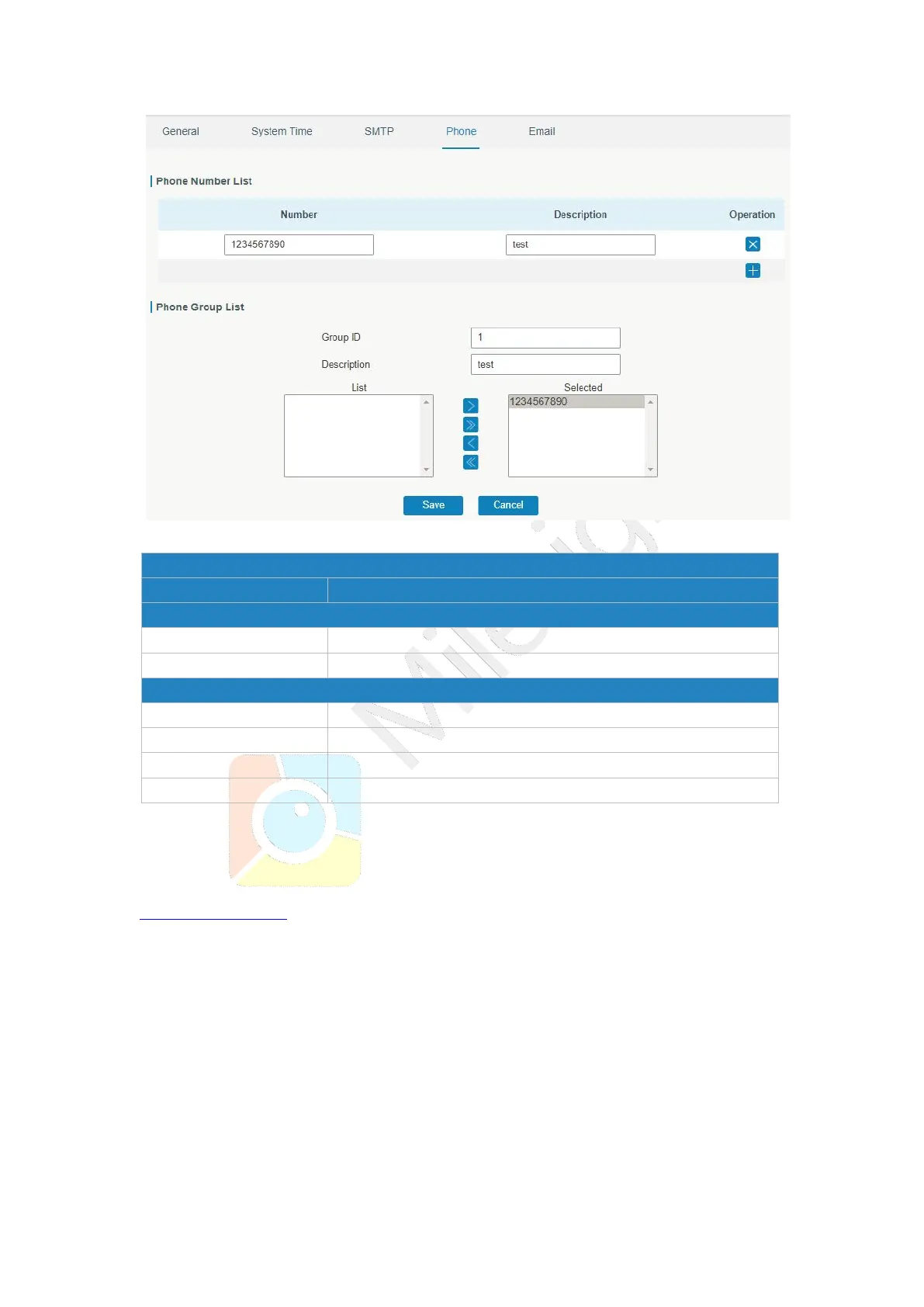
Figure 3-4-1-6
Enter the telephone number. Digits, "+" and "-" are allowed.
The description of the telephone number.
Set number for phone group. Range: 1-100.
The description of the phone group.
Show the selected phone number.
Table 3-4-1-4 Phone Settings
Related Topic
Connect on Demand
3.4.1.5 Email
Email settings involve email alarm for events.
1. Add email list.
2. Select email addresses and add them to the phone group.
3. Go to “System > Events > Event Settings > Email” and then select the email group ID.



 To Next Page