UG65 User Guide
www.milesight-iot.com
3.5.5 Backup and Restore
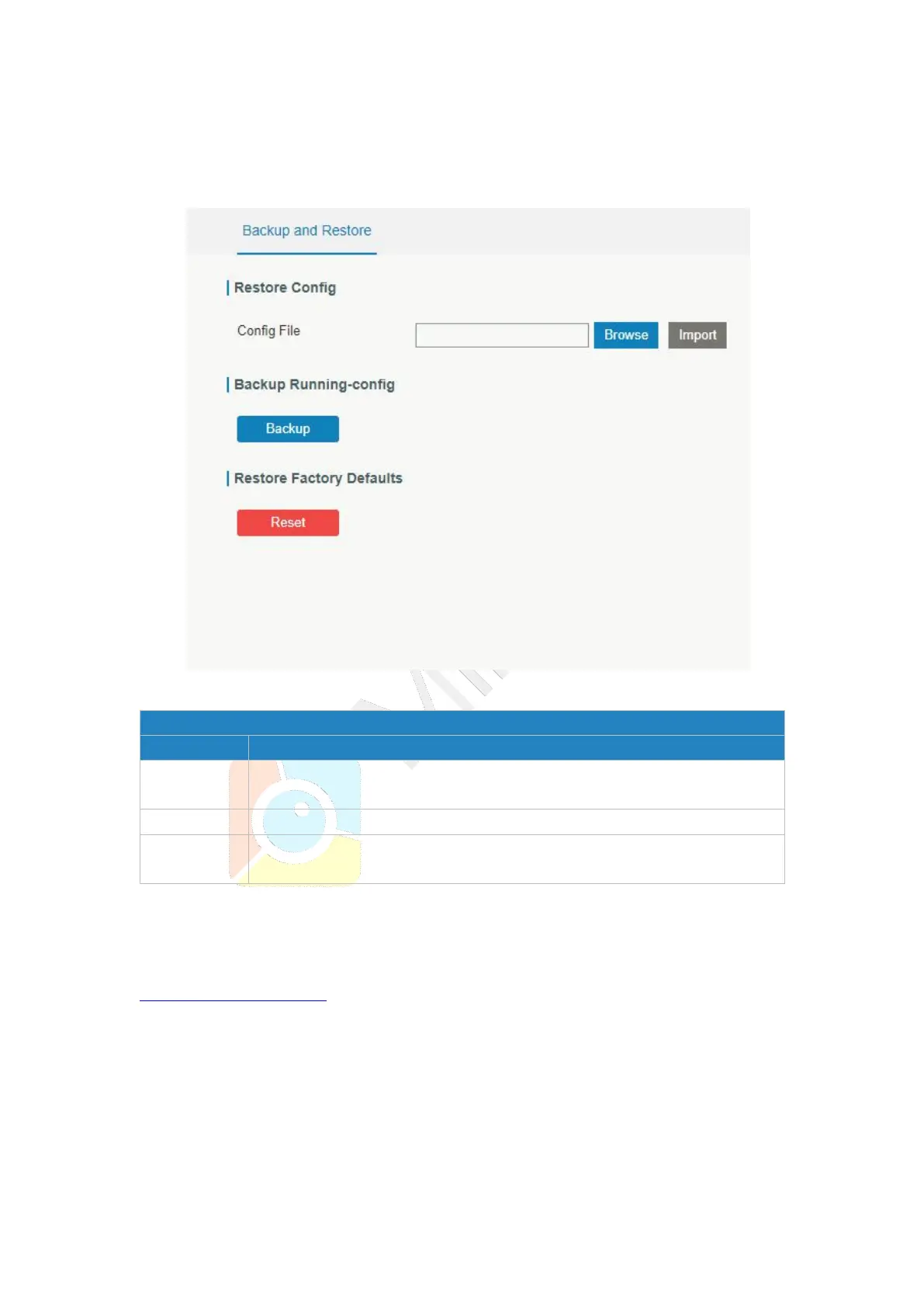
This section explains how to create a complete backup of the system configurations to a
file, restore the config file to the gateway and reset to factory defaults.
Figure 3-5-5-1
Click "Browse" button to select configuration file, and then click "Import"
button to upload the configuration file to the gateway.
Click "Backup" to export the current configuration file to the PC.
Click "Reset" button to reset factory default settings. gateway will
restart after reset process is done.
Table 3-5-5-1 Backup and Restore Parameters
Related Configuration Example
Restore Factory Defaults
3.5.6 Reboot
On this page you can reboot the gateway and return to the login page. We strongly
recommend clicking “Save” button before rebooting the gateway so as to avoid losing the
new configuration.



 To Next Page