UG65 User Guide
www.milesight-iot.com
Select destination port type, such as specified port, port range,
etc.
Set destination port number. Range: 1-65535.
Set start destination port number. Range: 1-65535.
Set end destination port number. Range: 1-65535.
Show information of the port.
Select network interface for access control.
Select a rule for incoming traffic from ACL ID.
Select a rule for outgoing traffic from ACL ID.
Table 3-3-2-2 ACL Parameters
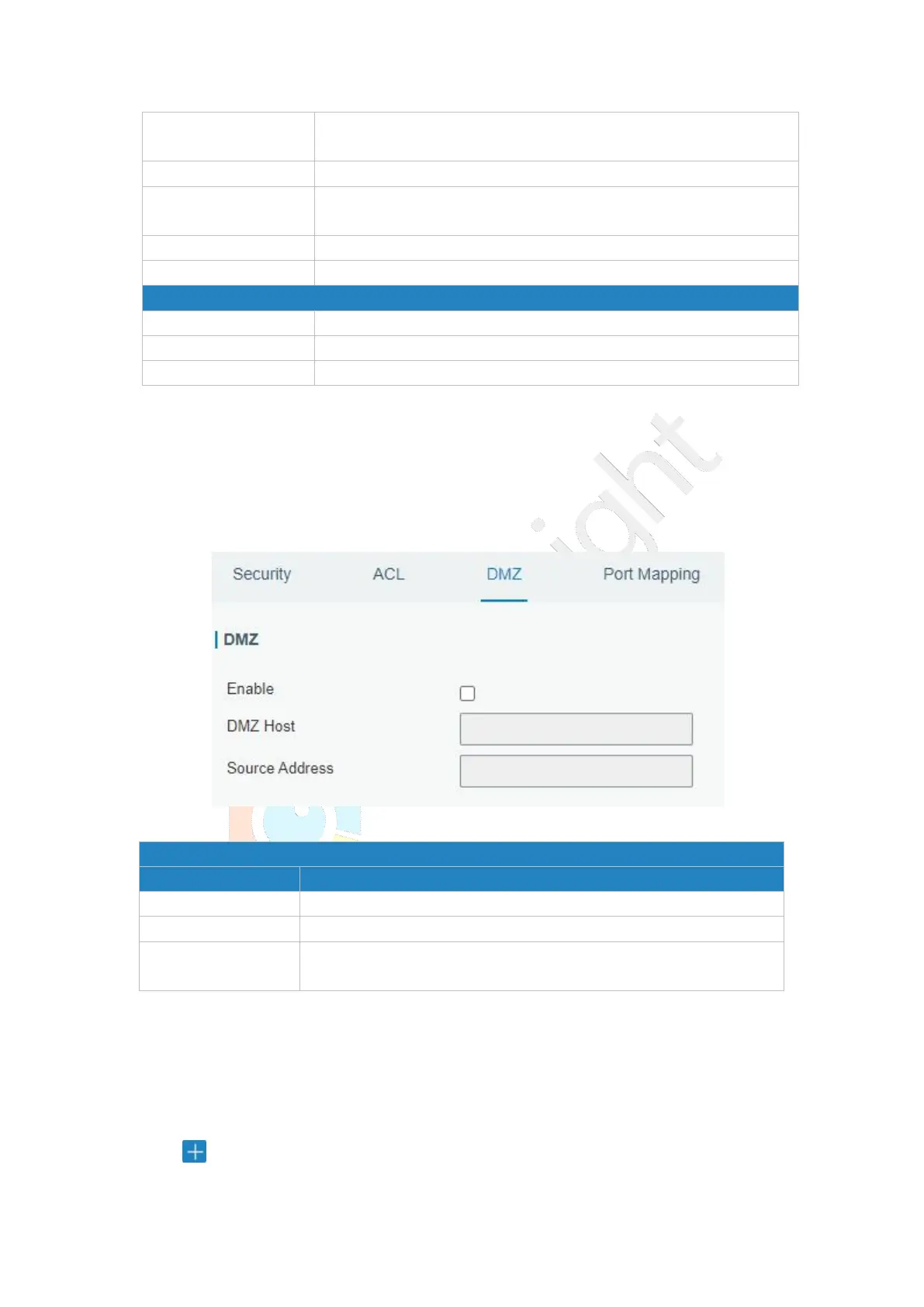
3.3.2.3 DMZ
DMZ is a host within the internal network that has all ports exposed, except those
forwarded ports in port mapping.
Figure 3-3-2-3
Enter the IP address of the DMZ host on the internal network.
Set the source IP address which can access to DMZ host.
"0.0.0.0/0" means any address.
Table 3-3-2-3 DMZ Parameters
3.3.2.4 Port Mapping
Port mapping is an application of network address translation (NAT) that redirects a
communication request from the combination of an address and port number to another
while the packets are traversing a network gateway such as a gateway or firewall.
Click to add a new port mapping rules.



 To Next Page