UG65 User Guide
www.milesight-iot.com
Phone Group
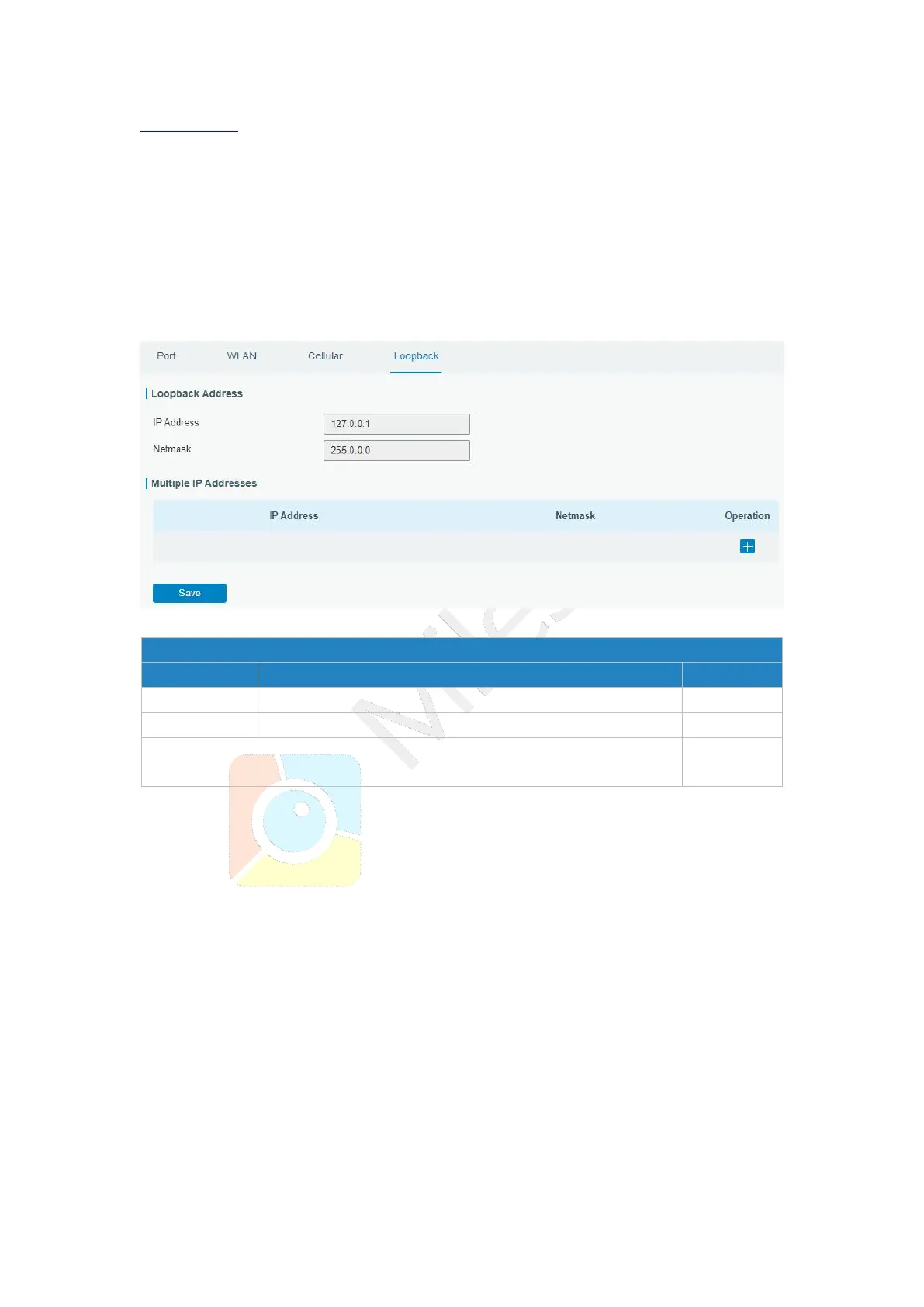
3.3.1.4 Loopback
Loopback interface is used for replacing gateway's ID as long as it is activated. When the
interface is DOWN, the ID of the gateway has to be selected again which leads to long
convergence time of OSPF. Therefore, Loopback interface is generally recommended as
the ID of the gateway.
Loopback interface is a logic and virtual interface on gateway. Under default conditions,
there's no loopback interface on gateway, but it can be created as required.
Figure 3-3-1-11
Apart from the IP above, user can configure other IP
addresses.
Table 3-3-1-9 Loopback Parameters
3.3.2 Firewall
This section describes how to set the firewall parameters, including website block, ACL,
DMZ, Port Mapping and MAC Binding.
The firewall implements corresponding control of data flow at entry direction (from
Internet to local area network) and exit direction (from local area network to Internet)
according to the content features of packets, such as protocol style, source/destination IP
address, etc. It ensures that the gateway operate in a safe environment and host in local
area network.



 To Next Page