UG65 User Guide
www.milesight-iot.com
Address of the destination host to be detected.
Table 3-5-1-2 Traceroute Parameters
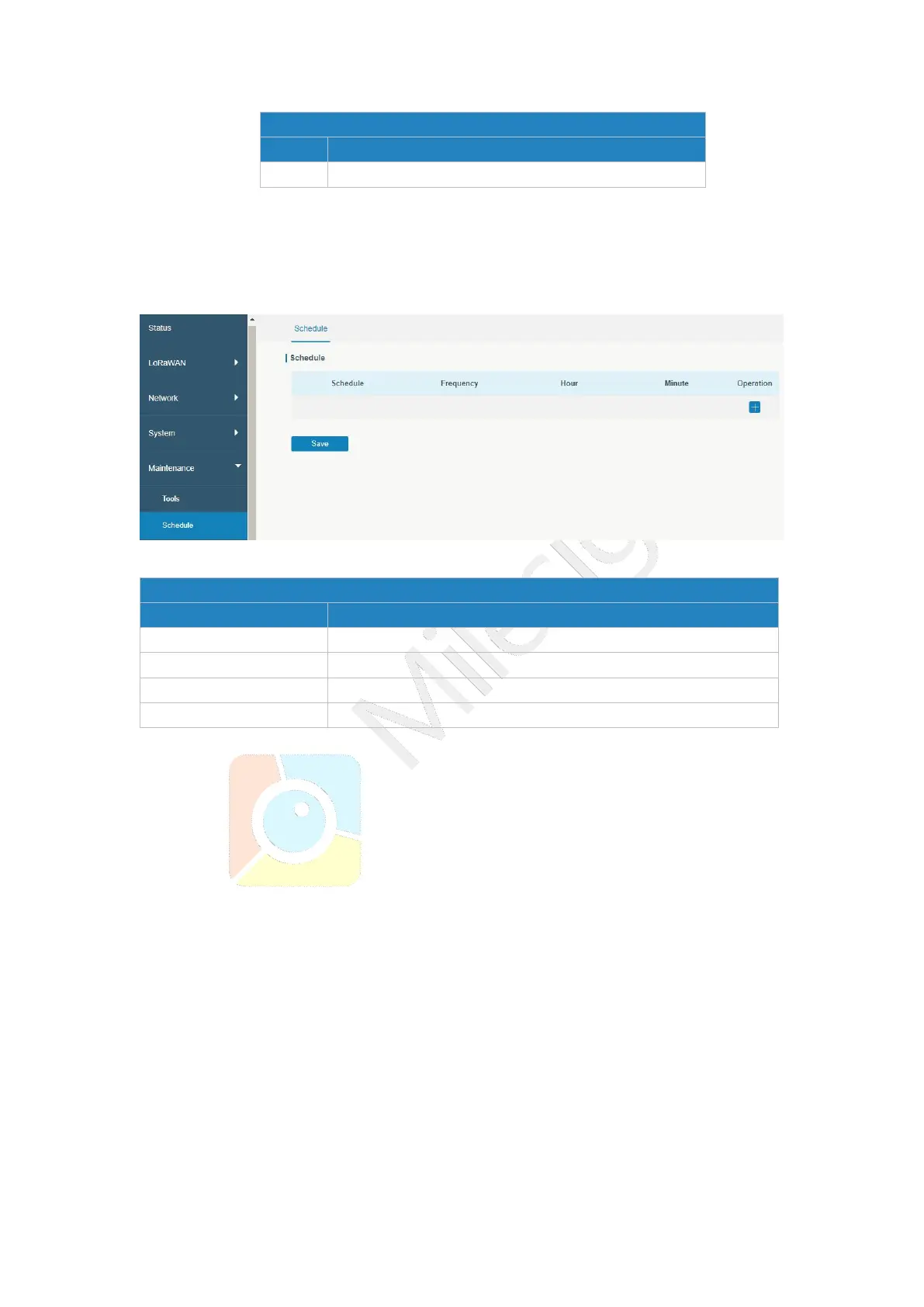
3.5.2 Schedule
This section explains how to configure scheduled reboot on the gateway.
Figure 3-5-2-1
Reboot the gateway regularly.
Select the frequency to execute the schedule.
Select the time to execute the schedule.
Table 3-5-2-1 Schedule Parameters
3.5.3 Log
The system log contains a record of informational, error and warning events that indicates
how the system processes. By reviewing the data contained in the log, an administrator or
user troubleshooting the system can identify the cause of a problem or whether the system
processes are loading successfully. Remote log server is feasible, and gateway will upload
all system logs to remote log server such as Syslog Watcher.
3.5.3.1 System Log
This section describes how to download log file and view the recent log on web.



 To Next Page