UG65 User Guide
www.milesight-iot.com
DeviceHub server, options are "By Authentication ID" and "By ID".
Fill in the authentication code generated from the DeviceHub.
Fill in the registered DeviceHub account (email) and password.
Table 3-4-5-1
3.4.6 Events
Event feature is capable of sending alerts by Email when certain system events occur.
3.4.6.1 Events
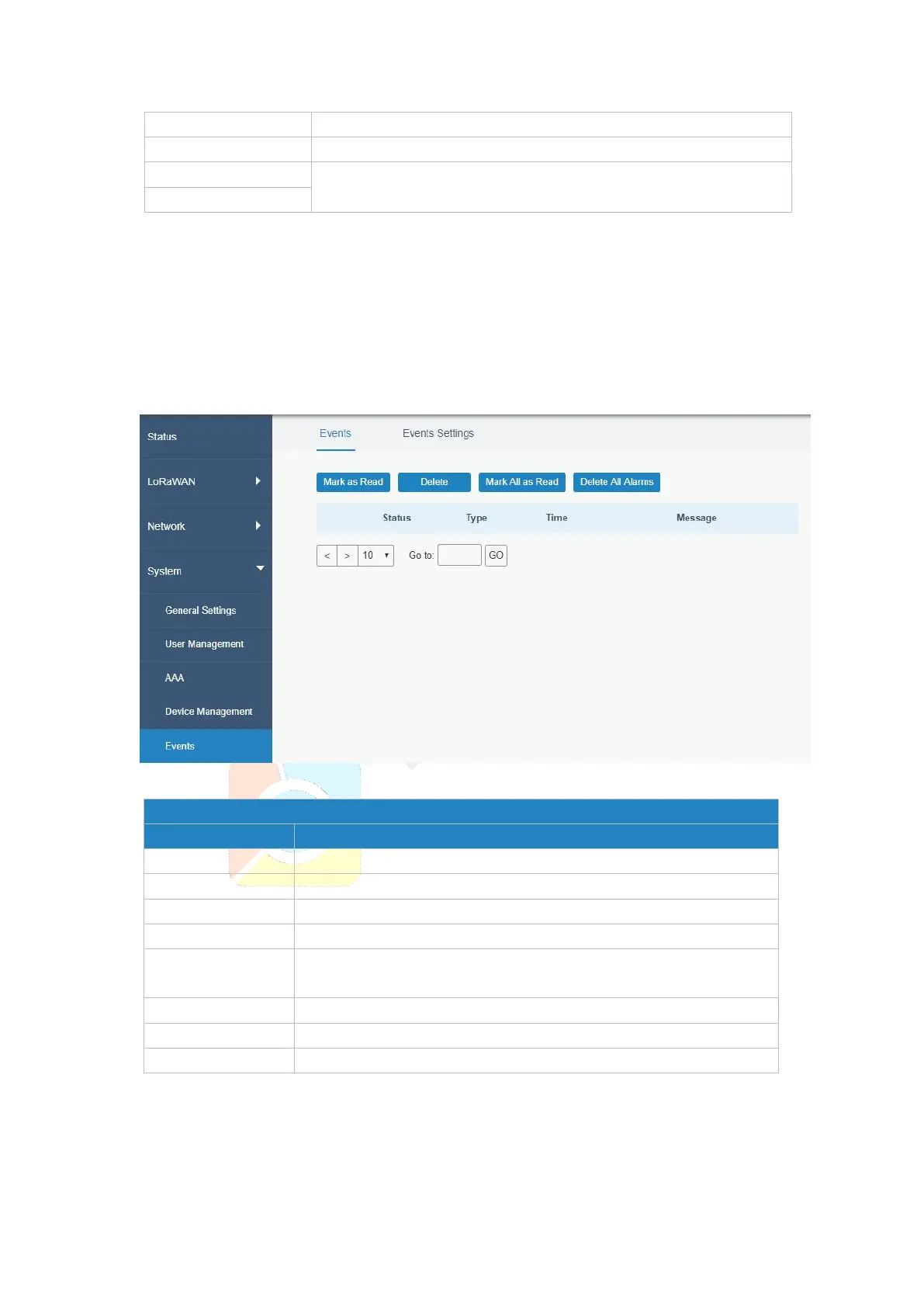
You can view alarm messages on this page.
Figure 3-4-6-1
Mark the selected event alarm as read.
Delete the selected event alarm.
Mark all event alarms as read.
Show the reading status of the event alarms, such as “Read” and
“Unread”.
Show the event type that should be alarmed.
Table 3-4-6-1 Events Parameters



 To Next Page