UG65 User Guide
www.milesight-iot.com
1. Enable SNMP setting.
2. Download MIB file and load it into NMS.
3. Configure MIB View.
4. Configure VCAM.
3.4.3.1 SNMP
UG65 supports SNMPv1, SNMPv2c and SNMPv3 version. SNMPv1 and SNMPv2c employ
community name authentication. SNMPv3 employs authentication encryption by username
and password.
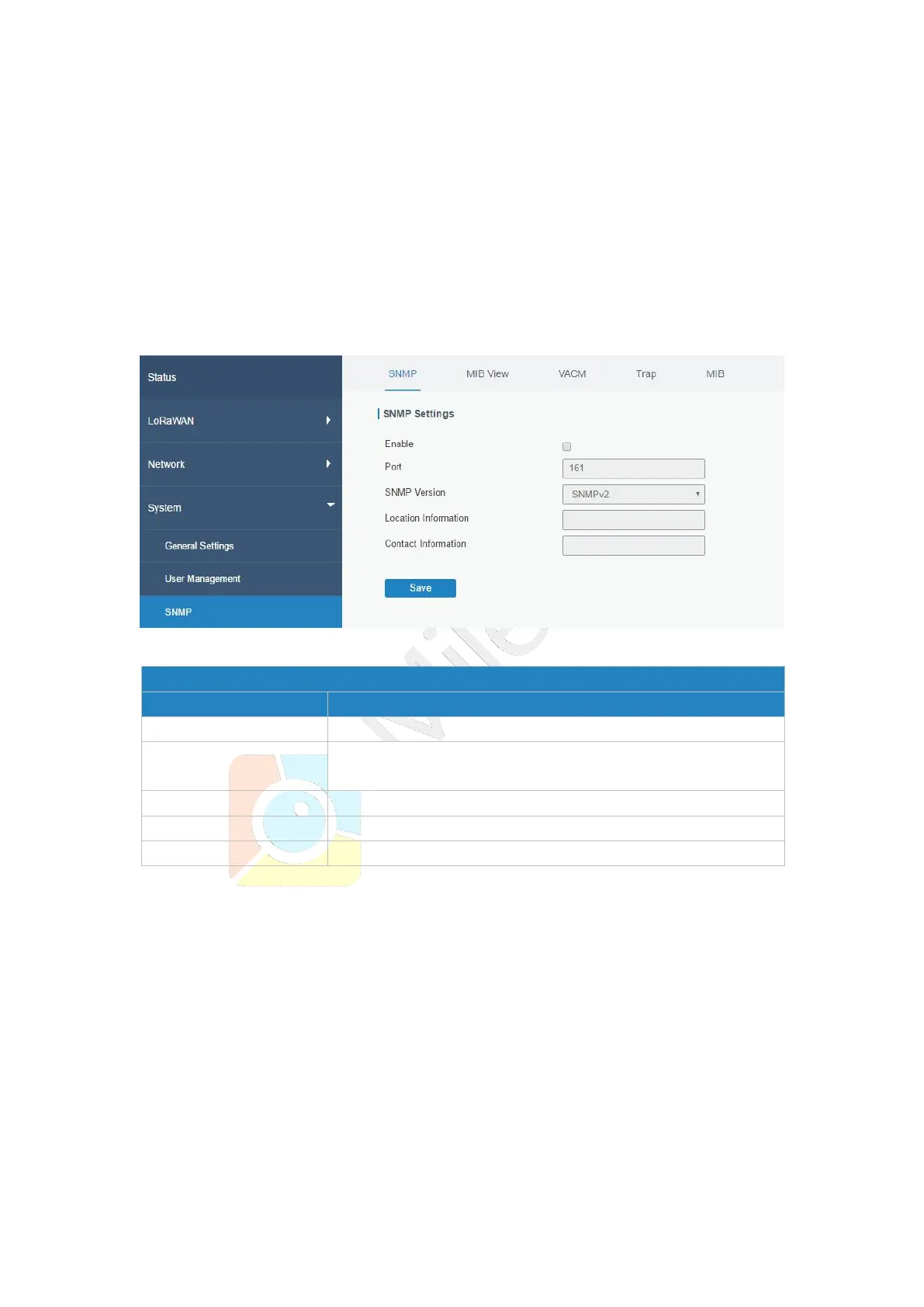
Figure 3-4-3-1
Enable or disable SNMP function.
Set SNMP listened port. Range: 1-65535.
The default port is 161.
Select SNMP version; support SNMP v1/v2c/v3.
Fill in the location information.
Fill in the contact information.
Table 3-4-3-1 SNMP Parameters
3.4.3.2 MIB View
This section explains how to configure MIB view for the objects.



 To Next Page