UG65 User Guide
www.milesight-iot.com
After enabling Python AppManager, user can click "View" button on
the "Python" webpage to view the application status managed by
AppManager.
Show the ID of the imported App.
Show the name of the imported App.
User-defined Logfile size. Range: 1-50.
Show the name of the imported App.
Show the version of the imported App.
Show the SDK version which the imported App is based on.
Table 3-6-1-2 APP Manager Parameters
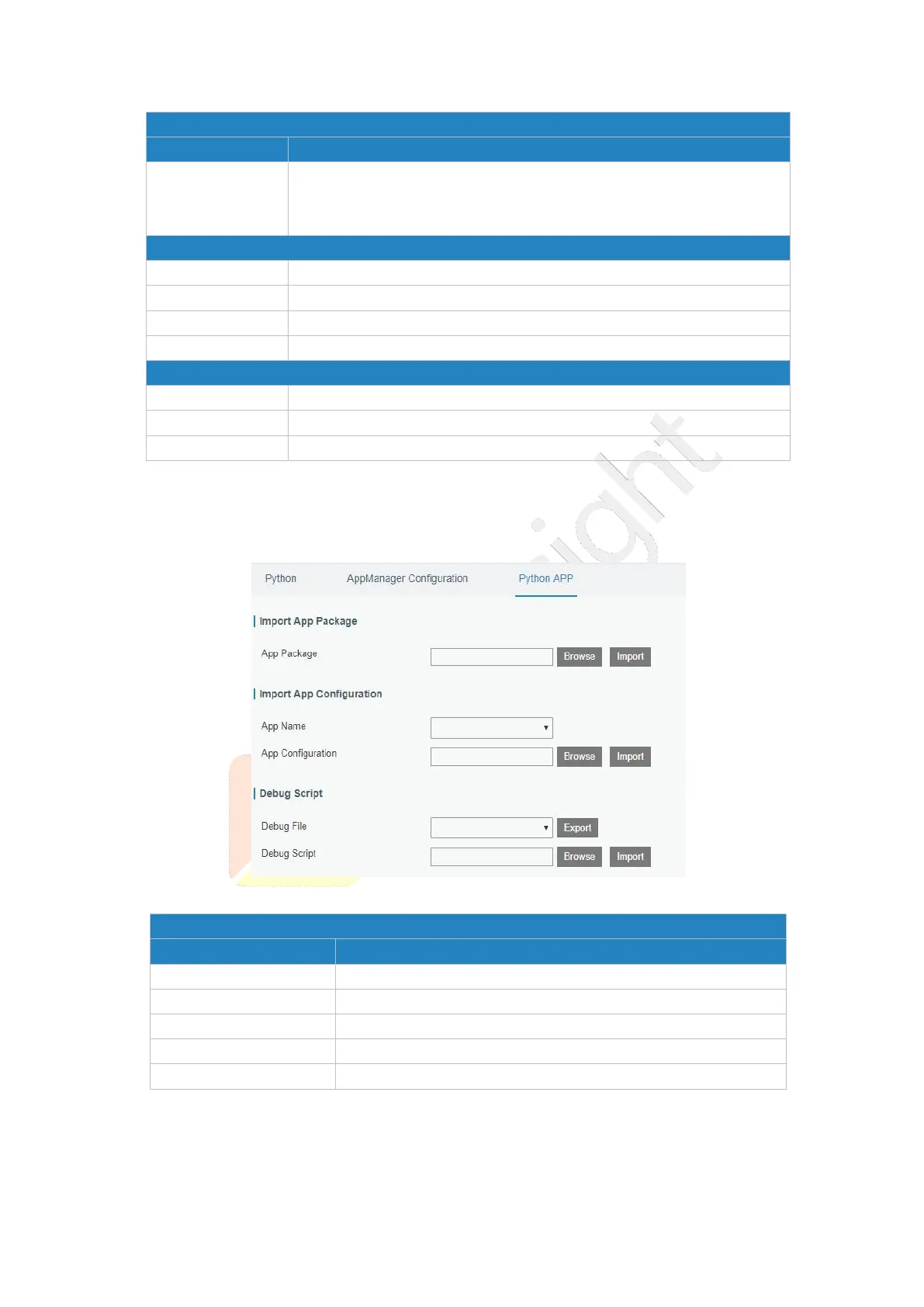
3.6.1.3 Python App
Figure 3-6-1-3
Select App package and import.
Select App to import configuration.
Select configuration file and import.
Select Python script to be debugged and import.
Table 3-6-1-3 APP Parameters



 To Next Page