UG65 User Guide
www.milesight-iot.com
Figure 3-4-2-1
Enter a new username. You can use characters such as a-z,
0-9, "_", "-", "$". The first character can't be a digit.
Enter the new password again.
Table 3-4-2-1 Account Information
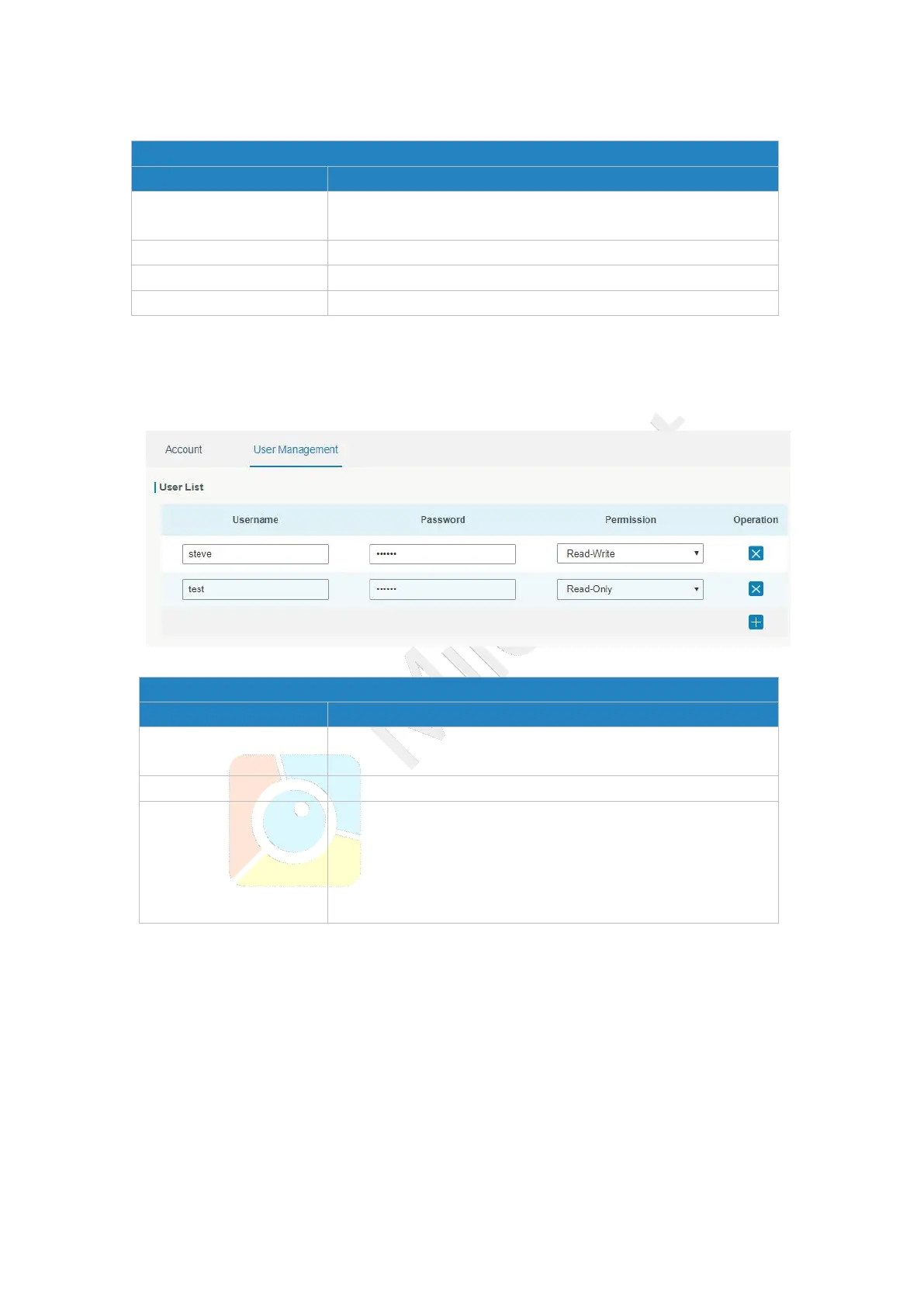
3.4.2.2 User Management
This section describes how to create common user accounts.
The common user permission includes Read-Only and Read-Write.
Figure 3-4-2-2
Enter a new username. You can use characters such as a-z,
0-9, "_", "-", "$". The first character can't be a digit.
Select user permission from “Read-Only” and “Read-Write”.
- Read-Only: users can only view the configuration of
gateway in this level.
- Read-Write: users can view and set the configuration of
gateway in this level.
Table 3-4-2-2 User Management
3.4.3 SNMP
SNMP is widely used in network management for network monitoring. SNMP exposes
management data with variables form in managed system. The system is organized in a
management information base (MIB) which describes the system status and configuration.
These variables can be remotely queried by managing applications.
Configuring SNMP in networking, NMS, and a management program of SNMP should be
set up at the Manager.
Configuration steps are listed as below for achieving query from NMS:



 To Next Page