UG65 User Guide
www.milesight-iot.com
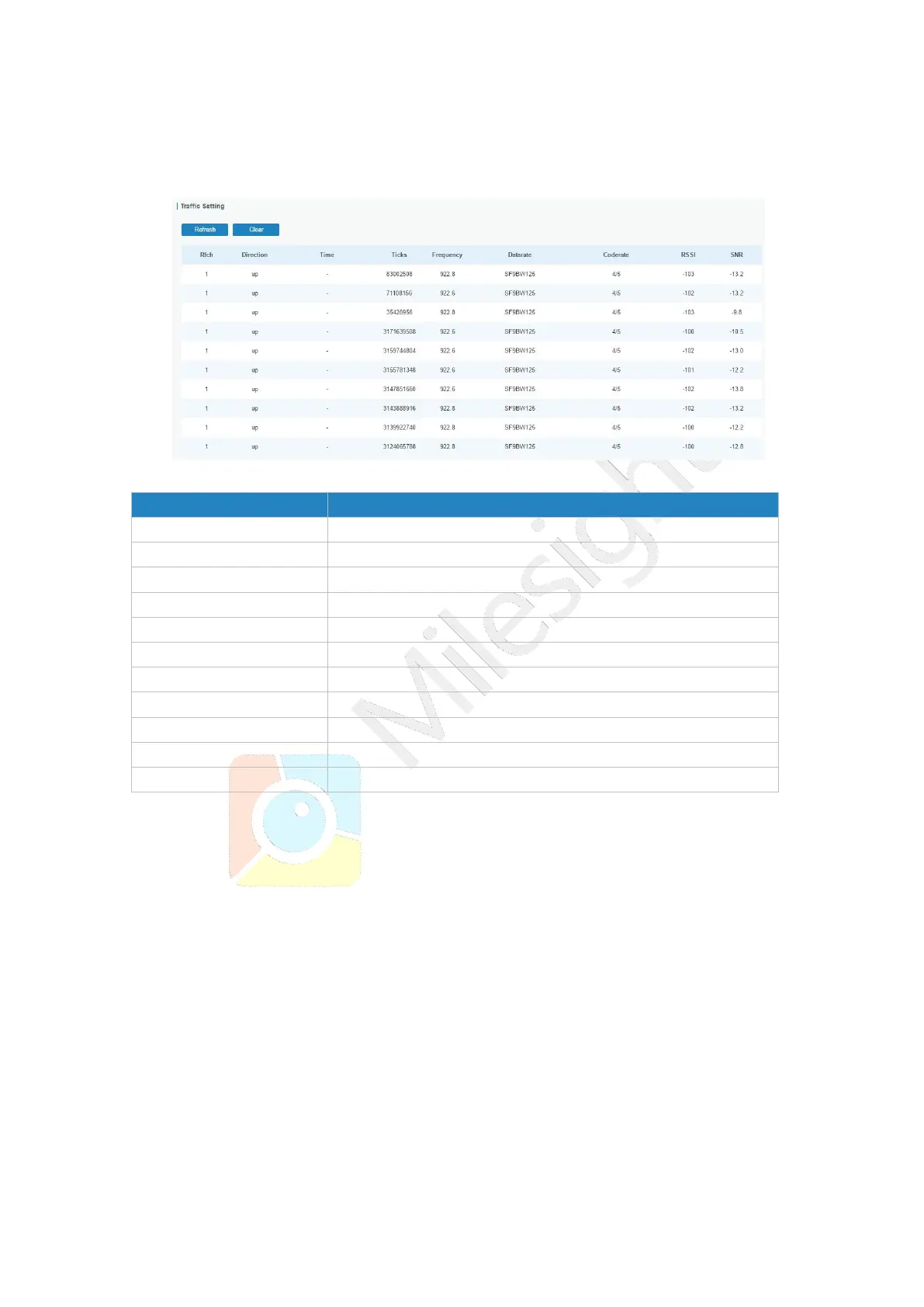
3.2.1.5 Traffic
When navigating to the traffic page, any recent traffic received by the gateway will display.
To watch live traffic, click Start.
Figure 3-2-1-9
Click to obtain the latest data.
Show the channel of this packet.
Show the direction of this packet.
Show the receiving time of this packet.
Show the ticks of this packet.
Show the frequency of the channel.
Show the datarate of the channel.
Show the coderate of this packet.
Show the received signal strength.
Show the signal to noise ratio of this packet.
Table 3-2-1-7 Traffic Parameters



 To Next Page