UG65 User Guide
www.milesight-iot.com
1. Static IP Configuration
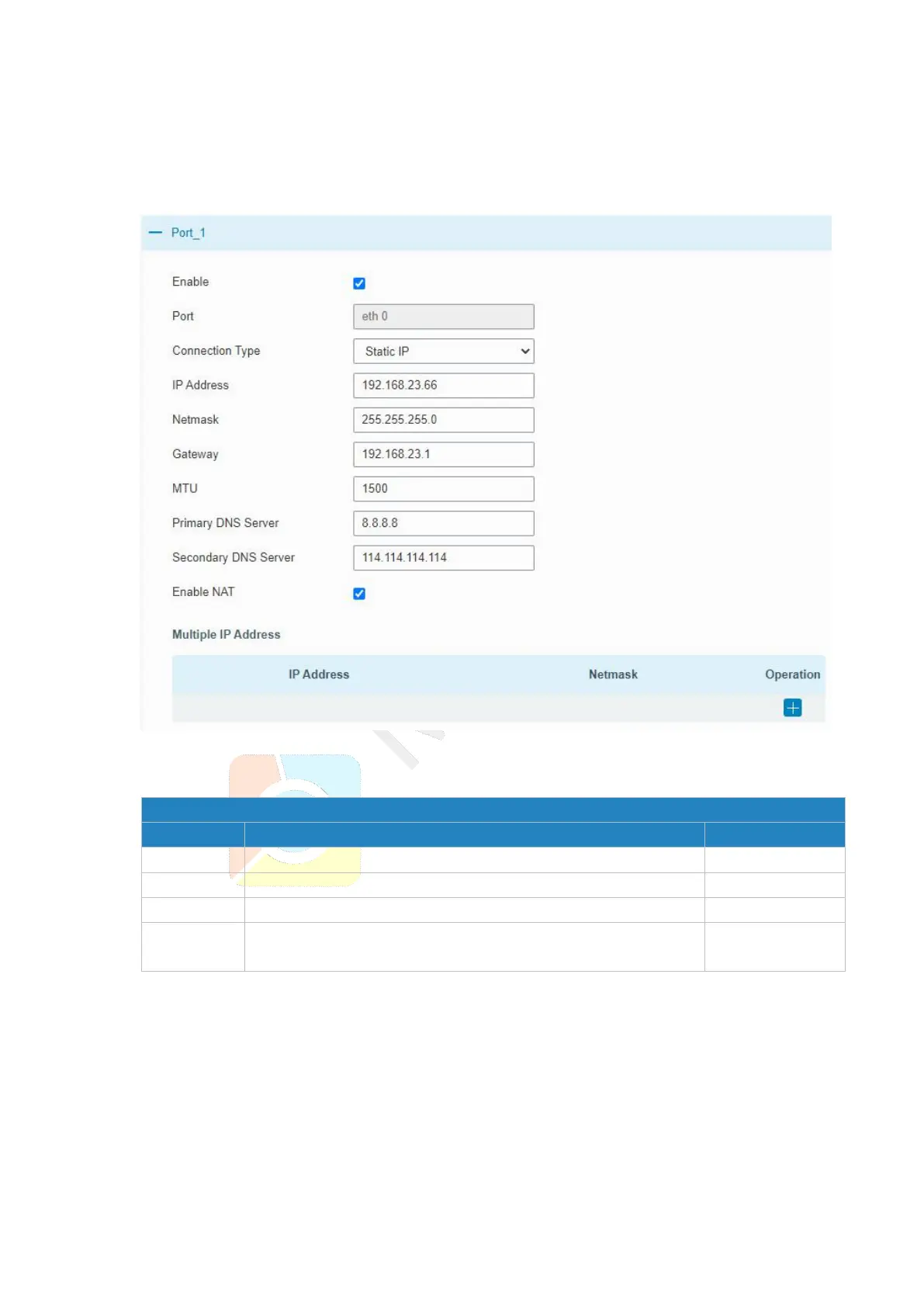
If the external network assigns a fixed IP for the Ethernet port, user can select “Static IP”
mode.
Figure 3-3-1-2
Set the IP address which can access Internet.
Set the Netmask for Ethernet port.
Set the gateway's IP address for Ethernet port.
Set the multiple IP addresses for Ethernet port.
Table 3-3-1-2 Static IP Parameters
2. DHCP Client
If the external network has DHCP server enabled and has assigned IP addresses to the
Ethernet WAN interface, user can select “DHCP client” mode to obtain IP address
automatically.



 To Next Page