Milestone Srl MA213-003 – DMA-80 EVO – User Manual
88
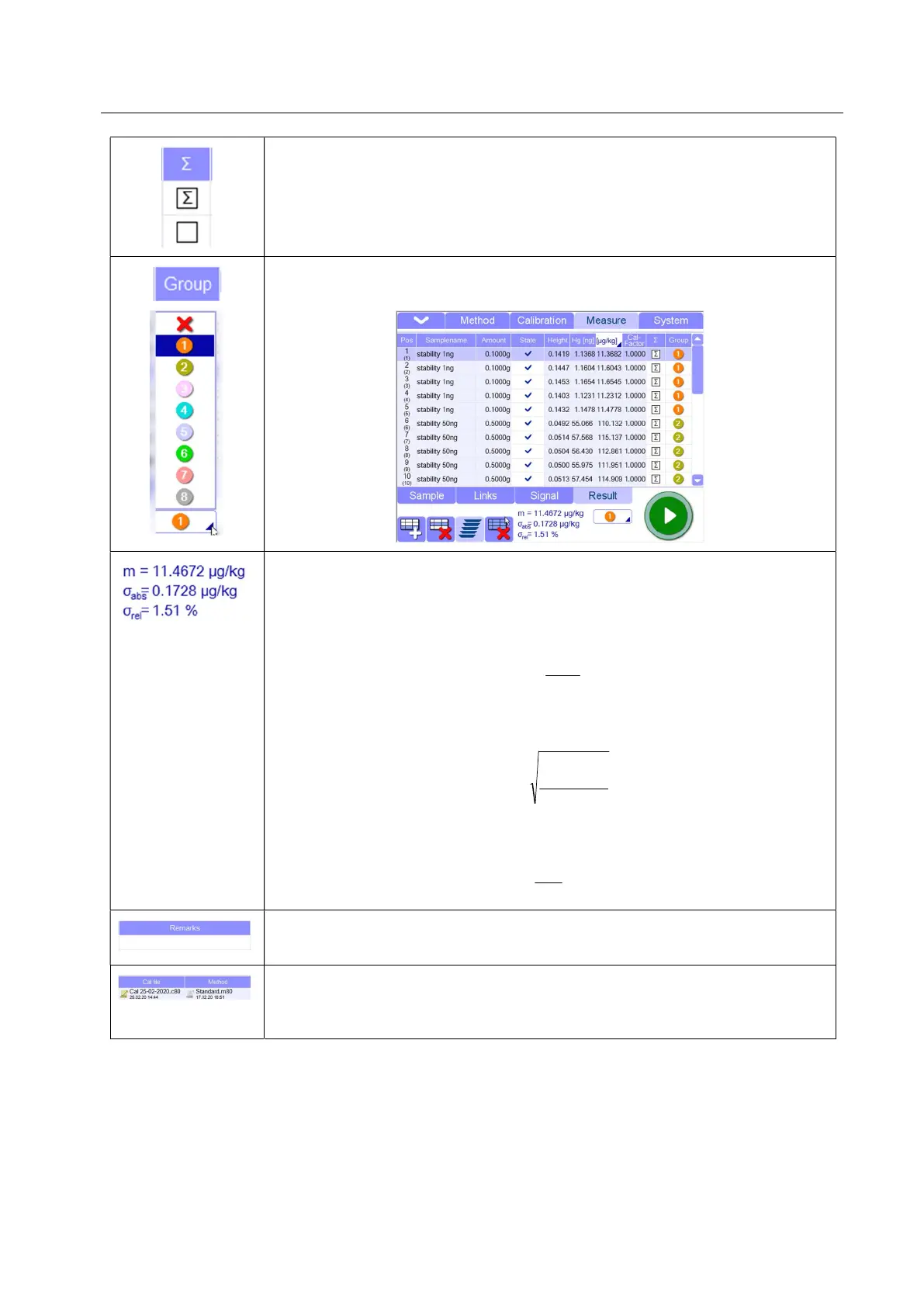
Summation (only available in sun-section “Result”: clicking in this field, the lines
are selected, and the sample will be included in the statistic calculations. The
sum icon can be removed at any time by clicking on again.
Group (only available in sub-section “Result”): The measurement lines can be
ordered in 8 different groups for statistic calculation
Statistics: (only available in sub-section “Result”):here some calculations of the
selected measurement lines are reported
m: here the Hg concentration average value is calculated.
σ
abs
: If more reference samples are selected, here the absolute standard
deviation is calculated
σ
rel
: If more reference samples are selected, here the relative standard deviation
is calculated
Remarks (only available in sub-section “Sample”): here it is possible to write
comments related to the measurement line
Reference Cal.file and Method (only available in sub-section “Links”): By clicking
the corresponding field, the calibration files and methods recently used will be
displayed, so that the desired file can be selected.
Xi
m
n
i
1
1
)²(
1
n
mXi
n
i
abs
%100*
abs
rel



 To Next Page