Spectrum
®
/Spectrum OR
™
Service Manual 0070-10-0556-02 4 - 9
Calibration Procedure Diagnostics
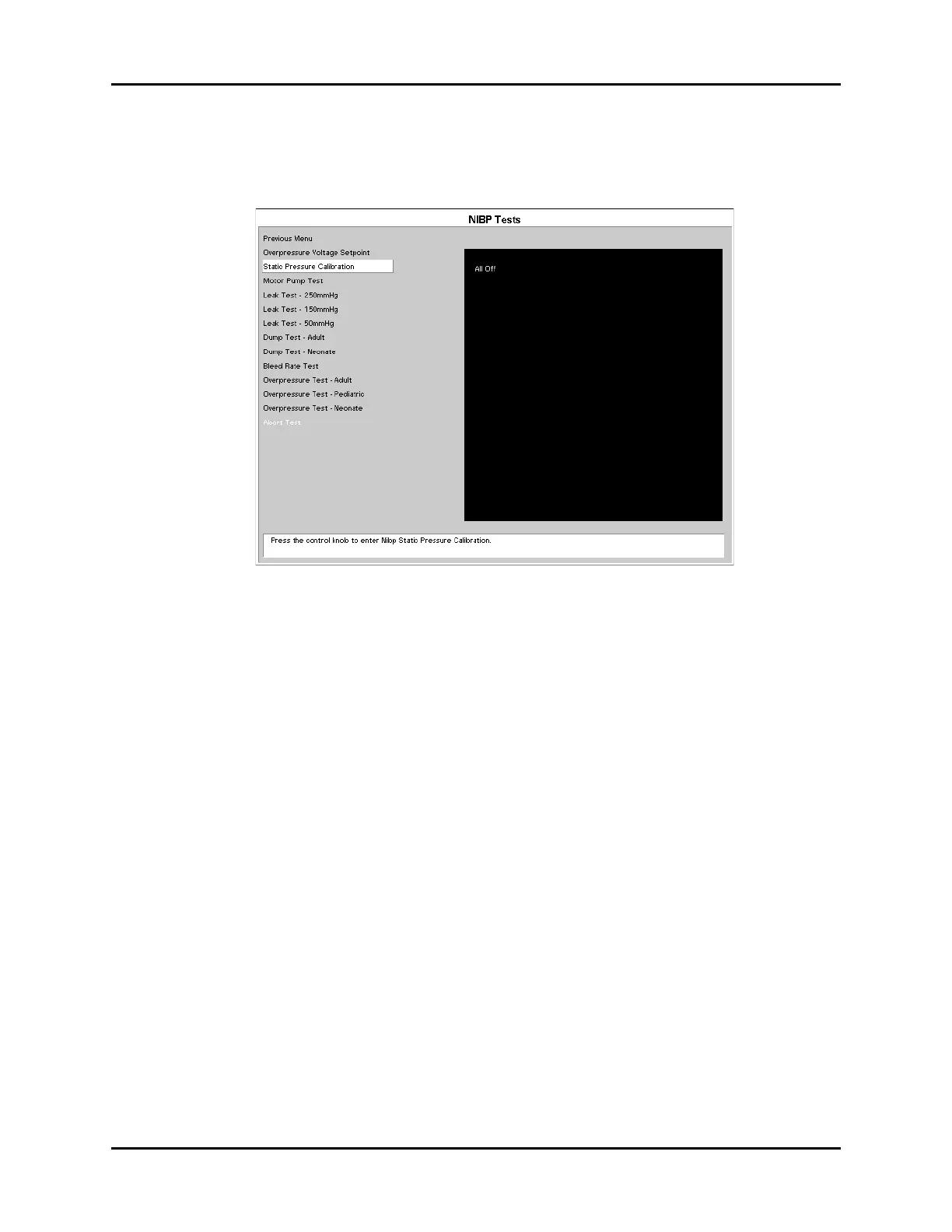
4.4.6.2 Static Pressure Calibration
The purpose of this test is to verify the pressure transducer sensitivity for optimal accuracy.
FIGURE 4-10 NIBP Tests Menu
1. Connect the dummy cuff / test chamber to the side panel fitting.
2. Use the Navigator
™
knob to select Static Pressure Calibration and activate the test.
3. Use a bulb and valve to manually inflate the chamber to 150 mmHg. (150 mmHg is the
middle of the specified range)
4. Verify the pressure displayed on screen matches the pressure viewed on a Digital
Mercury Manometer.
If the readings do not match, proceed with the following steps:
1. Turn unit off.
2. Remove the eight screws from the rear of the unit and separate the front and rear
housing.
3. Remove the NIBP Pump assembly and bracket from the Main Assembly. Be sure to
reattach NIBP pump cable to module before next step.
4. Locate R81 on the NIBP Module. Turn unit on and enter the Diagnostic Mode as stated in
section 4.4. Reenter the diagnostics menu and select the Static Pressure Calibration
Menu.
5. Manually inflate the chamber to 150mmHg.
Specifications: 0 to 300 mmHg +/- 3 mmHg












 To Next Page