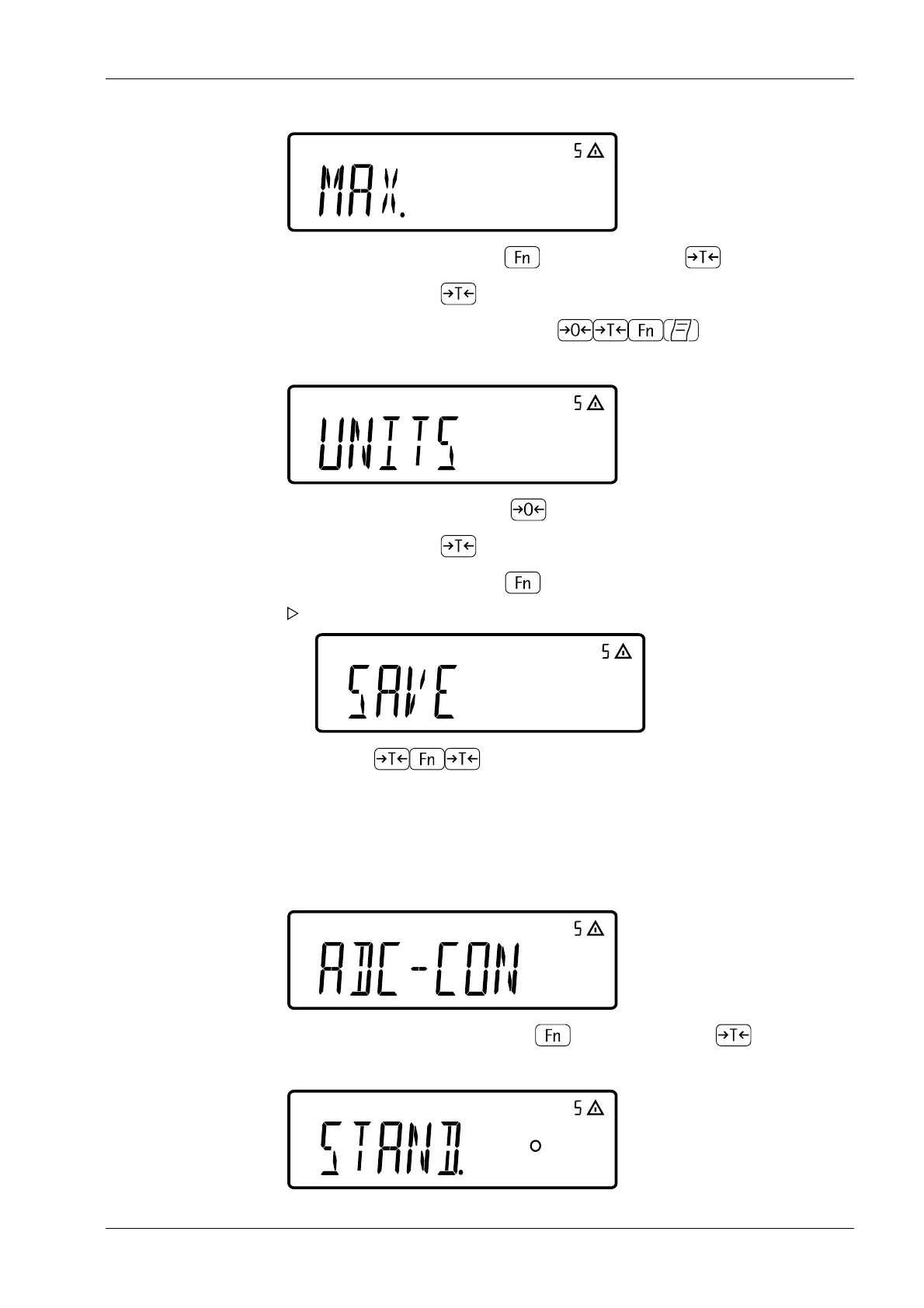
(if necessary, press the key several times until the [MAX.] menu appears).
usable weight units
(if necessary, press the key to select usable weight units (UNITS)).
5.5.3.4 Example 2: Entering or changing values for multi-interval scale
Enter or change values for standard conguration for a multi-interval scale in the set unit
under [SETUP]- [WP-1]- [INTERN]- [1.7.x].
(The same applies to multi-range scales.)
Default conguration
8. Select the [MAX.] menu with key and conrm with key .
9. Enter the value (e.g. 30 kg) with the keys
10. Select the [UNITS] menu with key .
11. Select the [SAVE] menu with key .
Menu item [SAVE] is displayed.
12. Use the keys to save the entered values [YES] or to not save them
[NO].
1. Select the [ADC-CON] menu with key and conrm with key .
5 Getting started Ex Indicator Midrics 1 (MIXS1)
Minebea Intec EN-39



 To Next Page