— 1.9 Calibration, adjustment
— 1.9.1 * External cal./adjustment; standard weight
— 1.9.3 External cal./adjustment; selectable weight
(menu item 1.18.1)
— 1.9.6 External linearization with default weights
— 1.9.7 External linearization with user weights (entry
under 1.18)
— 1.9.10
Key – locked by pressing and holding
down
- Set preload (menu item 1.9.8) (only possible when calibration is not mandatory)
- Delete preload (menu item 1.9.9) (only possible when calibration is not mandatory)
- Lock key (menu item 1.9.10)
Menu tree for assigning functions to the key ‑‑(press and hold)
* Factory setting
If menu item 1.9.3 is active, a new calibration/adjustment weight can be entered after
activating by pressing and holding down tare ‑ using the tare key. This new weight
will be permanently stored in the parameters.
5.5.8 External linearization
Setup information
- External linearization on scales used in legal metrology is only possible when the
locking switch is open (see Chapter ).
- The key (press and hold) must be assigned the function "external linearization"
(menu item 1.9.6 or 1.9.7) (see Chapter 6.3.1.1) menu item 1.9).
Note:
After external linearization, reassign the key (press and hold) to its original
function (e.g.external calibration/adjustment with user-dened weights) under menu
item 1.9 and close the locking switch.
Procedure
Menu: [SETUP]- [WP-1]- [INTERN]- [1.9] (see also Chapter 6.3.1.1).
1. For scales used in legal metrology: Open the locking switch (see Chapter ).
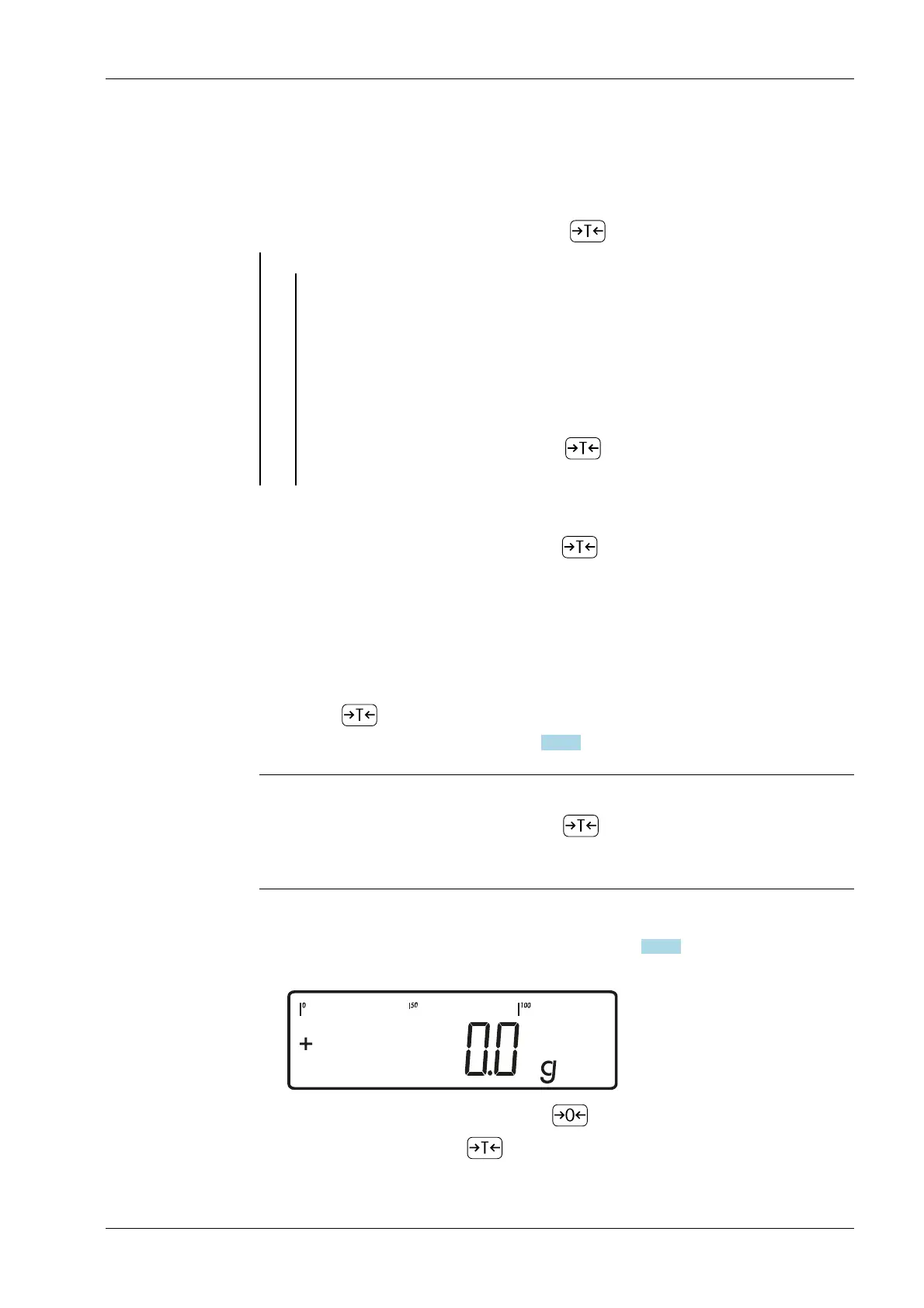
2. Zero the weighing platform by pressing .
3. Start linearization with key (press and hold).
5 Getting started Ex Indicator Midrics 1 (MIXS1)
Minebea Intec EN-45



 To Next Page