or
Press key for more than 2 seconds in order to exit the menu.
5.4.2 Setting up password protection
Menu: [SETUP]- [U-CODE].
If it is already switched on: briey switch o and then back on again.
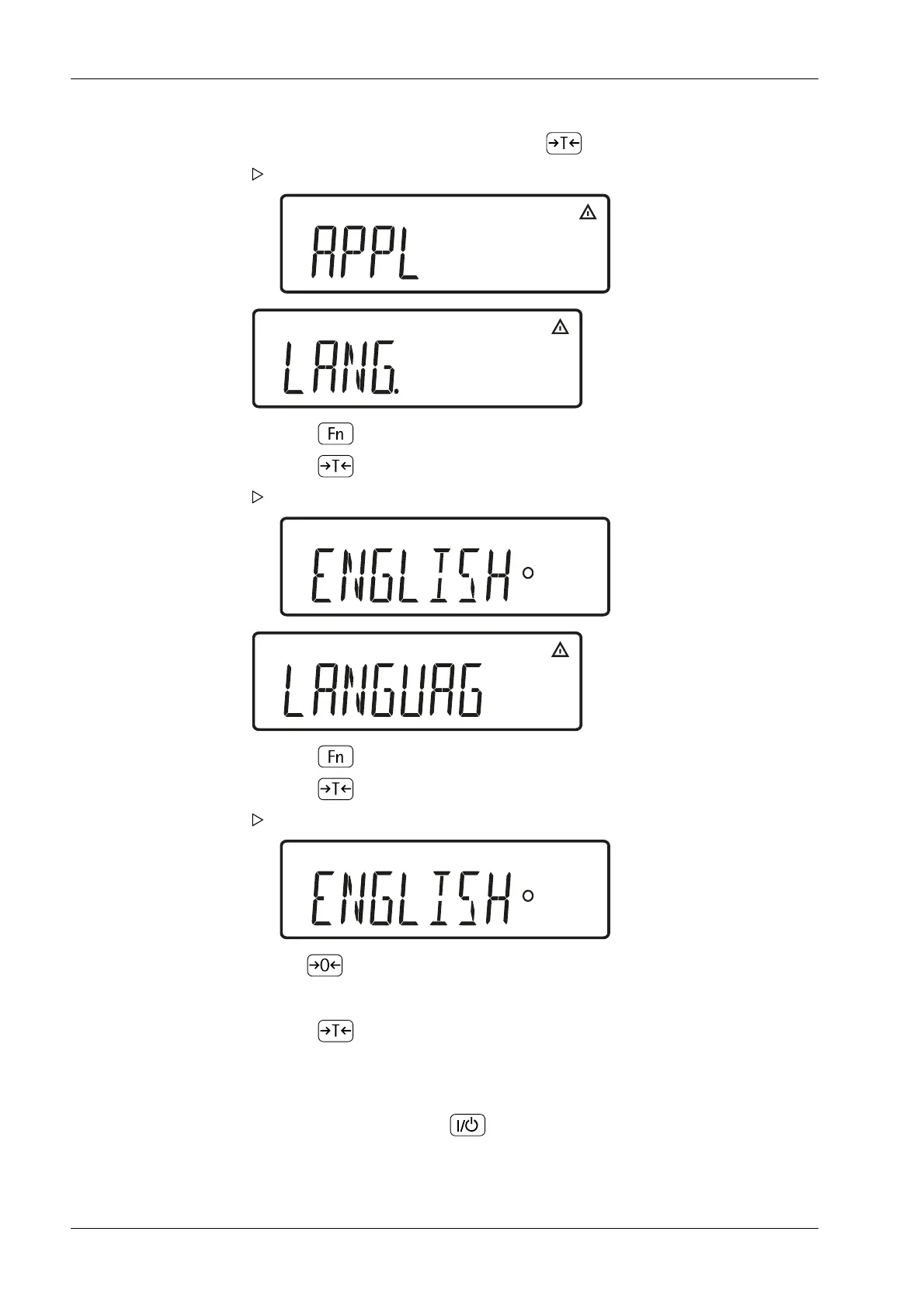
2. During the display test, briey press the key .
The menu is opened. The top level is displayed.
3. Press key until the menu item [LANG.] for the language setting is displayed.
4. Press key to access the language setting sub-menu [LANG.].
The currently set language is displayed.
5. Press key until [DEUTSCH] is displayed.
6. Press key to save the selection.
The small circle indicates that the setting has been saved.
7. Use key to exit the menu level in order to make further settings if necessary
1. Switch on the device with key .
Ex Indicator Midrics 1 (MIXS1) 5 Getting started
EN-30 Minebea Intec



 To Next Page