— 1.18 Entering the calibration and linearization
weights
— 1.18.1 External user calibration weight (service mode
not required) (enter, e.g.: 10,000 g)
— 1.18.2 Enter lin. weight 1
— 1.18.3 Enter lin. weight 2
— 1.18.4 Enter lin. weight 3
— 1.18.5 Enter lin. weight 4
— 1.19
Calibration without weight
SM)
— 1.19.1 Maximum capacity
— 1.20 Calibration location (geographical data,
alternatively gravitational acceleration at the
installation site)
SM)
— 1.20.1 Latitude in degrees
— 1.20.2 Altitude in meters above sea level
or
Press the key to select the [COM-1] interface 1.
7.2.3 Example: External calibration
External calibration and manual calibration with standard weights (weighing parameters
are factory settings).
1. Switch on the device with key .
2. During the display test, briey press the key .
3. Press key until [SETUP] appears on the display.
4. Press to select [SETUP] .
The rst parameter in the sub-menu [SETUP] is displayed: [WP-1].
5. Press the key in order to conrm [WP-1].
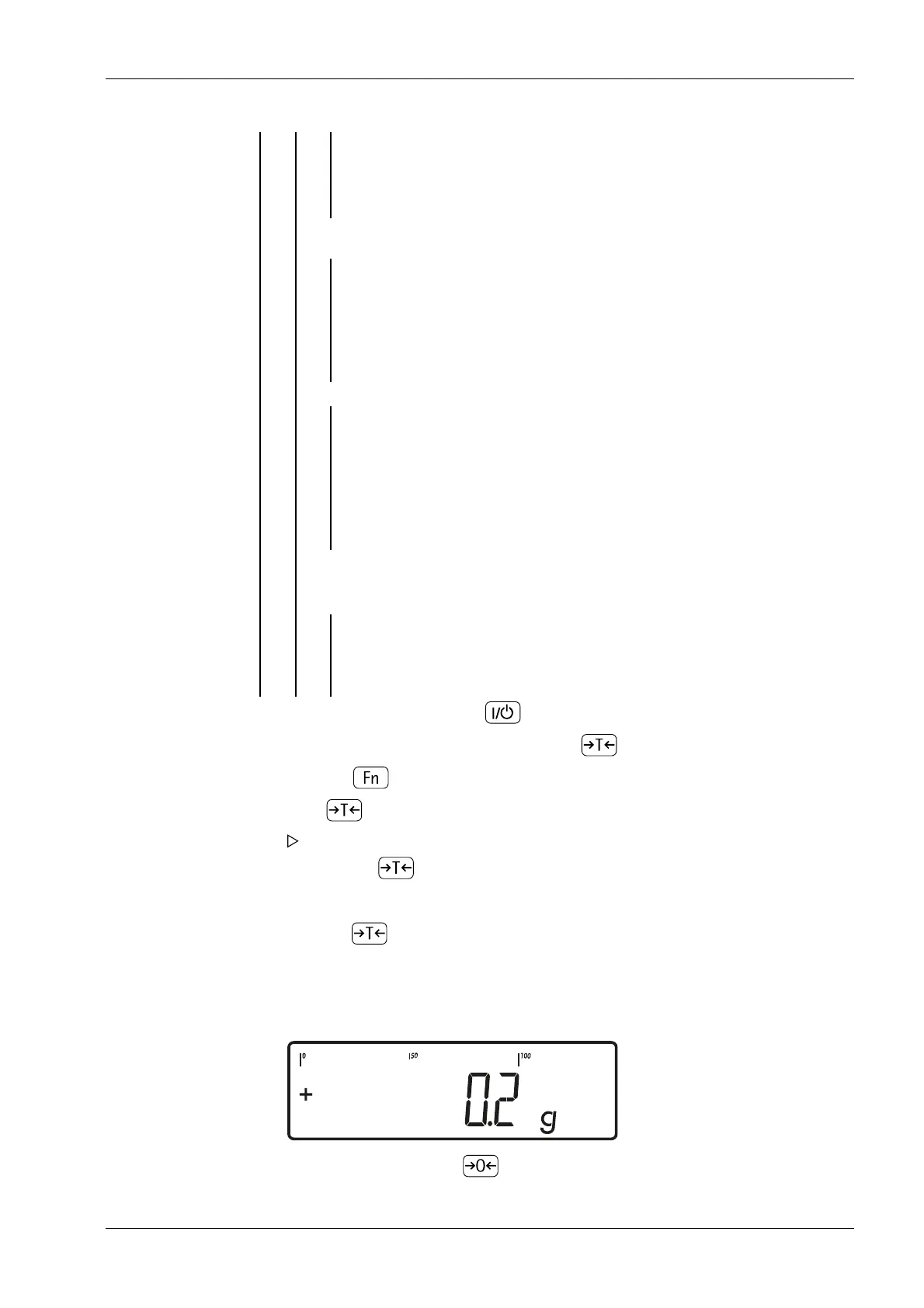
1. Zero the scale by pressing .
7 Operating Ex Indicator Midrics 1 (MIXS1)
Minebea Intec EN-73



 To Next Page