5.5.9 Set preload
Setup information
- Setting a preload is only possible when the locking switch is open.
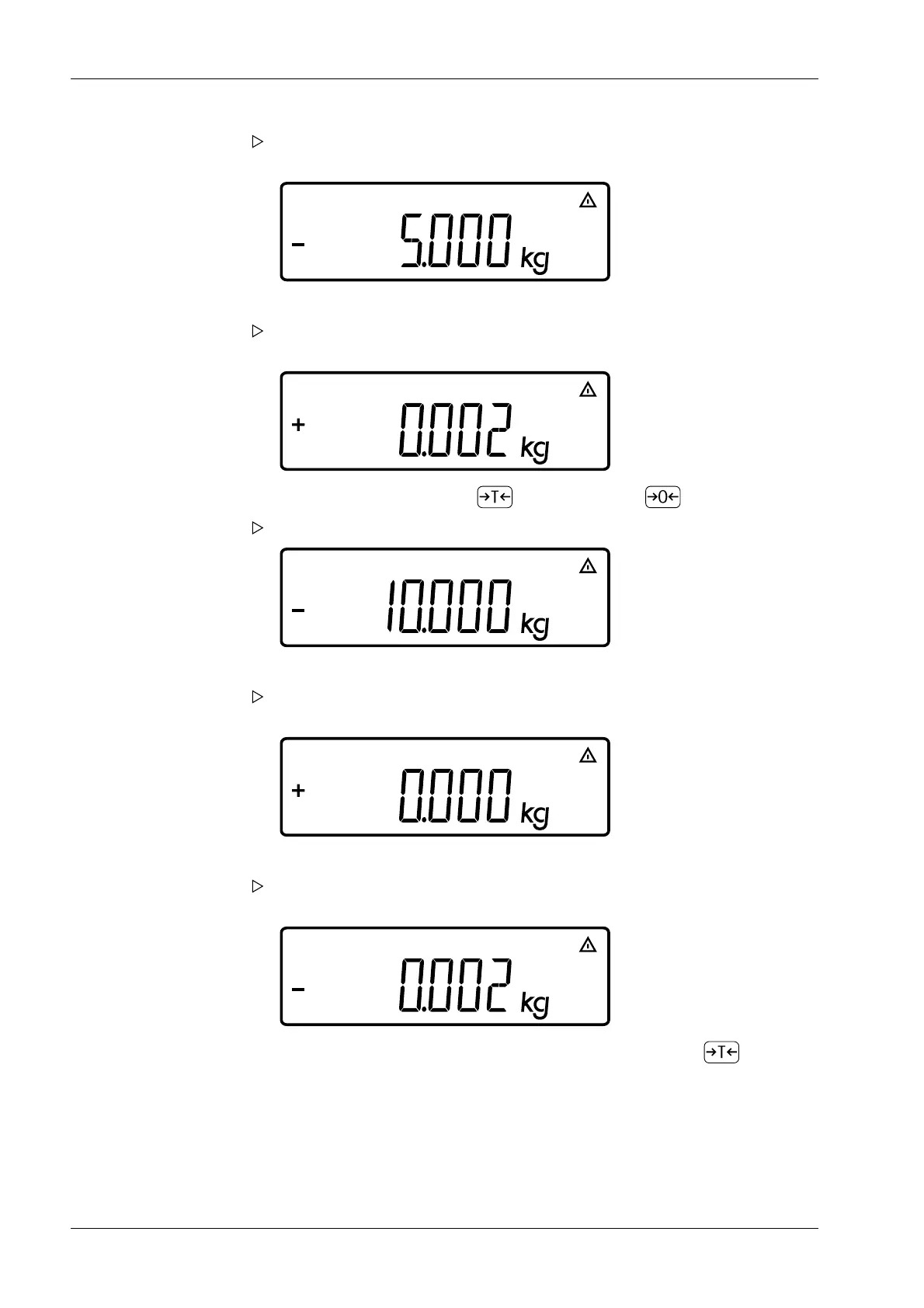
After approx. 2 seconds, the prompt appears to place the rst linearization
weight on the scale.
4. Place the required weight on the scale.
After a short time, the dierence between the measured value and the true
weight is displayed.
5. Accept the dierence by pressing (cancel by pressing ).
The prompt appears to place the second linearization weight on the scale.
6. Repeat the procedure for all required linearization weights.
After the nal linearization weight has been stored, a prompt appears asking you
to unload the load plate completely.
7. Remove the load from the load plate.
After a short time, the zero point is automatically adopted and the indicator
automatically switches to weighing mode.
8. Close the locking switch again and, if necessary, recongure the key (press and
hold) to calibration/adjustment beforehand.
Ex Indicator Midrics 1 (MIXS1) 5 Getting started
EN-46 Minebea Intec



 To Next Page