Pos. Description
2 Display (for detailed illustration, see Chapter 3.3.3.2)
3 Function keys: Zeroing, taring, switching (depending on the Setup menu set-
ting) between the rst and second weighing units, calibration/adjustment,
gross and net readouts or normal and 10x resolution, print/data output (see
Chapter 3.3.3.1)
3.3.3 Display
3.3.3.1 Operating elements
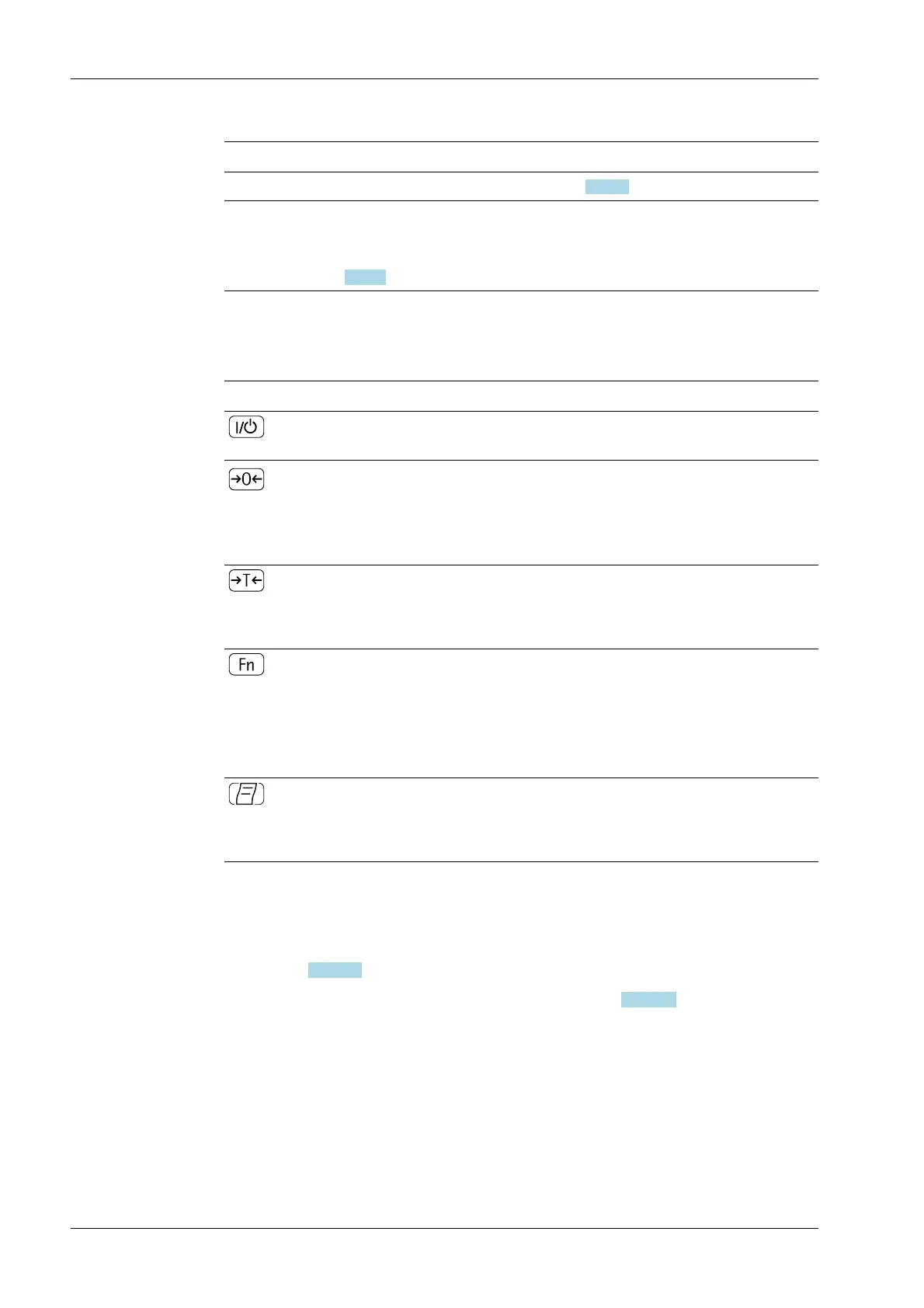
Key Description
On/standby switch
In standby mode, the word STANDBY appears in the display.
Zeroset key
- Press key for less than 2 seconds: Zero
- Press key for more than 2 seconds: Display of the calibration/conguration
counter
Tare key
- Press key for less than 2 seconds: Set tare
- Press key for more than 2 seconds: Start calibration/adjustment
Function key: depending on the setting in the setup menu,
switch between
- the rst and second weighing unit
- gross and net gures
- normal and 10x display resolution
Print key
- Press key for less than 2 seconds: print
- Press key for more than 2 seconds: Print GMP footer
3.3.3.2 Views in the display
There are two possible displays:
- View for measurement mode (weight values and calculated values) (see
Chapter 3.3.3.2.1)
- View in the "menu mode" (device settings) (see Chapter 3.3.3.2.2)
Ex Indicator Midrics 1 (MIXS1) 3 Device description
EN-14 Minebea Intec



 To Next Page