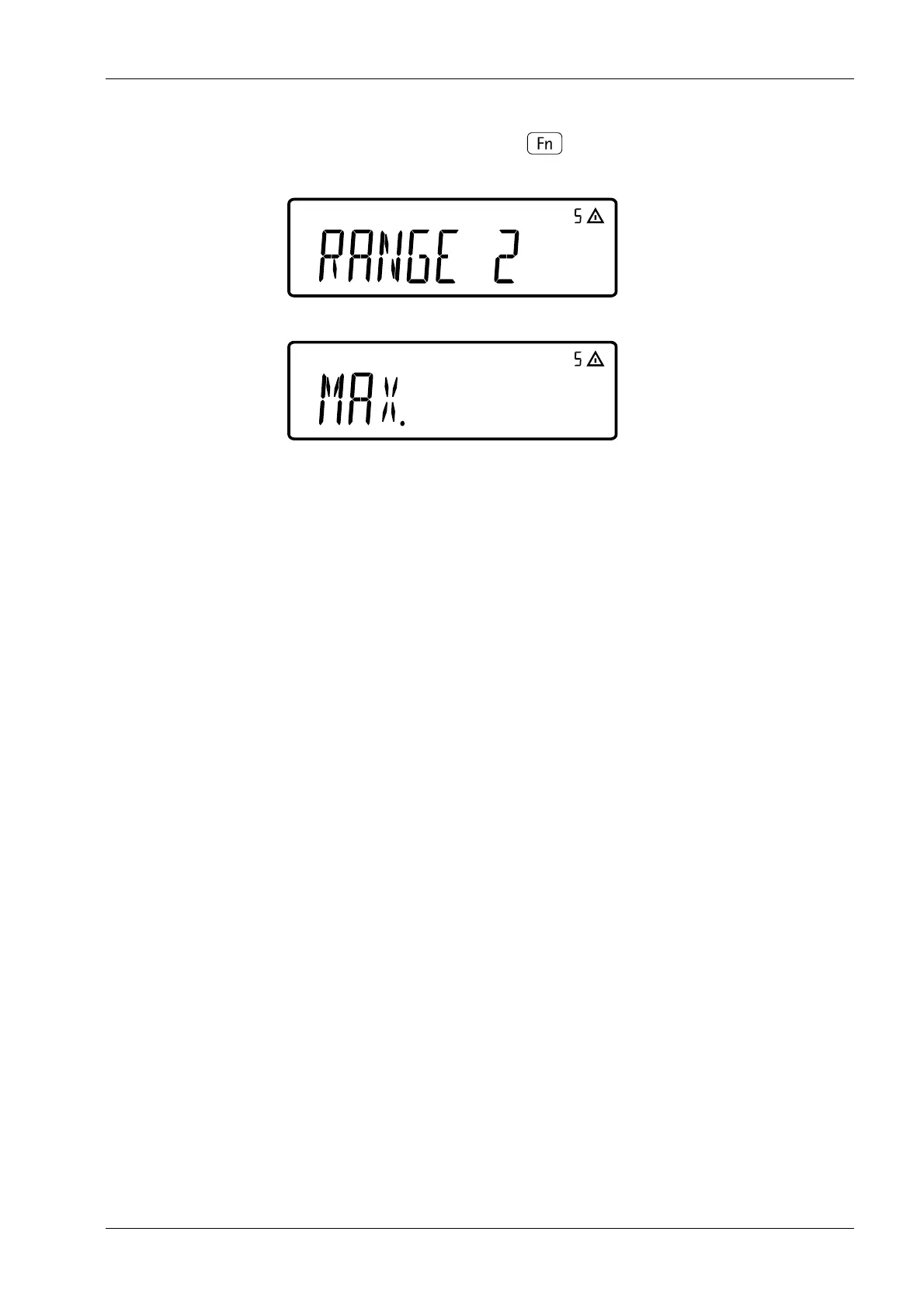
also enter values for range limit 2 (e.g. 15 kg)
and maximum load (e.g. 30 kg)
continue as in example 1 after entering the maximum load.
5.5.4 Entering geographical data for legal metrology
Entering the geographical data allows you to calibrate the scale externally at a calibration
site (e.g., at the manufacturer’s or vendor’s premises) that is not the same as the current
site of installation. If the scale is calibrated at the subsequent site of installation, it is not
necessary to enter the geographical data.
The sensitivity of a scale varies depending on where it is set up, as it depends on the local
gravitational force or, more specically, the gravitational acceleration. Adjusting the
geographical data to the site at which the scale will be installed allows the zero point at
the subsequent site of installation to be adjusted automatically, following an external
adjustment at the current site of installation.
Tolerance zone
The calibration of the scale applies to the site of installation and within a certain tolerance
zone. At 3,000 e it is ±100 km from the set latitude and ±200 m to the set altitude above
sea level.
Installation site in Germany
One exception is the setting "Germany (Zone D)": If, when performing an external
calibration of the scale in Germany, the geographic data entered is as follows:
- 51.00° north latitude
- 513 m altitude above sea level
then the scale can be operated anywhere in Germany. The gravitational acceleration for
"Germany (Zone D)" is 9.810 m
2
. On delivery, the geographical data "Germany (Zone D)" is
entered in the output device.
We recommend setting the geographical data for "Germany (Zone D)" when calibrating
and delivering the scale within Germany. Entering the exact geographic data results in
greater accuracy, but limits the tolerance zone.
Setup information
- Geographical data can only be entered when the locking switch is open (see Chapter ).
- Enter the geographical data when the service mode is activated in the menu [SETUP]-
[WP-1]- [INTERN.]- [1.20].
8. Select the [RANGE 1] menu with key and enter values (e.g. 6 kg).
5 Getting started Ex Indicator Midrics 1 (MIXS1)
Minebea Intec EN-41



 To Next Page