— 7.5 Number of printouts
— 7.7
Congure standard printout (key )
— 7.14 Print line date/time: without time
— 7.15 One-o auto. protocol output with standstill
— 7.18 Verication memory printout
YDP05, "Label, form feed manual" setting
- Check ISO/GMP protocol: The setup setting under ISO/GMP protocol is also active
when the protocol is congured.
7.3.1 Adjustable parameters
PRTPROT
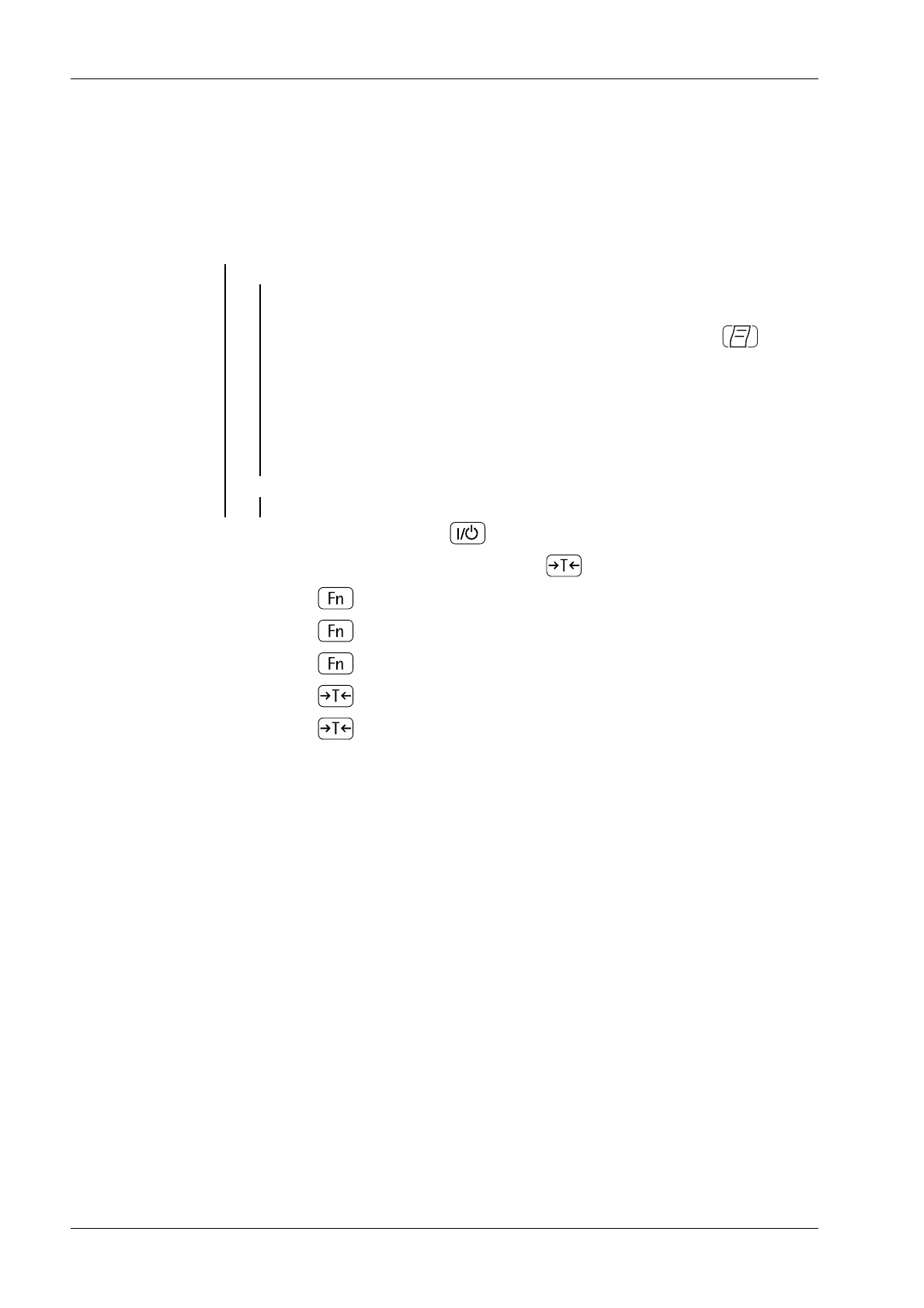
1. Switch on the device with key .
2. During the display test, briey press the key .
3. Press key until [SETUP] appears on the display.
4. Press key and select print protocol.
5. Press key until [PRTPROT] appears on the display.
6. Press key to save the selection.
7. Press key for more than 2 seconds in order to exit the menu.
Ex Indicator Midrics 1 (MIXS1) 7 Operating
EN-76 Minebea Intec


 To Next Page