— 1.18 Entering the calibration and linearization
weights
— 1.18.1 External user calibration weight (service mode
not required) (enter, e.g.: 10,000 g)
— 1.18.2 Enter lin. weight 1
— 1.18.3 Enter lin. weight 2
— 1.18.4 Enter lin. weight 3
— 1.18.5 Enter lin. weight 4
5.5.4.1 Displaying the geographical values during the calibration procedure
Note:
The set geographic values are displayed during the calibration procedure if the display
of this data is activated in the setup menu at [UTILIT].
Menu: [SETUP]- [UTILIT] (Menu item 8.12.2, display activated) (factory setting: 8.12.1,
display deactivated).
When the display is activated, the calibration procedure is as follows:
After starting the calibration procedure, when using local altitude and latitude, [CAL] ,
the word [ALTITUD] followed by the set altitude (in meters above sea level) appears
briey on the display.
5.5.5 Entering calibration and linearization weights
Enter the calibration and linearization weights.
Setup information
- To enter the linearization weights (menu items 1.18.2 … 1.18.5), the service mode must
be activated (see Chapter 5.5.2).
- The calibration and linearization weights are entered in the menu [SETUP]- [WP-1].
The settings are applied in the corresponding number menu under menu item 1.18.
- Activation of the service mode is not required in order to enter the external user
calibration weight under menu item 1.18.1.
Menu tree for entering the calibration and linearization weights
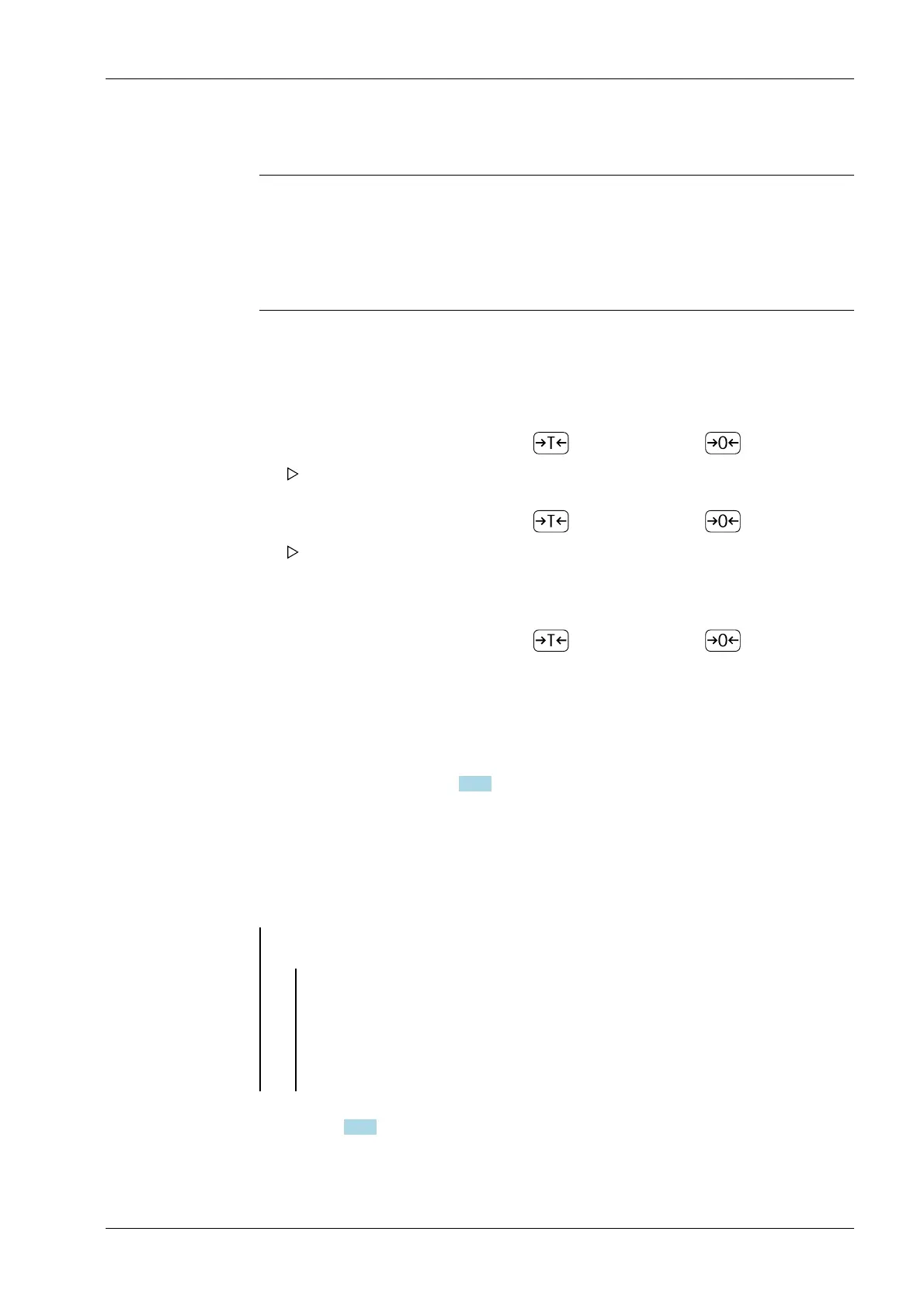
1. Conrm the value displayed with the key (cancel with the key).
The word [LATITUD] is then briey displayed followed by the set latitude in
degrees.
2. Conrm the value displayed with the key (cancel with the key).
Then the prompt to place the calibration weight onto the scale is displayed. If the
gravitational acceleration has been entered instead of the local altitude and
latitude, the word [GRAVITY] appears briey followed by the set value for the
gravitational acceleration.
3. Conrm the value displayed with the key (cancel with the key).
1. Activate service mode (only necessary if linearization weights are entered) (see
Chapter 5.5.2).
2. Select the weighing platform.
3. Enter external user calibration weight (menu item 1.18.1).
5 Getting started Ex Indicator Midrics 1 (MIXS1)
Minebea Intec EN-43



 To Next Page