Ext. calibration
Soll + 10000 g
Diff. + 1 g
7.3 Conguring protocol printing
The scope for each measurement protocol can be dened individually. This should only
be done after the application program has been preset, since some specications in the
printout are dependent on the application.
In the [PRTPROT] "Print protocol" setup, a single protocol can be congured.
Characteristics
- Header selection
- Date/time selection
- Serial number selection
- Activation of ISO/GMP protocol
- Number of prints 1 or 2 selectable
- Display of the decimal point for decimal numbers selectable
- "Form feed" print items with protocol footer:
Feed to the start of the next label in printer mode:
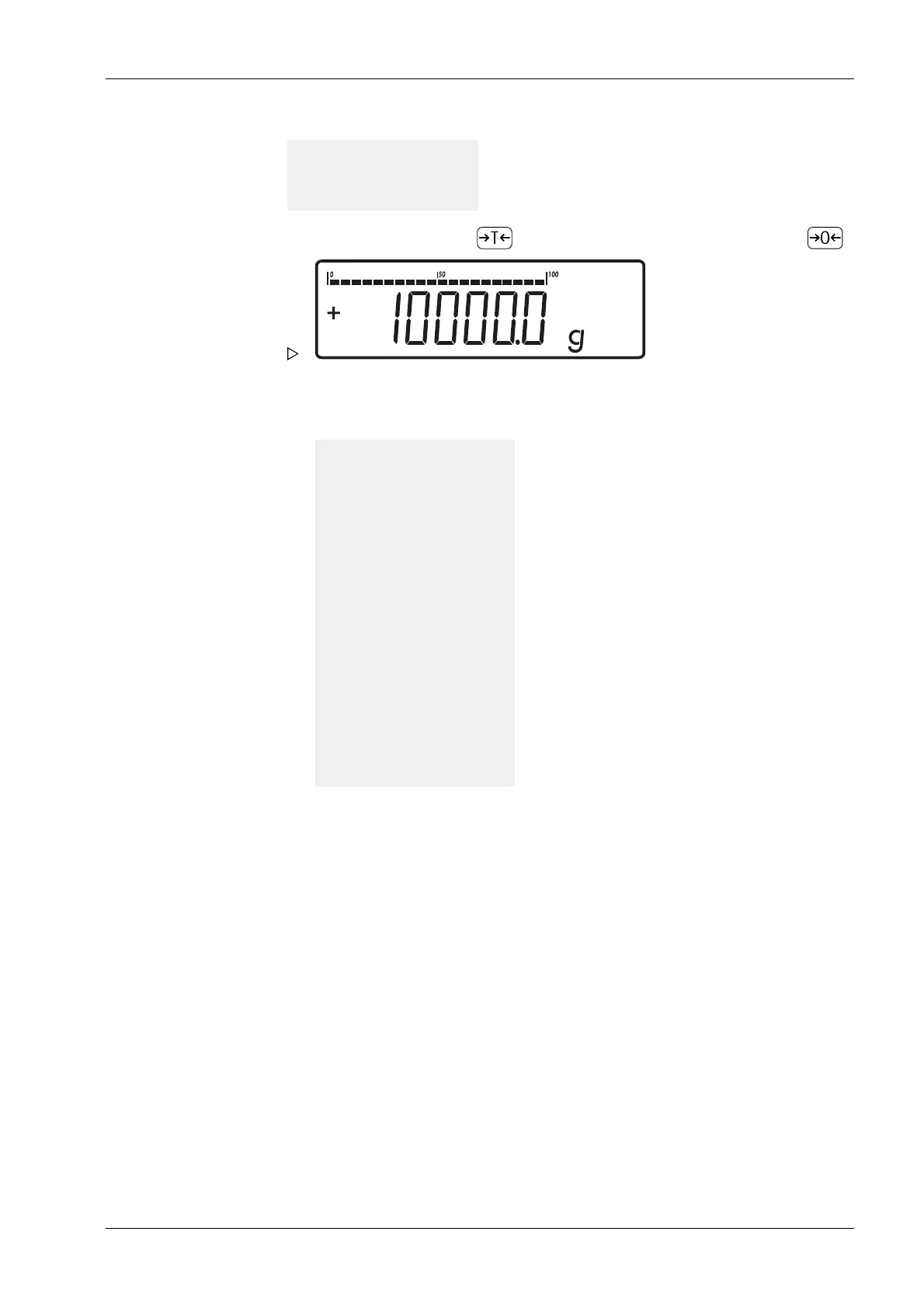
4. Start calibration by pressing . (Cancel calibration/adjustment by pressing ).
Once calibration is complete, the calibration/adjustment weight appears.
The GMP protocol is printed out.
--------------------
24.02.2021 10:15
Typ MIS
Ser.no. 12345678
Vers. MX 100.311020
BVers. 01-67-01
Ser.no. A 12345678
--------------------
Ext. Kalibrieren
Soll + 10000 g
Diff. + 1 g
Ext. Justieren
Diff. + 0 g
--------------------
24.02.2021 10:17
Name:
--------------------
7 Operating Ex Indicator Midrics 1 (MIXS1)
Minebea Intec EN-75



 To Next Page