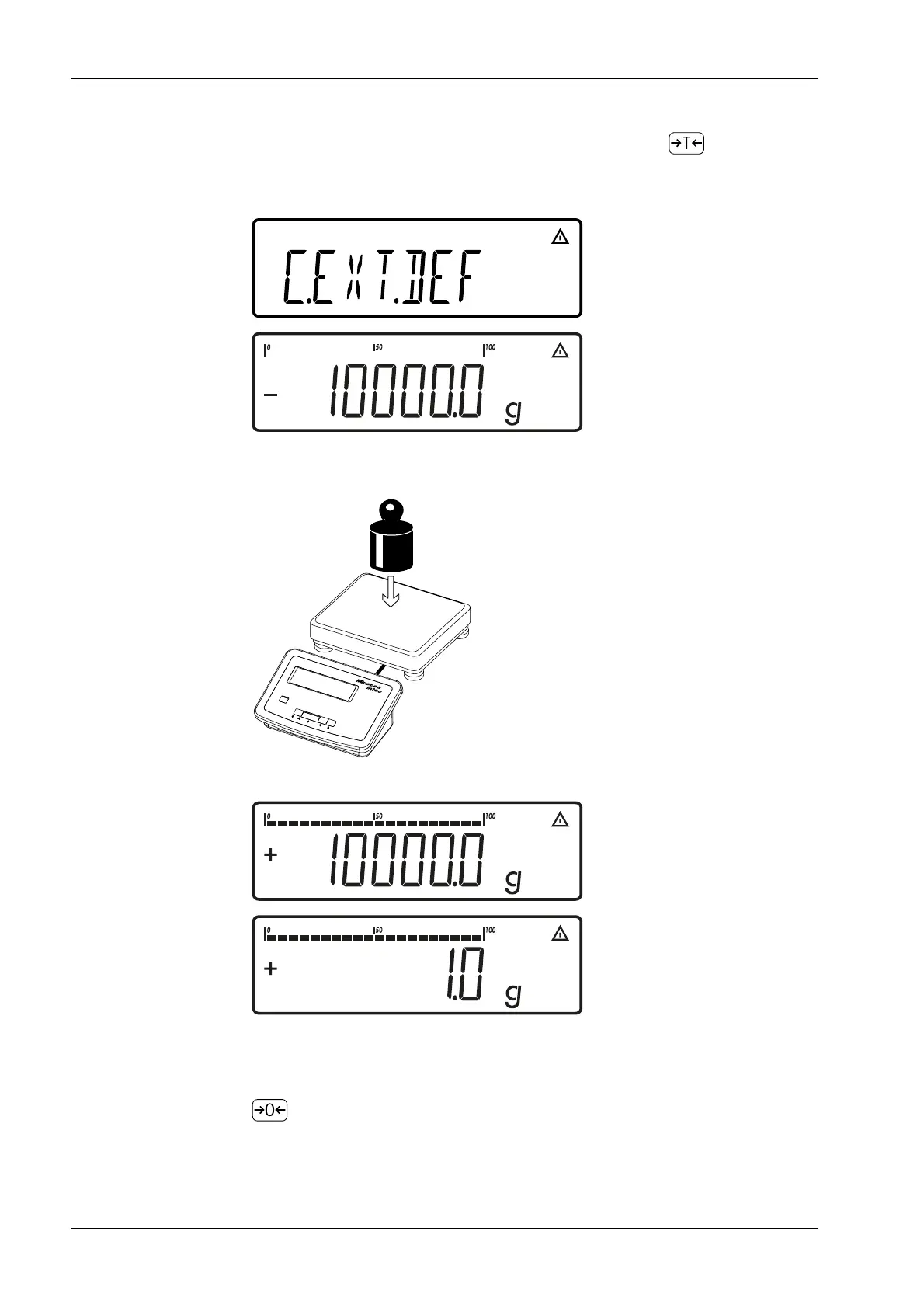
Display [C.EXT.DEF] appears for two seconds.
The prompt appears to place the calibration/adjustment weight onto the scale (here:
10,000 g).
The dierence between the measured value and the true weight (calibration/
adjustment weight) is displayed with the algebraic sign.
If the calibration is not performed and the procedure is canceled by pressing the
key, a protocol is printed out.
2. Start calibration of the scale by pressing and holding down the key (e.g. the WP
symbol ashes after the calibration alert).
3. Place the calibration/adjustment weight onto the weighing platform.
Ex Indicator Midrics 1 (MIXS1) 7 Operating
EN-74 Minebea Intec



 To Next Page