7.2 Calibration, adjustment
During calibration, a possible deviation between the displayed measured value and the
true weight of a sample (calibration/adjustment weight) becomes evident. Calibration
does not entail making any changes to the scale.
During adjustment, a deviation between the displayed measured value and the true
weight of a sample (calibration/adjustment weight) is corrected or reduced to permissible
limit values.
Characteristics
The characteristics available are specied by the connected weighing platform and can
each be set in the menu [SETUP]:
- No external adjustment possible with veried scales
- External adjustment with the standard weight of the factory setting or a weight
specied by the user (not for veried scales):
Menu [SETUP]- [WP-1]- [INTERN.]- [1.9] "Calibration, adjustment" (see also
Chapter 6.3.1.1).
- Weight specication for external calibration/adjustment:
Menu [SETUP]- [WP-1]- [INTERN.]- [1.18] "Manual entry of the external weight" (see
also Chapter 6.3.1.1).
- Lock the key so that the functions specied above cannot be triggered:
Menu [SETUP]- [WP-1]- [INTERN.]- [1.9.10] "Key locked" (see also Chapter 6.3.1.1).
- Calibration and automatic or manual adjustment (not for veried scales):
Menu [SETUP]- [WP-1]- [INTERN.]- [1.10] "Calibration/adjustment procedure" (see
also Chapter 6.3.1.1).
- Release or block external adjustment:
Menu [SETUP]- [WP-1]- [INTERN.]- [1.16] "Enable external calibration" (see also
Chapter 6.3.1.1).
Note:
The external calibration function is only possible with veried devices when the locking
switch is open, after the seal has been broken. The device must then be re-calibrated.
Example: External calibration (see Chapter 7.2.3).
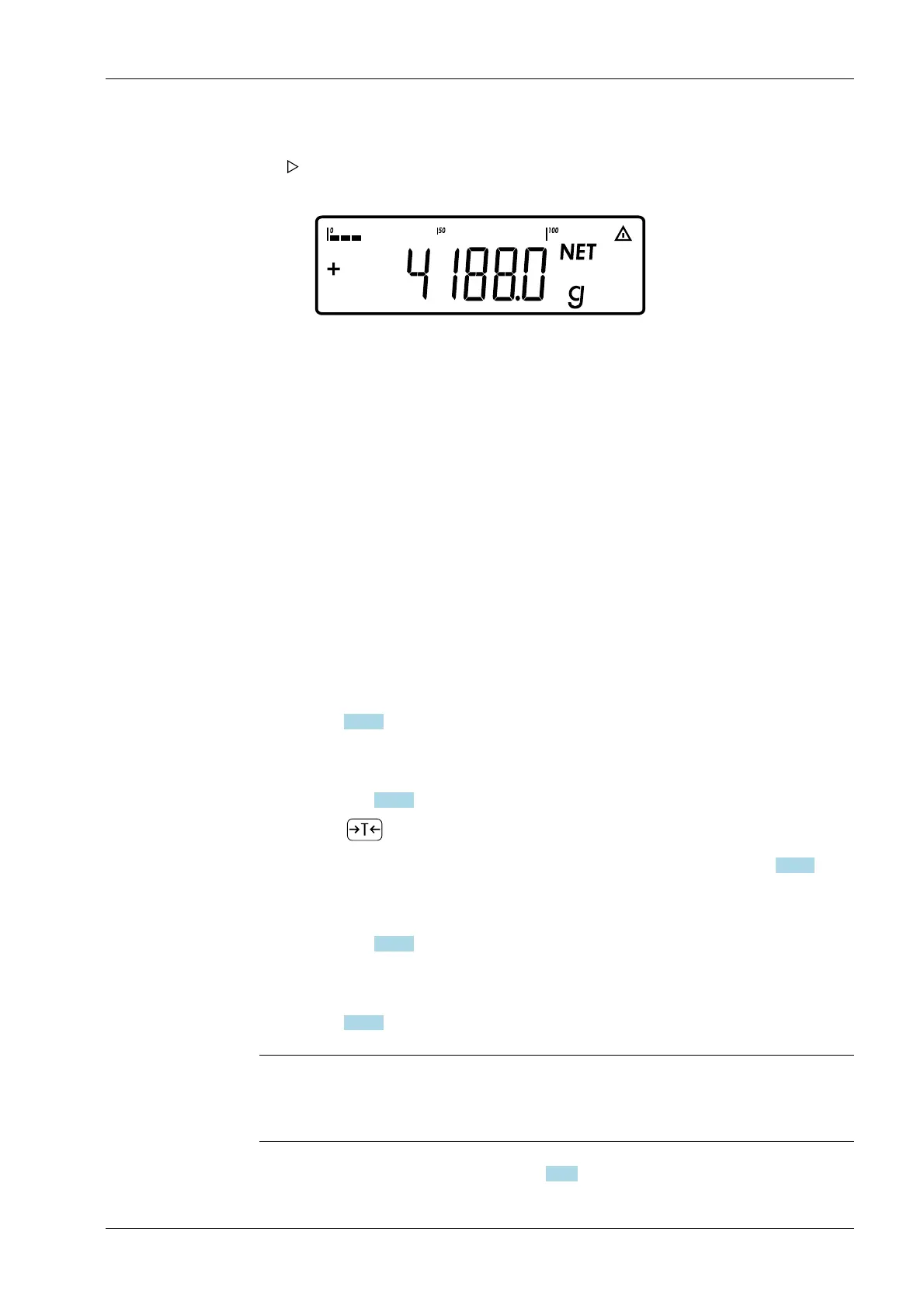
5. Place the sample on the scale.
The display for tared scale with weighing result appears.
Wait until the weight unit is displayed (stability check).
6. Read o the weight value.
7 Operating Ex Indicator Midrics 1 (MIXS1)
Minebea Intec EN-71



 To Next Page