77
Signum 3 Ex
Configuring Printouts
Configuring Printouts
Example:
Standard printout for data output from the Counting application
Settings (dierent from the factory settings):
Applications: Application 1: Counting
Then access Setup: Printout: Printer 1: “Individual: print by pressing p”
§ Select Setup menu: Press the k key repeatedly until setup is displayed
§ Select “Cong� printout:” Press the ) key
§ Press the k key repeatedly until prtpot is displayed
§ Press the ) key
)
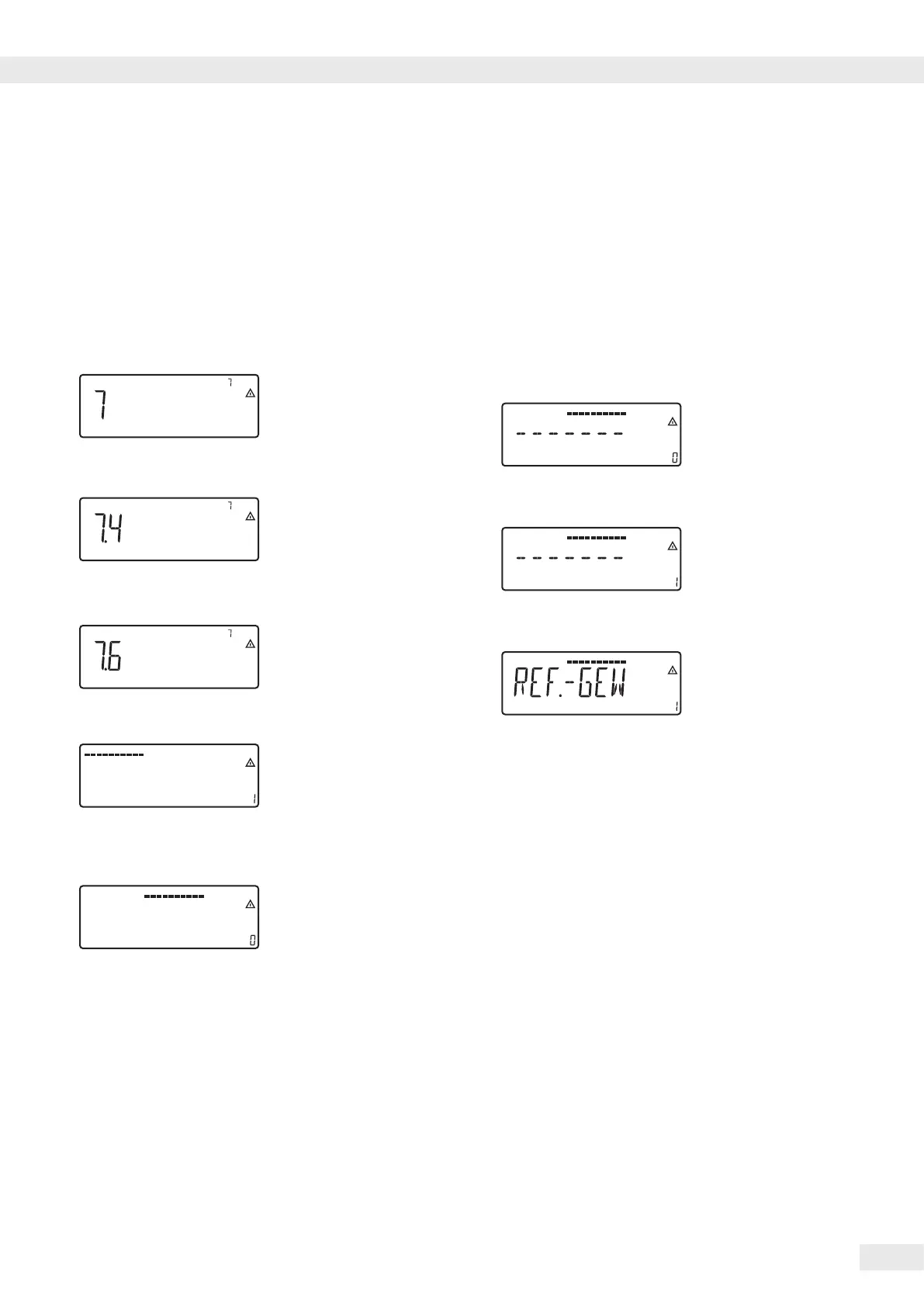
1�) Press the ) key until 7.4
appears in the display
k
2�) Press the k key until 7.6
appears in the display
)
3�) Press the ) key to display
the list of print items (active
print selection)
)
4�) Press the ) key to go to the
selection list
First printout list of selection
list
)
5�) Press the ) key to add the
displayed print item from the
selection list to the list of print
items�
Or
k
6�) Press the k key to go to
the possible print items in the
selection list�
Selection of available print
items, see setup: prtprot
(Settings)
k
7�) Press the k key until
------- appears in the display
)
8�) Press the ) key to apply
the selection
k
9�) Press the k key until
ref.-gew appears in the
display
)
10�) Press the ) key to apply
the selection
11�) Selecting additional printout
items: see previous steps
(
12�) To complete the selection
of print items, press the
(key until appl appears
in the display
13�) Press and hold the )key
(2–3 sec) to switch to
weighing mode
14�) Carry out weighing and then
print
p
15�) Press the p key to print
the results
-------------------- Printout example
wRef + 0.4000 g



 To Next Page
 Loading...



