117
Image Search
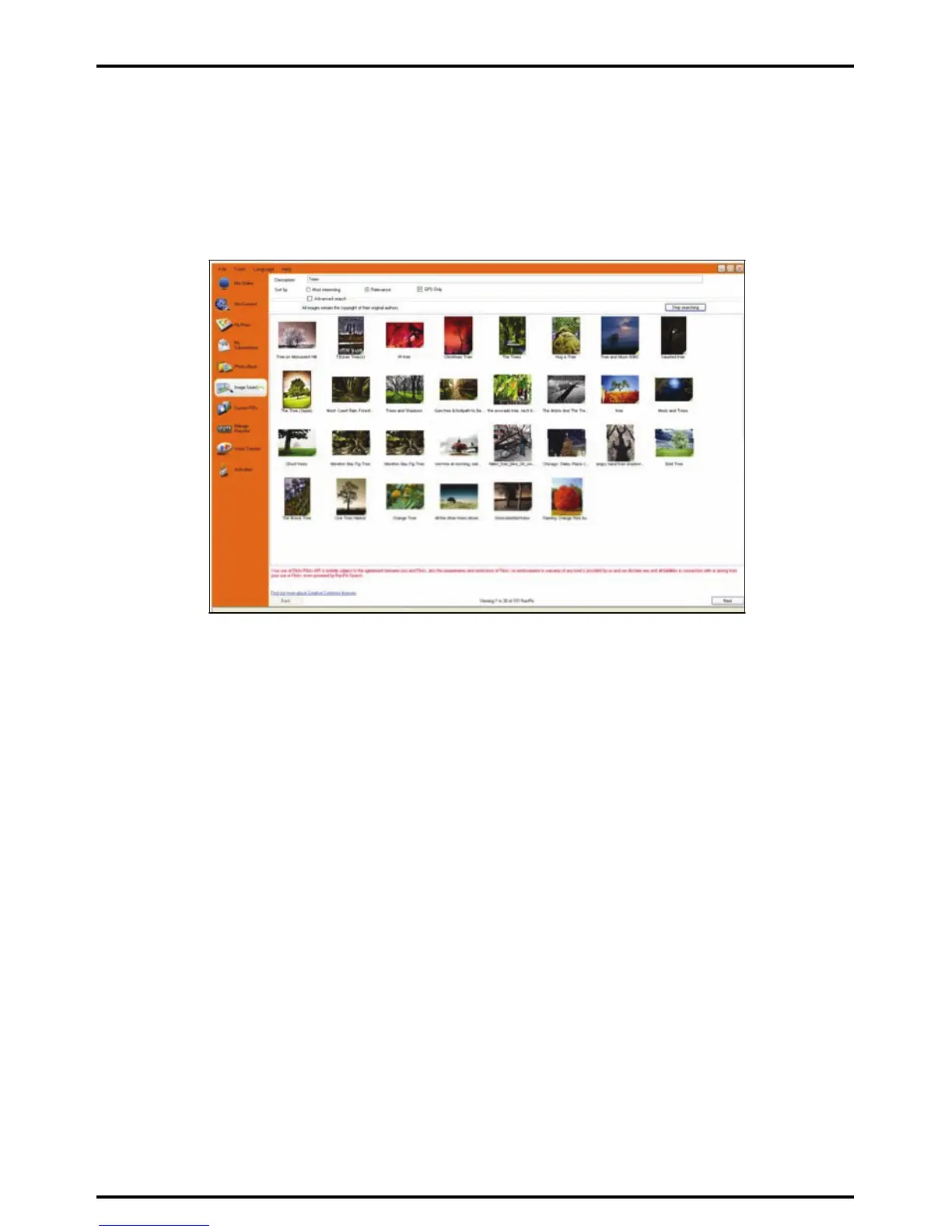
Image Search is a MioMore Desktop application powered by Flickr™ allowing you to download photos and
import them to Photo Album. You can then upload the photo to Flickr website, transfer photos to your Mio,
export pictures to Google Earth or search for other NavPix near the longitude and latitude of your NavPix.
Start Æ All Programs Æ Mio Æ MioMore Desktop Æ Image Search
How do I download NavPix from the internet?
1. In the Description field enter a search description for the image you are looking for.
2. Select one of the Sort by options.
3. Click Search.
Thumbnails of the NavPix will display in the NavPix display area.
Note: You can narrow your search by selecting the Advance Search check box and then selecting a city from the drop down list
or by entering longitude and latitude details.
How do I import NavPix to Photo Album?
1. From the NavPix display area select a picture or group of pictures you want to upload to your Photo
Album.
2. Right click and select Import to Photo Album.
A new album is created in the Desktop album section of Photo Album.
For more information, see “Photo Album” on page
113.














 To Next Page