84
FM Transmitter
Note: This feature is not available on all models.
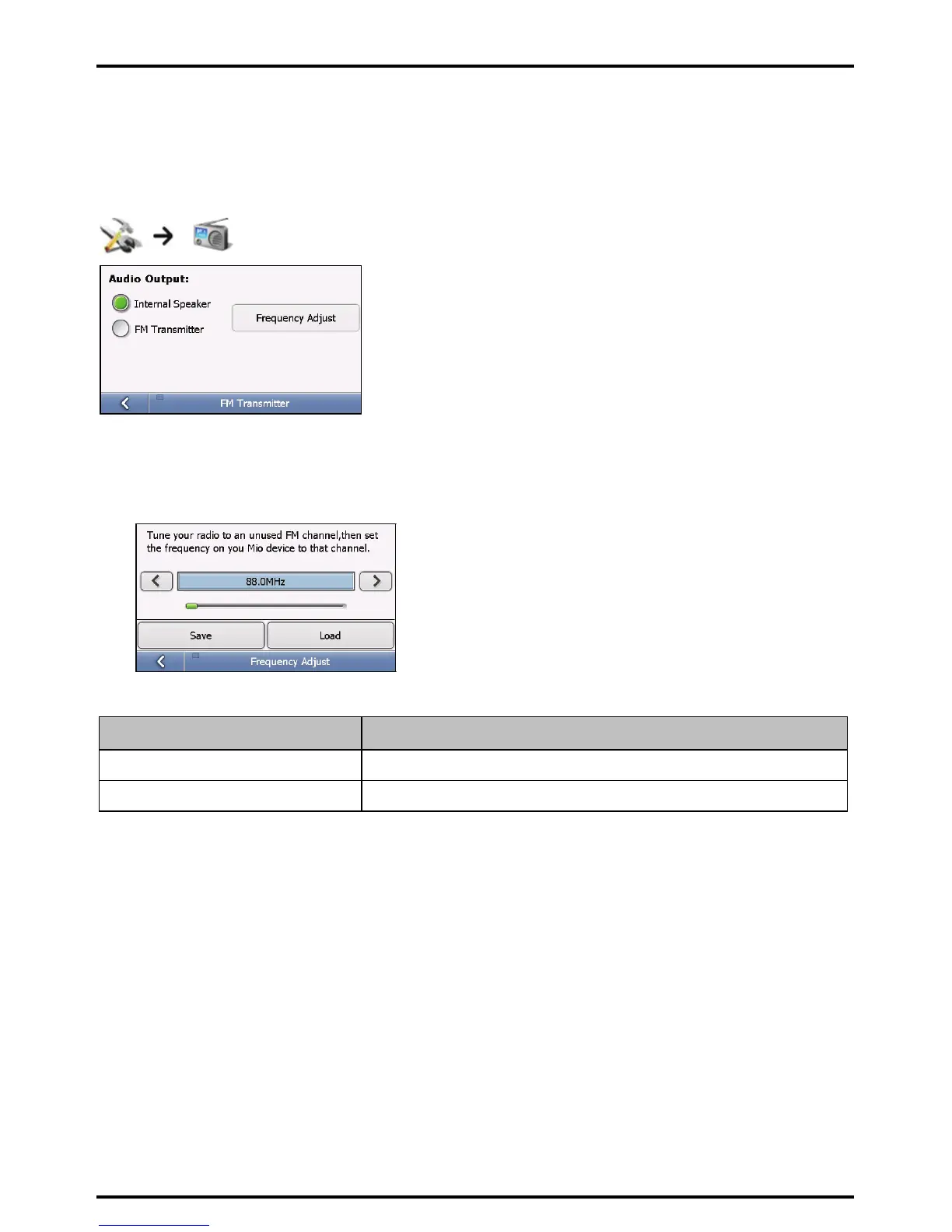
By default, the device uses the internal speakers for audio output. You can also use the built-in FM transmitter
of the device to transfer audio output to the car speakers.
1. Select FM Transmitter and tap the Frequency Adjust button.
2. Tune in to an unused FM channel on your car radio.
3. Use the right and left arrows to set the frequency on your device to the same frequency as your car radio.
4. Complete the following:
If you want to ... Then...
save the frequency setting tap Save and then select one memory position (M1~M4).
use a previously-saved frequency setting tap Load and make your selection.
Your preferences are automatically saved.














 To Next Page