94
Keyboard
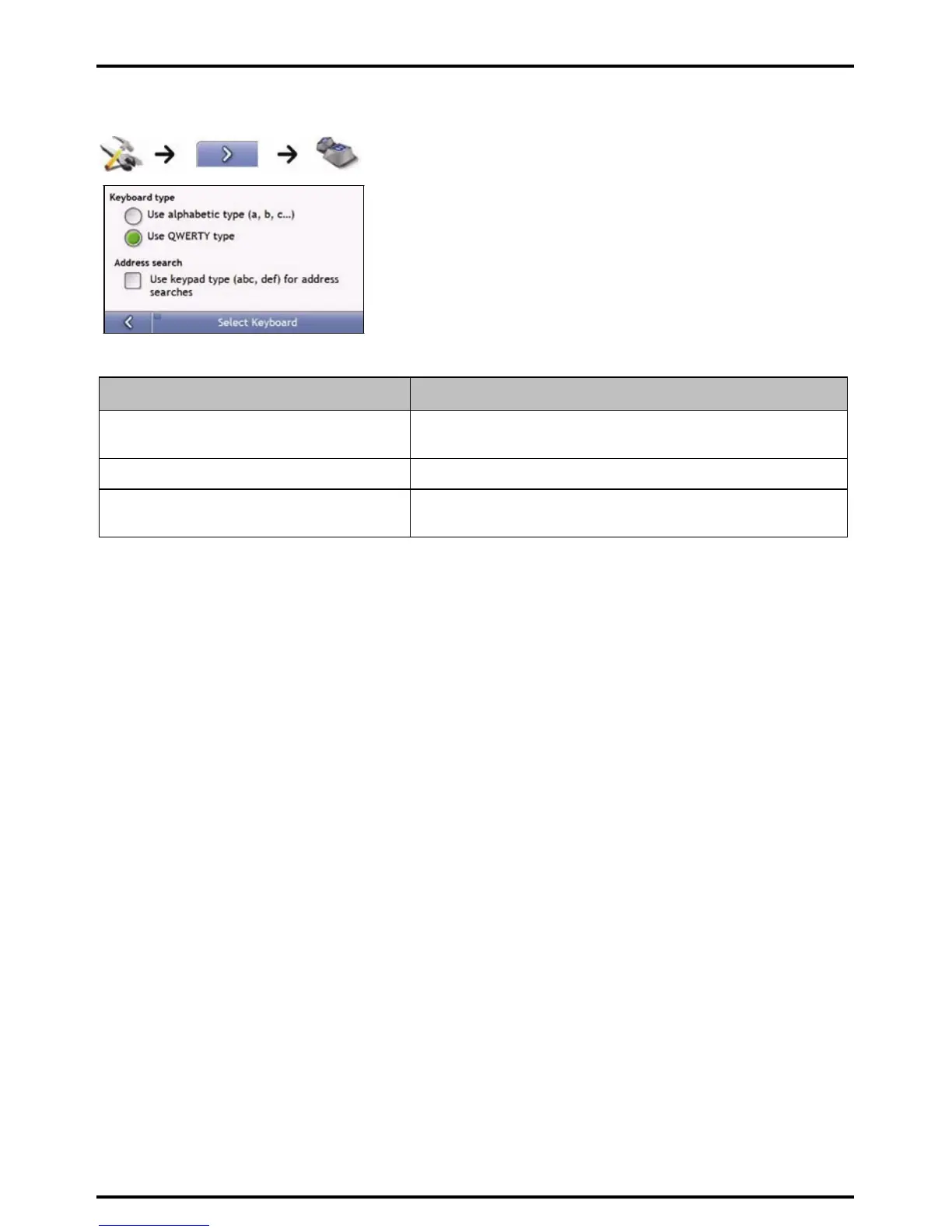
Complete the following:
If you want to ... Then...
use an alphabetic keyboard for entering
information
select the Use alphabetic type (a, b, c...) option.
use a QWERTY keyboard for entering information select the Use QWERTY type option.
use a keypad-type keyboard (predictive text) when
searching for an address
select the Use keypad type (abc, def...) for address searches check
box.
Your preferences are automatically saved.
How does predictive text (abc, def…) work?
Predictive text allows addresses to be searched by a single key-press for each letter, as opposed to the multiple
key- presses. As you enter a letter of an address, your Mio will compare all possible combinations against the
maps you have installed and determine which address you intended to type.
For example:
To enter London, tap JKL MNO MNO DEF MNO MNO.
Your Mio will compare all possible combinations and display London as a search result. You can add further
letters to narrow the search.














 To Next Page