37
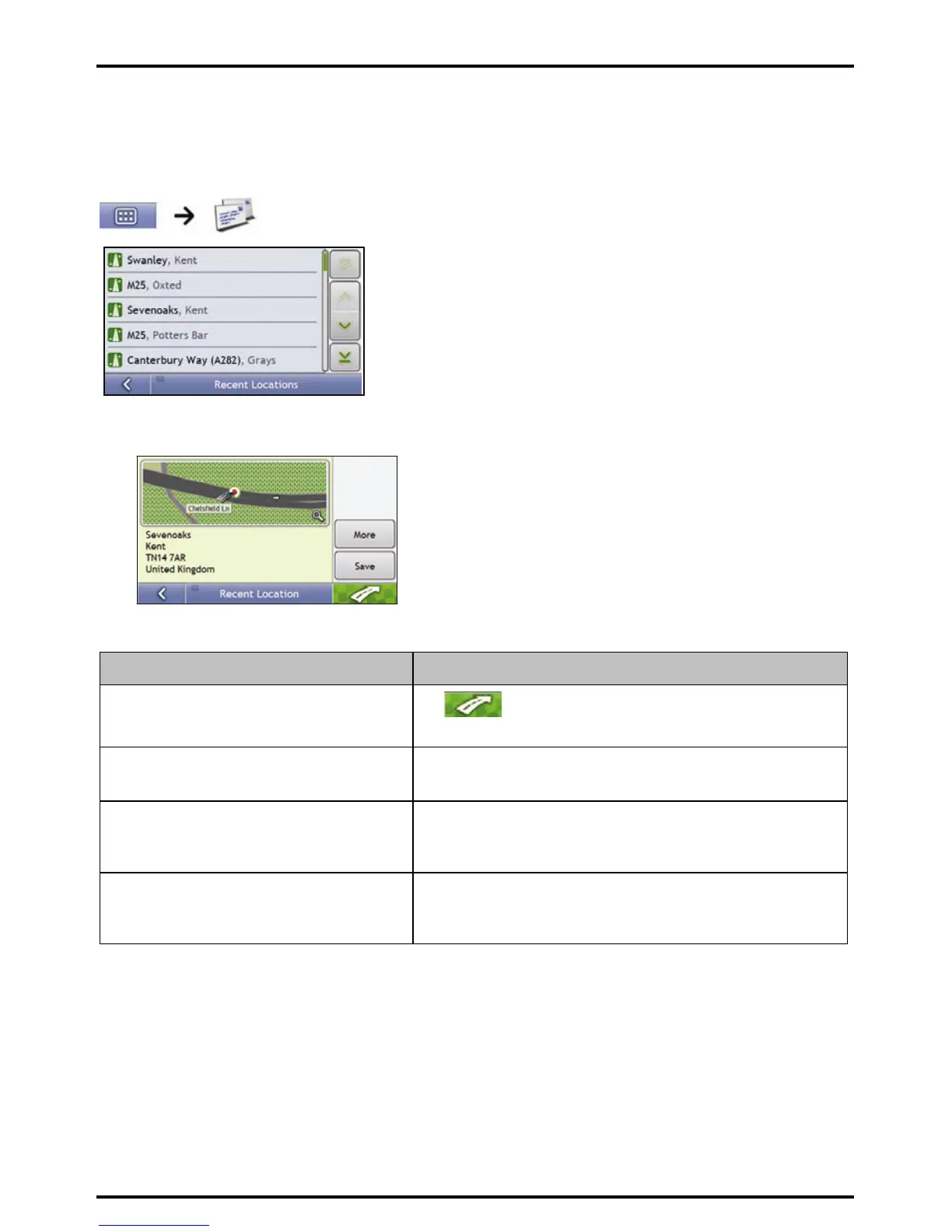
How do I navigate to a recent location?
To make navigating to an address easier, your Mio will automatically save all your start locations and
destinations in a list of recent locations.
3. Tap a recent location.
The Preview screen will display.
4. Complete the following:
If you want to ... Then ...
calculate the route and open the 3D Map screen
Tap
.
The 3D Map screen will display.
view the full address details of the recent location tap More.
The Recent Destination Details screen will display.
save the recent location as My Home tap Save.
The New Favourite screen will display.
tap Save as My Home.
save the recent location as a favourite tap Save.
The New Favourite screen will display.
tap Save as Favourite.














 To Next Page