69
How will I know when a Traffic Event occurs?
Incoming events are handled according to your Traffic preferences. For more information, see “Traffic” on page
90.
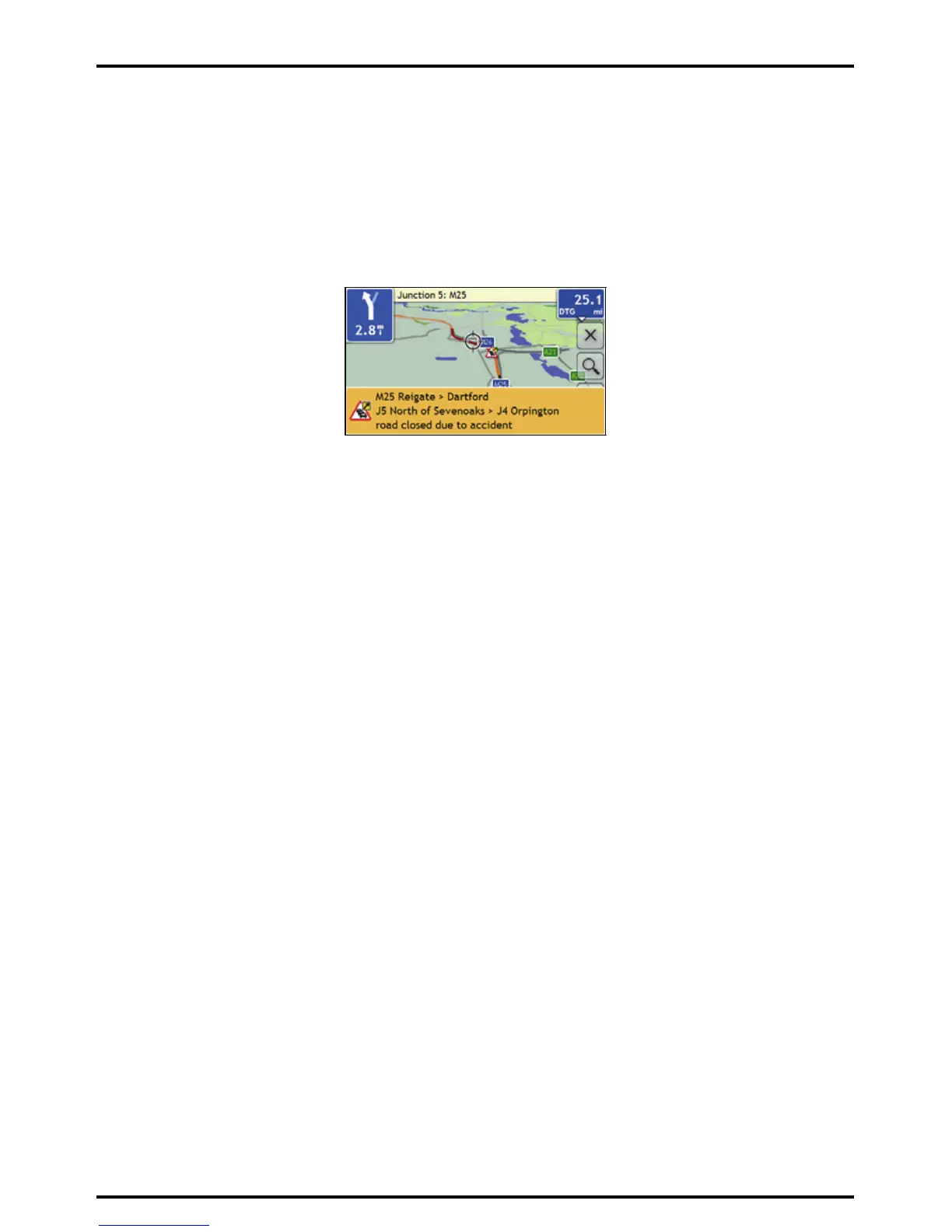
When travelling through an area in which you can receive traffic status, your Mio will decode these events and
display them on-screen. An icon will display at the event location on the map screens, and an audible warning is
given if an event is on your route. Where the extent of an event is a specific distance, the road will be
highlighted and arrows will indicate the direction affected.
A message will display at the bottom of the screen with the road name, the section of road affected and the
type of event that has occurred. The message remains on screen for 8 seconds and is added to the Event List.














 To Next Page