85
Screen
Complete the following:
If you want to ... Then...
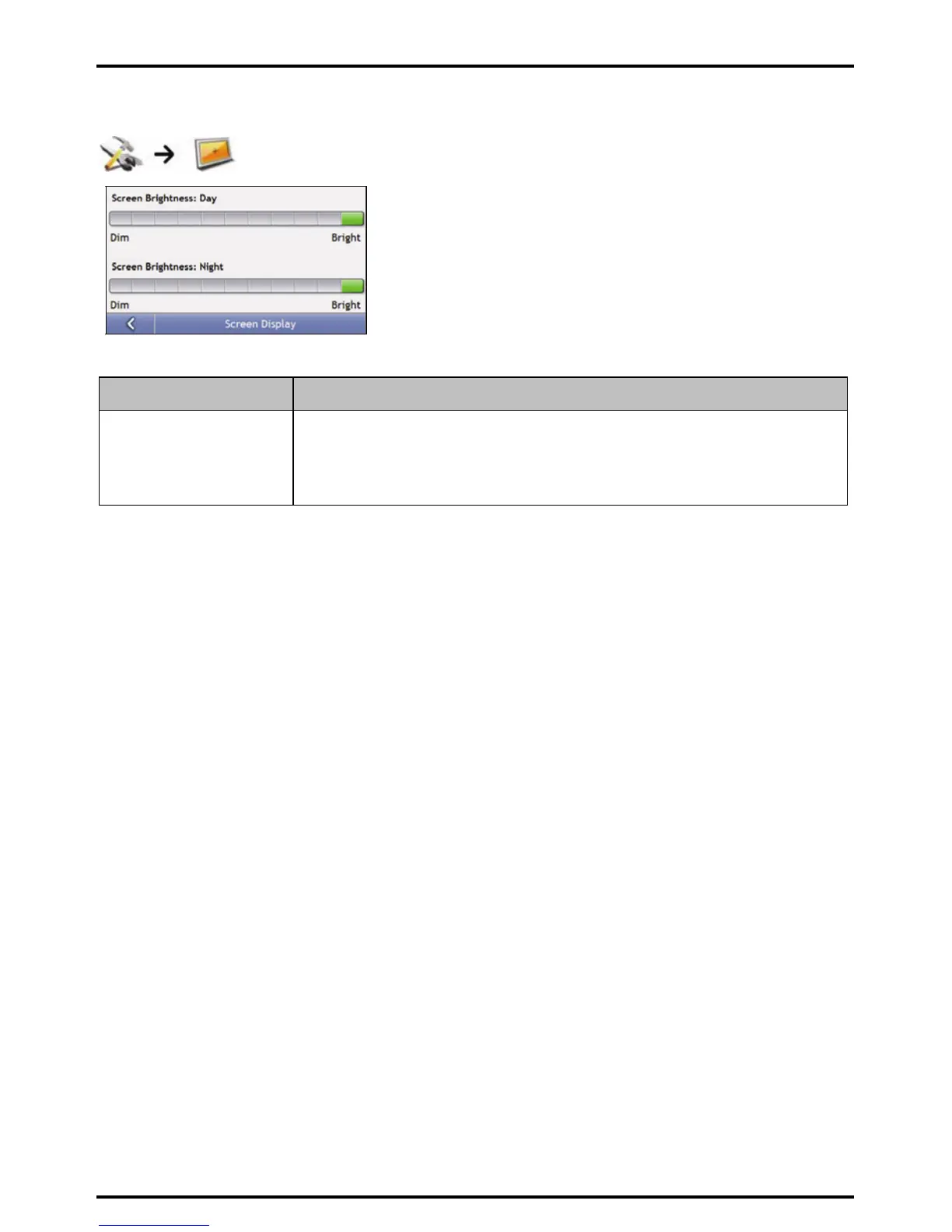
change the screen brightness move the Screen Brightness slider towards Bright to increase screen brightness.
move the Screen Brightness slider towards Dim to decrease screen brightness.
Warning: Your Mio can heat up when the Brightness scale is set above 70% - i.e., when more
than seven rectangles are coloured - therefore, use lower brightness whenever acceptable.
Your preferences are automatically saved.














 To Next Page