83
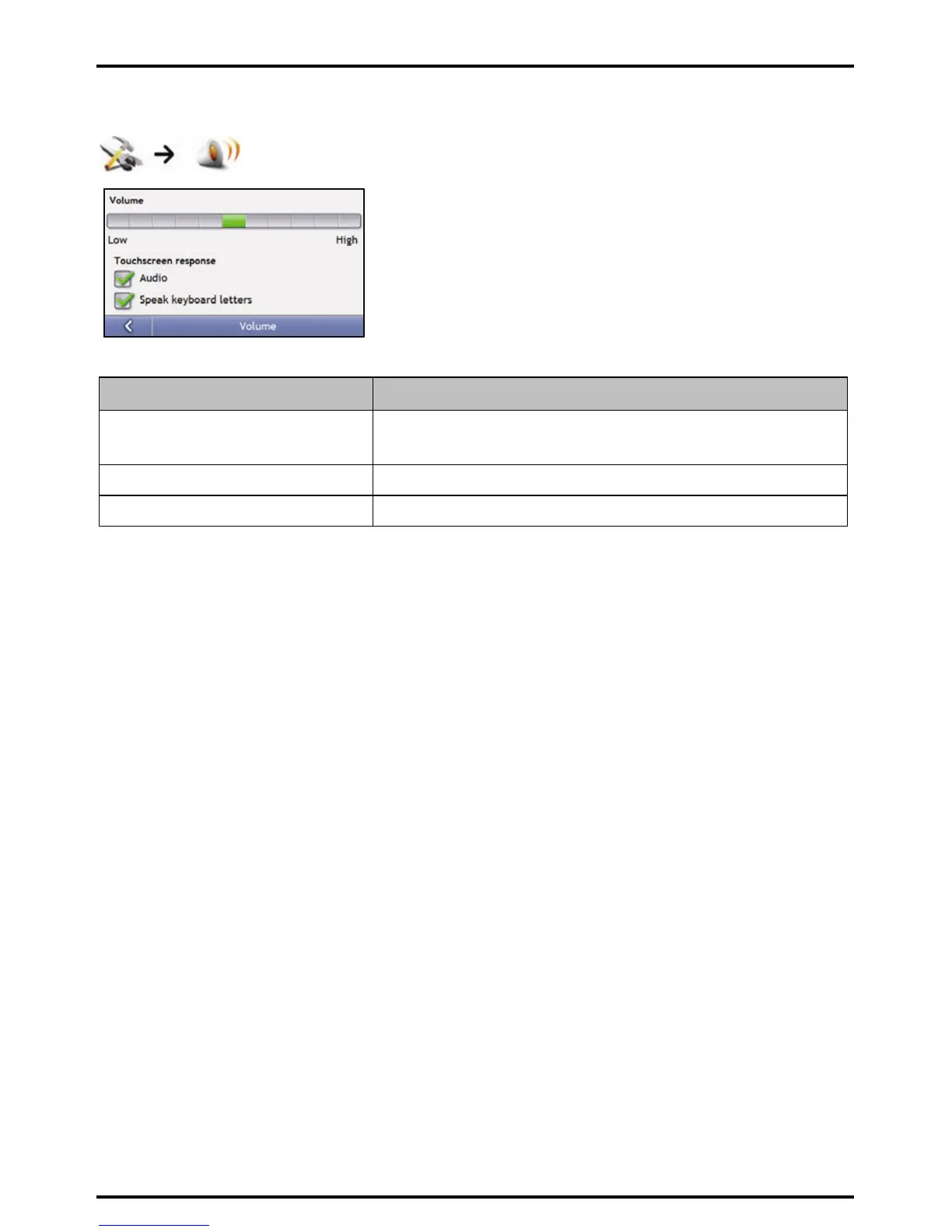
Volume
Complete the following:
If you want to ... Then...
increase or decrease the volume move the Volume slider towards High to increase the volume.
move the Volume slider towards Low to decrease the volume.
hear a tone when you tap the touch screen select the Audio check box.
hear keyboard characters spoken to you select the Speak keyboard letters check box.
Your preferences are automatically saved.














 To Next Page