51
How do I view my route statistics?
Note: This feature is not available on all models.
The Mio provides information on your:
distance travelled
average speed
maximum speed
time taken for trip
stationary time.
Trip information is presented in two different ways. These are:
information for the current trip
information for all trips to date, or since the tripmeter was last reset.
How do I view statistics on my current route?
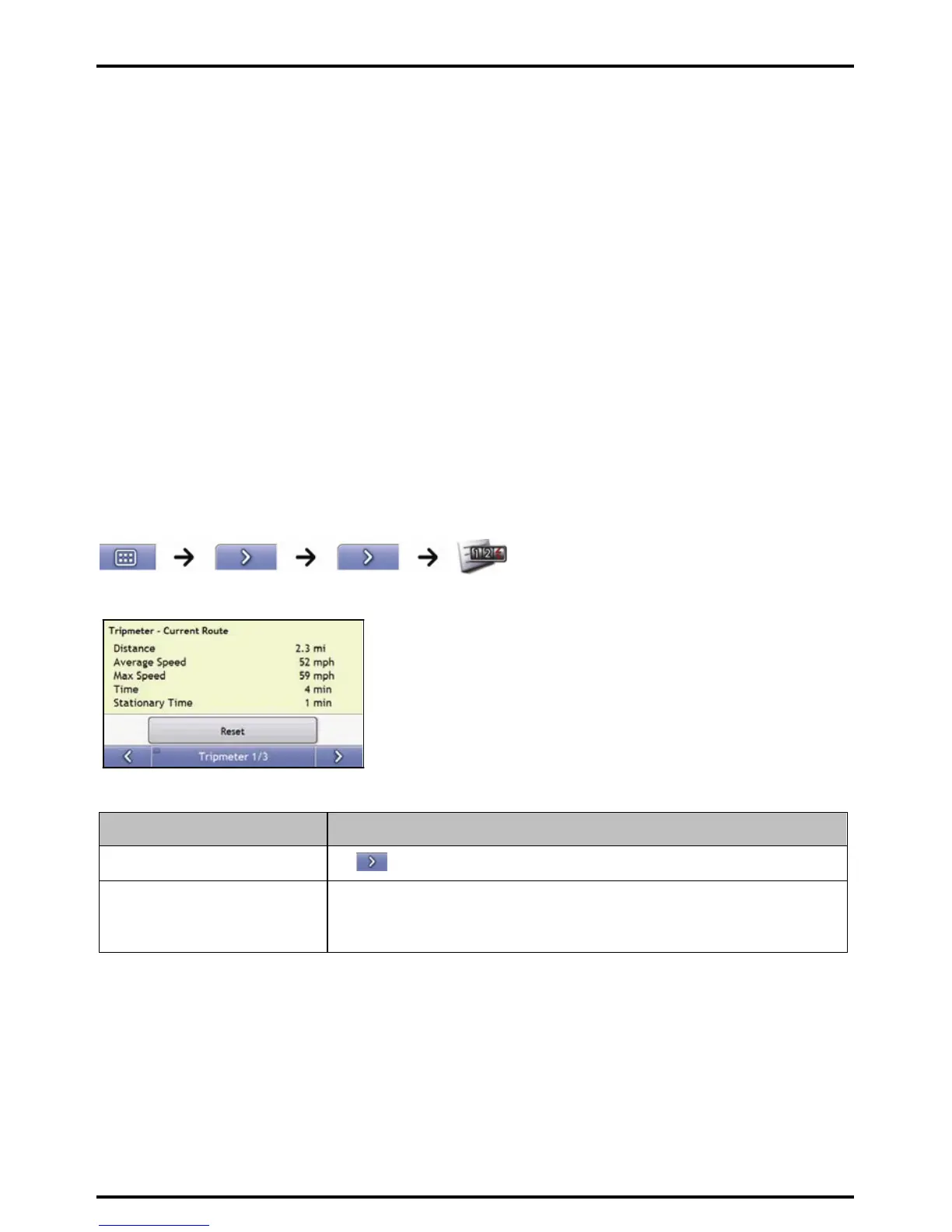
The Tripmeter - Current Route screen is used to view statistical information for your current trip.
The Tripmeter - Current Route screen will display.
Complete the following:
If you want to ... Then ...
view statistics for your trips to date
tap
to display the Tripmeter - Global screen.
reset the tripmeter tap Reset.
tap Yes to reset.
The Tripmeter - Current Route screen will display














 To Next Page