61
What is Mio Connect (Local Search)?
Note: Mio Connect is not available on all models.
Mio Connect allows you to search online for live POI information.
Using Mio Connect you can search for and navigate to POIs using your Mio or you can navigate to POIs you
have downloaded using MioMore Desktop.
Note: To search for POIs using your Mio, you must pair your Mio with your mobile phone. If your Mio isn’t paired with your
mobile phone of then the Bluetooth screen will display.
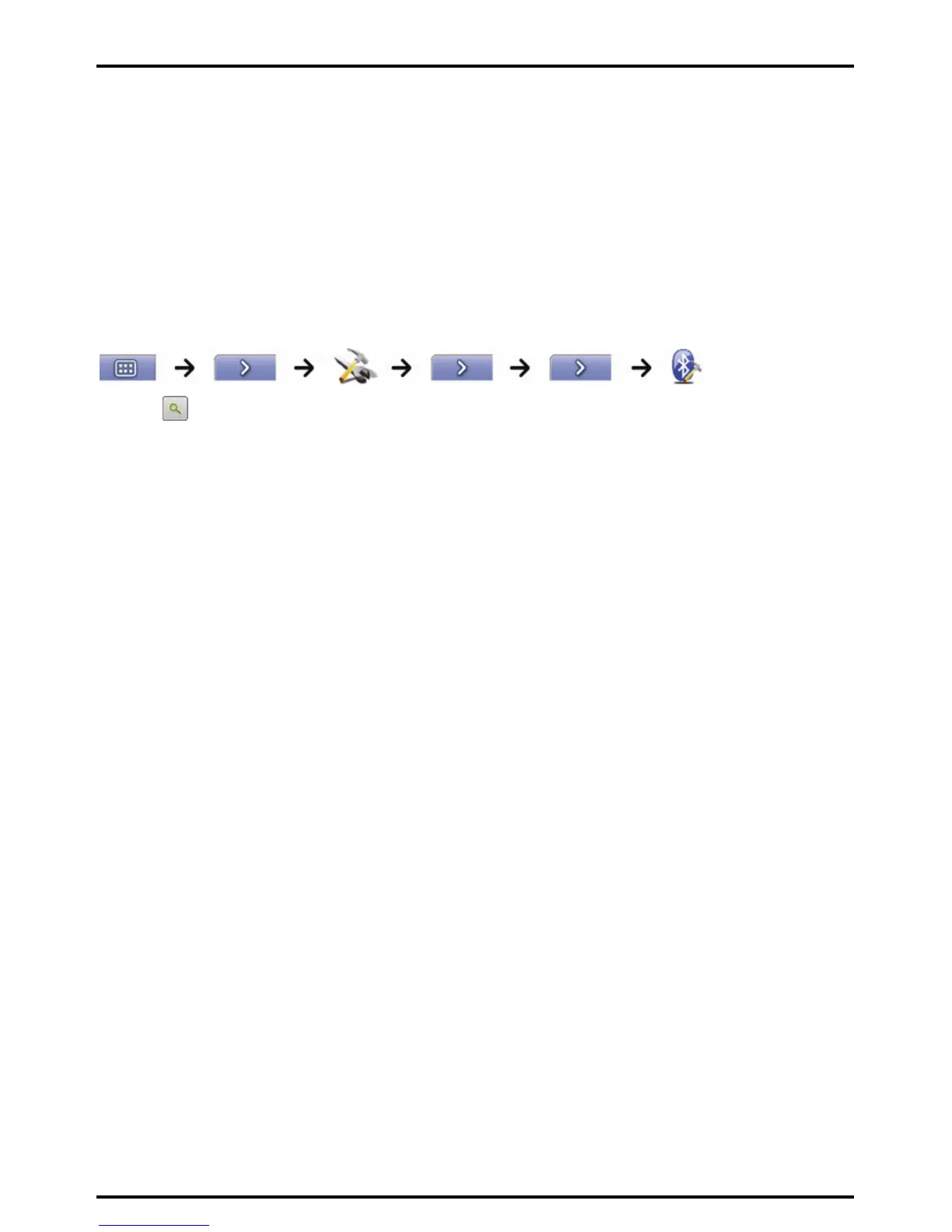
How can I pair my Mio with a
Bluetooth
mobile phone?
1. Tap
.
2. Your Mio will search for nearby Bluetooth devices. Ensure your mobile phone has Bluetooth turned on and
is in discoverable mode (refer to your mobile phone user manual for more information).
The Search screen will display a list of nearby Bluetooth devices.
3. Select your mobile phone from the list of local Bluetooth devices.
The Warning screen will display.
4. Tap Yes.
The Waiting screen wil display.
If you are prompted for a passcode or device PIN, enter 1234.
5. Tap OK.
The Phone menu screen will display.
Note: When you pair your mobile phone with your Mio, a connection is established between them.














 To Next Page