77
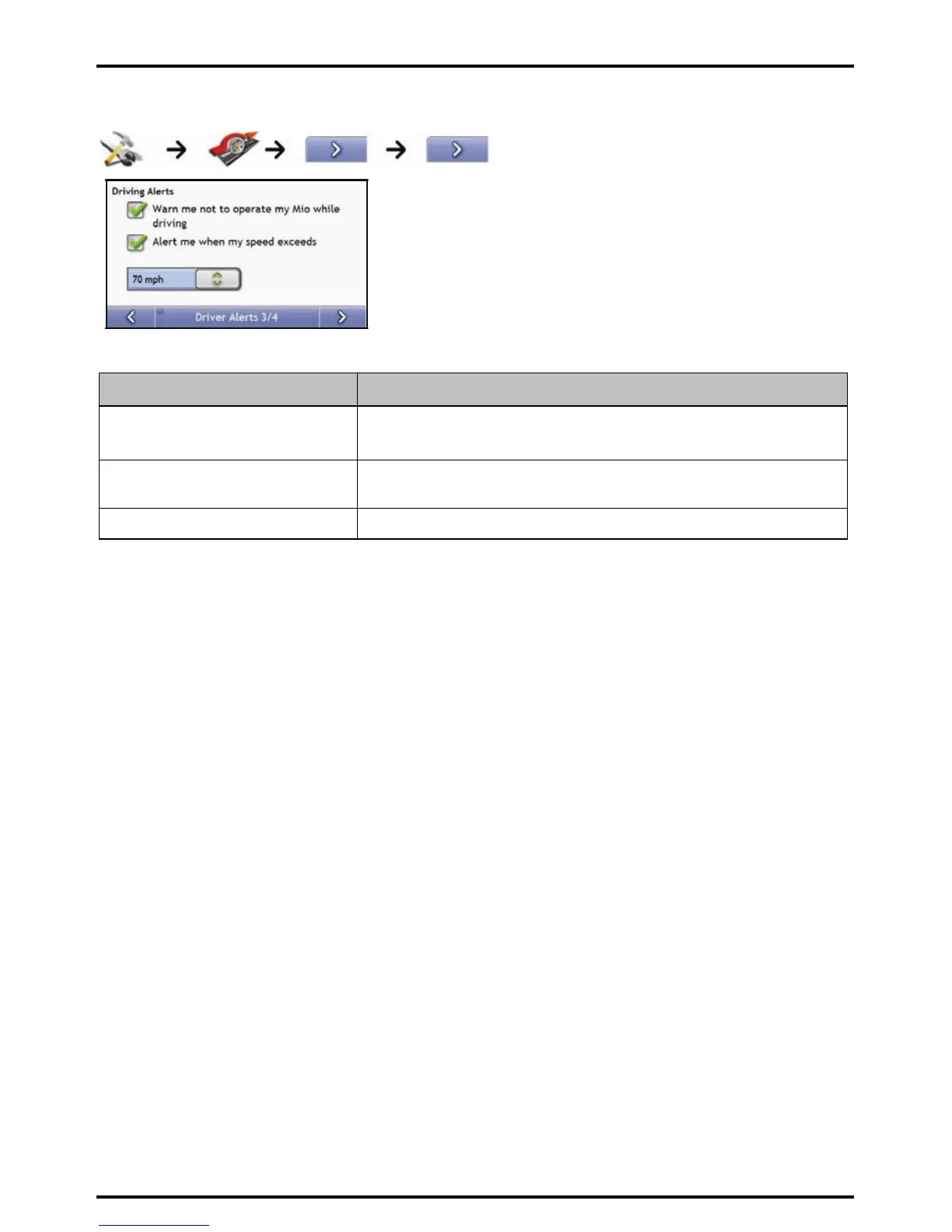
Driver Alerts 3/4
Complete the following:
If you want to ... Then...
enable a visual warning if the Main Menu
screen is accessed in a moving vehicle
select the Warn me not to operate my Mio while driving check box.
enable a warning chime when travelling
at or above a designated speed
select the Alert me when my speed exceeds check box.
select your preferred speed select your preferred speed from the Speed box.
Your preferences are automatically saved.














 To Next Page