34
How do I navigate to a Favourite?
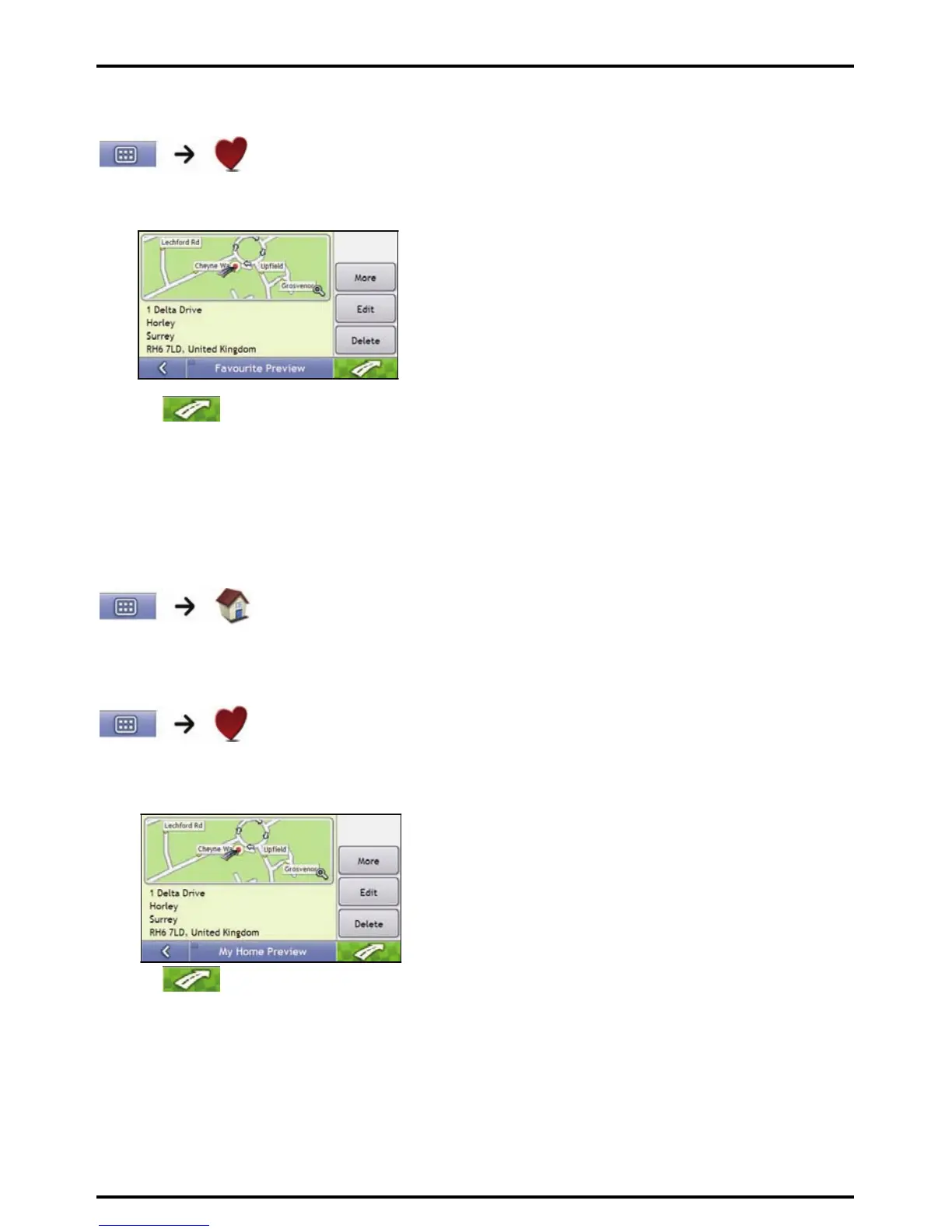
1. Tap the Favourite destination you want to travel to.
The Preview screen will display.
2. Tap
.
Your Mio will calculate the route from your current location. The 3D Map screen will display.
How do I navigate to My Home?
If you have not set an address as My Home, the first time you try to navigate to My Home you will be prompted
to search for an address using the address-entry wizard.
Option 1 - Via the Main Menu
Your Mio will calculate the route from your current location. The 3D Map screen will display.
Option 2 - Via the Favourite Destinations screen
1. From the Favourite Destinations screen, select My Home.
The Preview screen will display.
2. Tap
.
Your Mio will calculate the route from your current location. The 3D Map screen will display.














 To Next Page