125
How do I backup my Mio?
You can save backups of the following information, and later restore them to your Mio:
Favourites and My Home
Preferences, including Point of Interest and NavPix preferences
Multi-stop trips
Recent locations.
How do I Backup my Mio?
1. Tools Æ Backup & Restore
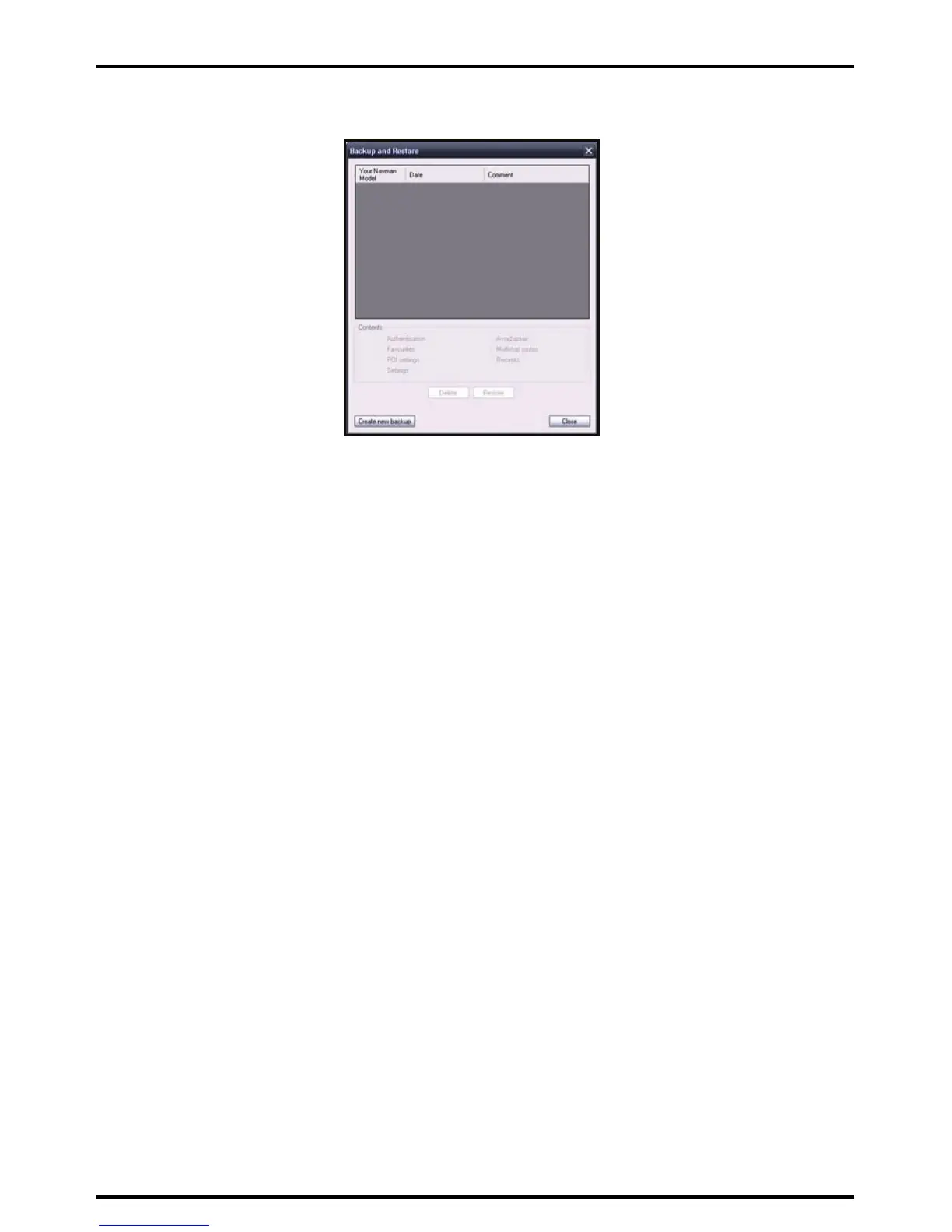
The Backup & Restore window will open.
2. Click Create new.
The Create new backup window will display.
3. Select the data you would like to backup, then enter a description for the backup in the Description field.
4. Click OK.
The New Backup window will close and your backup will be saved to your computer. The backup will be
listed on the Backup & Restore window.
How do I Restore a Backup to my Mio?
1. Tools Æ Backup & Restore
The Backup & Restore window will open.
2. Select the backup from the list, then click Restore, then click OK.
The backup will be restored to your Mio.
How do I Delete a Backup?
1. Tools Æ Backup & Restore
The Backup & Restore window will open.
2. Select from the list the backup to delete.
3. Click Delete, then click OK.
The backup is deleted.














 To Next Page