67
3. Complete the following:
If you want to … Then …
call the contact at their home
Tap
call the contact at their work
Tap
call the contact on their mobile
Tap
delete contact from your contact list
Tap
and then tap Yes to confirm.
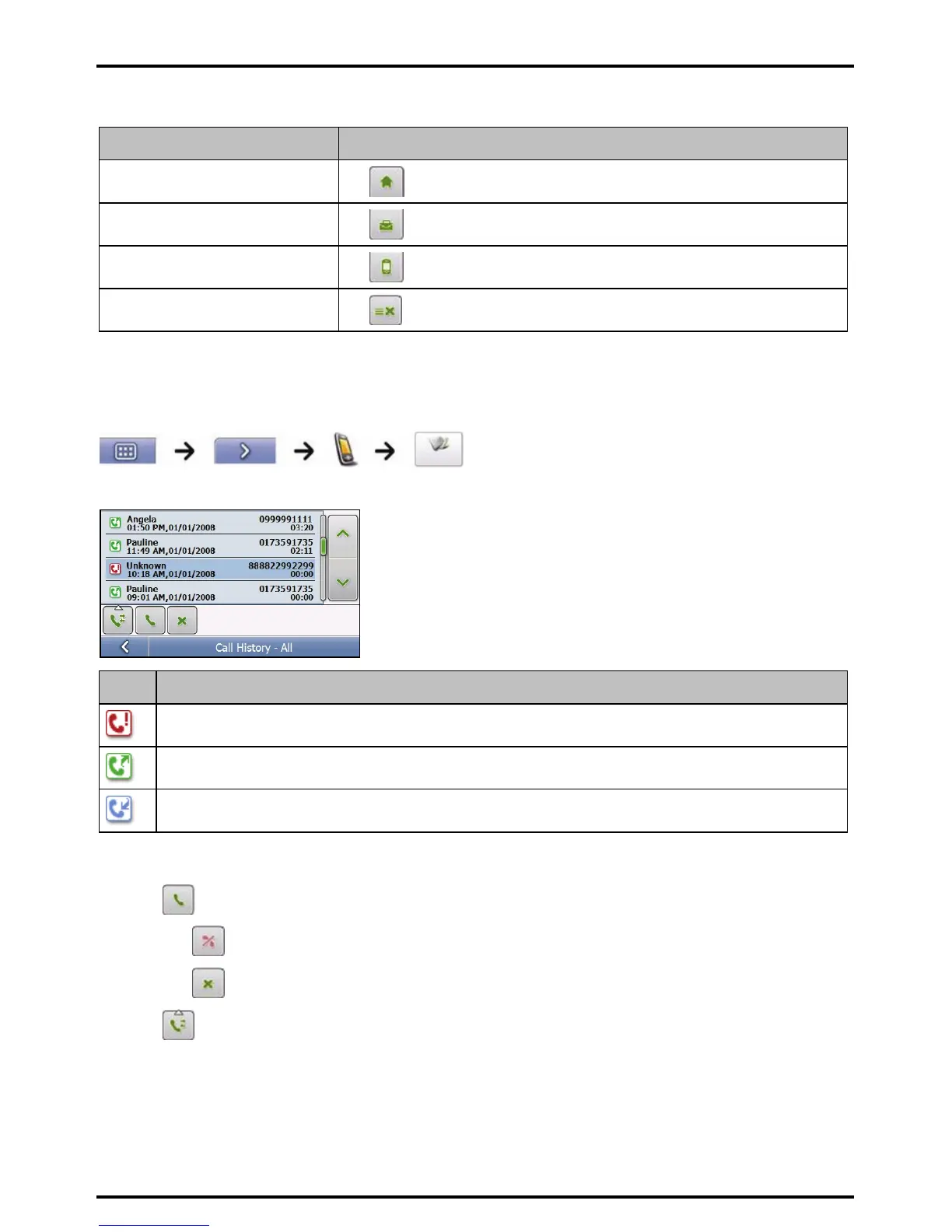
How do I view my call history?
From the Call log screen you can view a list of Incoming Calls, Outgoing Calls and Missed Calls.
Note: The call history lists the calls made during the time your Mio is connected to a mobile phone.
Icon Description
Missed calls
Outgoing calls
Incoming calls
1. To call a number in your call history, select a number from the list.
2. Tap
to place a call.
Tap to end or cancel the call.
Tap to delete the number from your call history.
Note: Tap to sort through the calls and to view the Incoming Calls, Outgoing Calls and Missed Calls.














 To Next Page